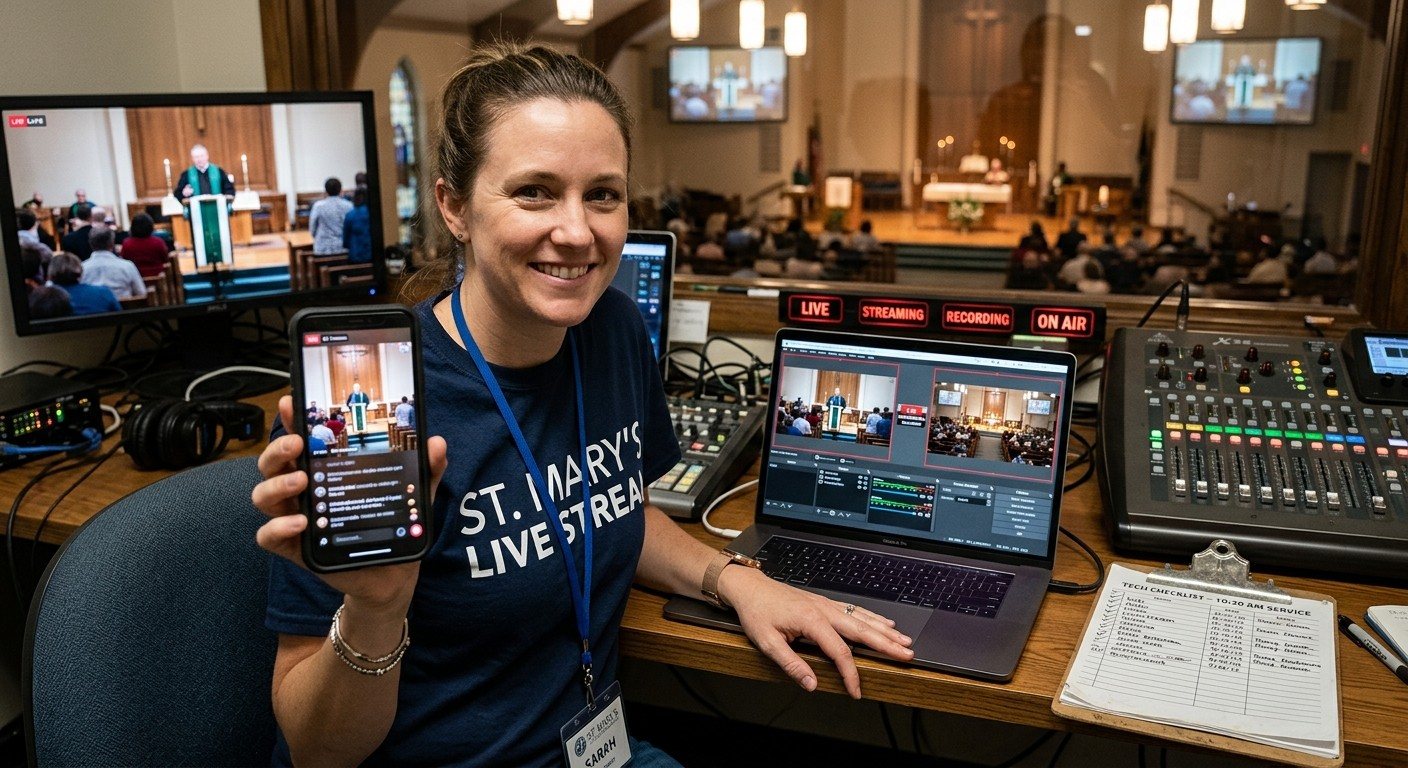
The most common Sunday mistake
Ask any church media team: at some point, the service started and nobody hit Stream. Or the stream ran, but the recording didn’t, and there’s no video for the website. It almost always happens for the same reason: the director was busy.
Make it someone’s job. (See splitting vMix roles.)
Setting up the stream and record buttons
- In vMix, open Settings, then Shortcuts.
- Add shortcuts for starting and stopping the stream and starting and stopping the recording, using vMix’s own stream and recording functions.
- Name them in plain words: “Start Stream,” “Start Recording,” “Stop Stream,” “Stop Recording.”
- On the volunteer’s device, open the vMix Web Controller and choose Shortcuts. The buttons are there.
The stream seat’s checklist
Before the service
- The vMix computer is wired to the network, not on Wi-Fi.
- The scheduled stream is ready on YouTube or Facebook.
- Recording has enough disk space.
At the start
- Start Recording.
- Start Stream on cue (often a few minutes before the service, with a welcome loop).
- Confirm the stream is live on a separate phone, and the recording is running in vMix.
At the end
- Stop Stream after the closing.
- Stop Recording.
- Note anything that went wrong for the team.
(For a full booth checklist, see the Sunday checklist. For a welcome loop, see the pre-service welcome loop.)
Tips
- Put “Stop” buttons away from “Start” buttons so a mistaken tap doesn’t end the stream.
- Watch the actual stream on a phone, with sound, not just the vMix screen.
- If the stream drops, follow a plan, don’t improvise. (See what to do when the stream drops mid-service.)
Where WorshipMetrics helps
The stream seat is exactly what WorshipMetrics monitoring was built for: it alerts your team by email, web push, or optional SMS text if the stream or recording stops, and Stream Health shows what happened afterward. The WorshipMetrics vMix panel can start and stop the stream and recording too, from the booth for free or from any browser on Pro and Max. And WorshipMetrics live streaming can schedule your broadcasts from a browser on Pro and Max, and on Max send one stream to up to 10 destinations.
Build your own buttons: vMix shortcuts as a volunteer button panel in the Web Controller.
Related questions
- Can a volunteer start the vMix stream from a phone?
- Yes. Create shortcuts in vMix (Settings, Shortcuts) for starting and stopping the stream and the recording. They appear on the Web Controller's Shortcuts page, so a volunteer can run them from a phone, tablet, or laptop on the church network.
- How do we make sure the church stream actually started?
- Have one person own it: they start the stream and recording on cue, then confirm both are running, ideally by watching the stream on a separate device. Monitoring that alerts the team if the stream or recording stops adds a safety net.
- Should the director start the stream?
- They can, but in a busy service it's the job most likely to be forgotten. Giving it to a separate volunteer, with a checklist, means the director can focus on the service from the very first song.
vMix Shortcuts: Build Your Own Button Panel for Church Volunteers in the Web Controller
NextA Titles Volunteer for Your vMix Stream: Lower Thirds and Sermon Points from a Browser
Related Articles

Bitfocus Companion + ATEM Mini: A Stream Deck Panel for Your Church Switcher
A Stream Deck running Bitfocus Companion turns a Blackmagic ATEM into plain-word buttons with colors that show what's live, and the same panel can run PTZ cameras, projectors, and more. Here's how to connect Companion to an ATEM and build a volunteer page.

Lyrics Over the Camera on an ATEM Mini: Luma Keys, Chroma Keys, and the Slides Computer
To put song lyrics over the camera shot on a Blackmagic ATEM Mini, feed the slides computer into an ATEM input and key it over the camera. Here's how luma and chroma keys work for lyrics, how to design slides that key cleanly, and who should run it.

ATEM Mini + OBS for Church: Hardware Camera Switching with OBS for Graphics and Streaming
Many churches use an ATEM Mini as a camera switcher and send its output into OBS over USB as a webcam. The ATEM gives volunteers real buttons; OBS adds lyrics, graphics, recording, and streaming. Here's how to set it up, split the jobs, and avoid the common sync and quality problems.