The problem: three monitors, three different pictures
Walk into many church booths and you’ll see a little museum of screens: a monitor from the old office, a TV someone donated, a laptop screen, a newer monitor from a different brand. Each one shows the same camera differently: warmer, cooler, brighter, more saturated.
That makes it impossible to tune the color. Which screen is right? If the camera operator adjusts to one monitor and the stream operator watches another, the cameras never match, and the livestream ends up looking like three different churches.
Why it matters for the stream
Viewers at home see one consistent picture. If the pastor’s camera is warm and the wide shot is blue, every cut is a jolt. Matching cameras is one of the most noticeable upgrades a church can make, and it starts with monitors you can trust.
What to do
1. Use one model for the operator monitors
Buy the same make, model and size for every monitor the team uses to judge the picture. Matched monitors age the same way and can be set up the same way.
2. Choose color-accurate, calibrated monitors
Look for monitors that are factory calibrated and cover Rec.709, the color standard for HD video, including YouTube and Facebook streams. “Professional,” “creator” or “color-accurate” models usually list this.
3. Calibrate them once a year
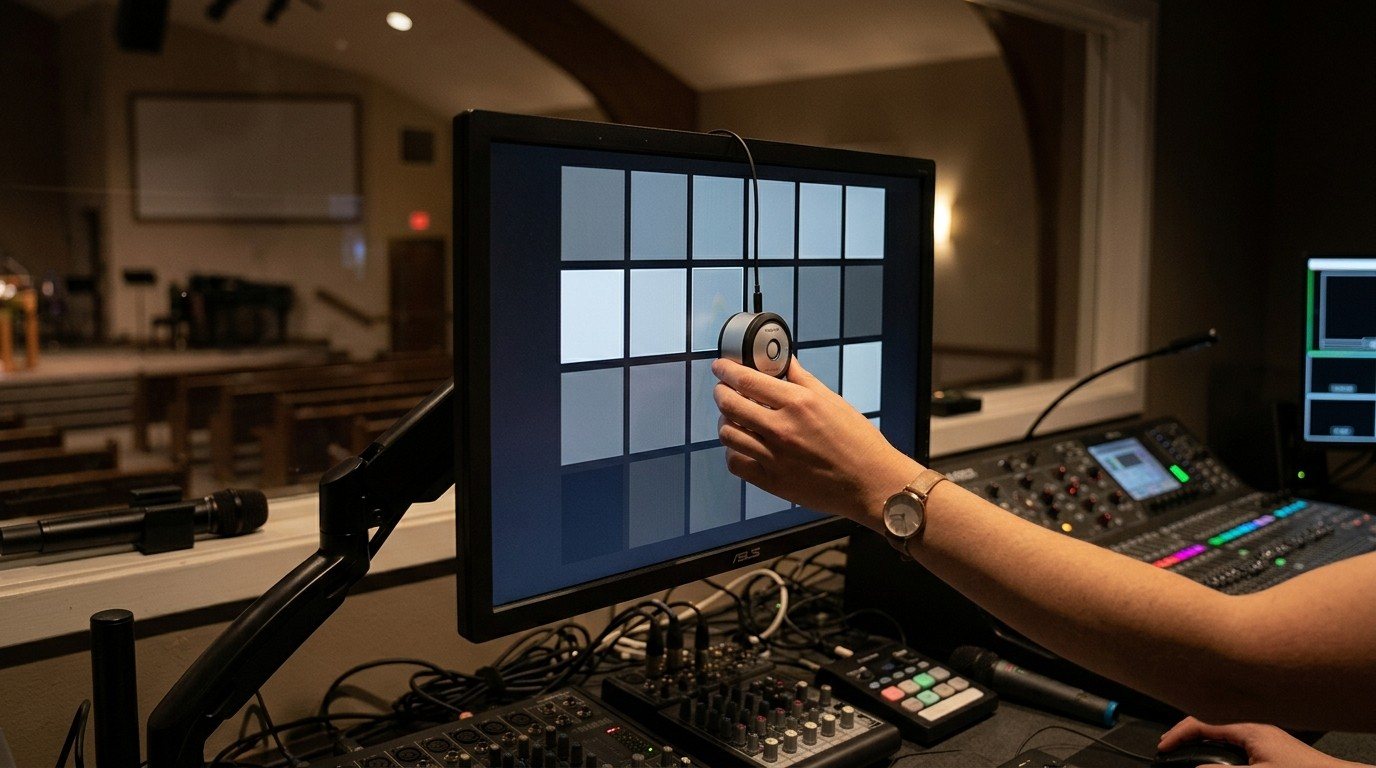
A small calibration tool (a colorimeter) sits on the screen for a few minutes and sets it to the standard. Do it when the monitors are new and once a year after that. It’s a perfect job for a detail-minded volunteer.
4. Lock the buttons
Most monitors can lock their on-screen menu. Lock it. The most common cause of a “wrong” monitor is someone adjusting the brightness or color on a Sunday morning.
5. Pick one reference
Choose one monitor as the reference for matching cameras, ideally the best calibrated one, and label it. When anyone adjusts a camera, they look there.
6. Control the light
Glare and bright overhead lights change what you see. Angle monitors away from windows and stage lights, and use small hooded task lights in the booth.
A word about “medical-grade” monitors
Medical-grade equipment is a smart choice for some booth gear, especially washable keyboards and mice. But medical-grade monitors are built for a different job: diagnostic imaging like grayscale X-rays, priced for hospitals. They’re not the right tool for video color. For the booth, a color-calibrated professional monitor is what you want. (See consumer vs. commercial-grade AV gear.)
What about the old monitors?
When you replace mismatched screens, give them a second ministry. Donate them to your AV Club as training stations, or use one as an overflow or confidence screen, where exact color matters less.
Part of the plan
When we plan a Livestream System with a church, we recommend matched, calibrated operator monitors on arms, so the booth starts with screens that agree. Planning a refresh? Map your current system and list the monitors you have. We’ll tell you which to keep and which to replace.
More tips in the volunteer-friendly booth.
Related questions
- Why do our cameras look different on every monitor in the booth?
- Because each monitor shows color differently. Different makes, models, ages and settings each shift color and brightness, so the same camera looks warm on one screen and cool on another. Matched, calibrated monitors fix it.
- What is a calibrated monitor?
- A monitor adjusted, at the factory or with a small calibration tool, to show color accurately to a standard. For video, that standard is Rec.709, the color standard used for HD video, including YouTube and Facebook streams.
- Should a church buy medical-grade monitors?
- No. Medical-grade displays are built for diagnostic imaging, especially grayscale X-rays, and are priced for hospitals. For video, choose a color-calibrated professional monitor that covers Rec.709. For keyboards and mice, healthcare-grade washable models are a great choice.
Cable Management for Church Booths: Clear Tables, Labeled Cables and the Binder
NextMake Room for One More: Designing a Church Booth That Welcomes New Volunteers
Related Articles

Bitfocus Companion + ATEM Mini: A Stream Deck Panel for Your Church Switcher
A Stream Deck running Bitfocus Companion turns a Blackmagic ATEM into plain-word buttons with colors that show what's live, and the same panel can run PTZ cameras, projectors, and more. Here's how to connect Companion to an ATEM and build a volunteer page.

Lyrics Over the Camera on an ATEM Mini: Luma Keys, Chroma Keys, and the Slides Computer
To put song lyrics over the camera shot on a Blackmagic ATEM Mini, feed the slides computer into an ATEM input and key it over the camera. Here's how luma and chroma keys work for lyrics, how to design slides that key cleanly, and who should run it.

ATEM Mini + OBS for Church: Hardware Camera Switching with OBS for Graphics and Streaming
Many churches use an ATEM Mini as a camera switcher and send its output into OBS over USB as a webcam. The ATEM gives volunteers real buttons; OBS adds lyrics, graphics, recording, and streaming. Here's how to set it up, split the jobs, and avoid the common sync and quality problems.