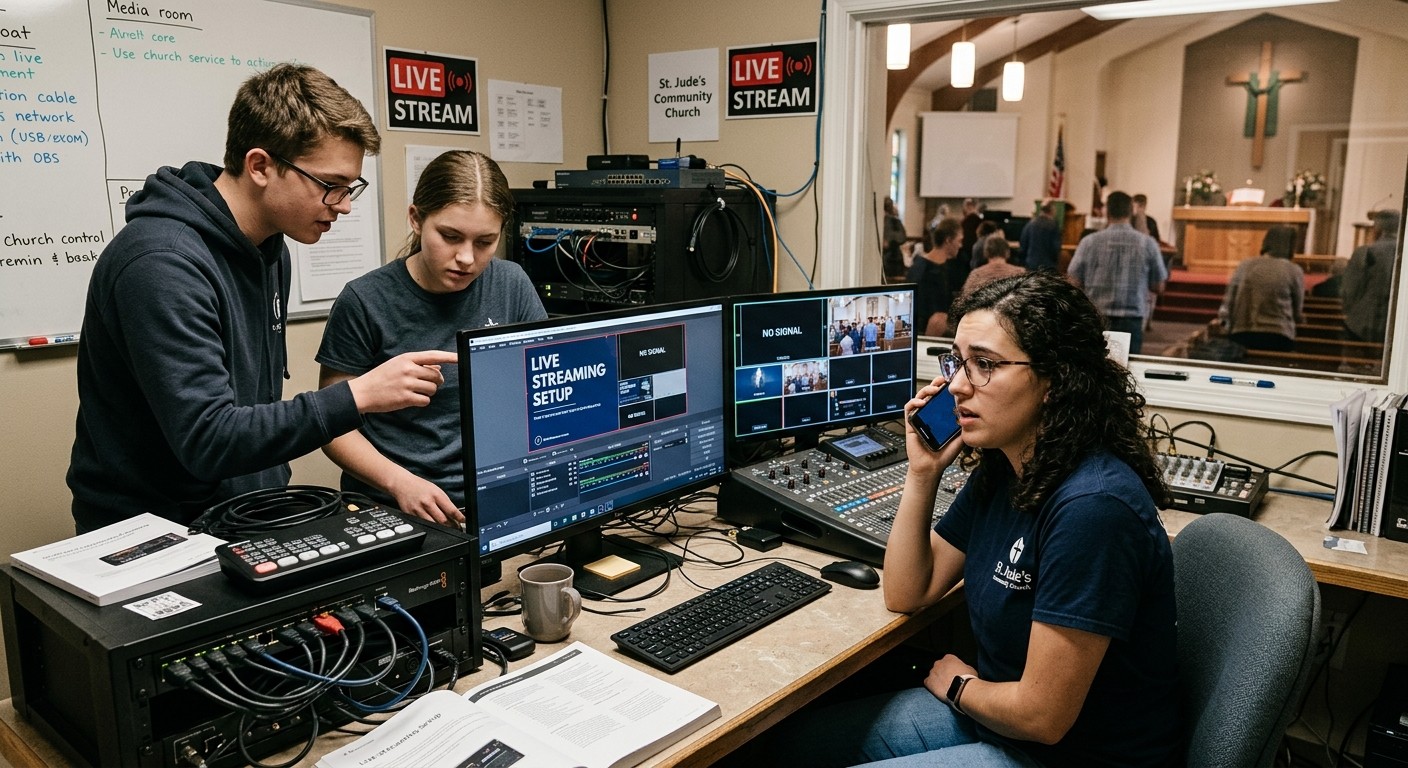
First: breathe. This is diagnosable in minutes.
It’s 9:02, the service is at 10:00, and OBS — which worked perfectly last Sunday — bounces, hangs on its splash screen, or vanishes the instant it opens. Before anything else, hear the good news: launch failures are almost always an initialization conflict — a plugin, a graphics driver, or a corrupted config file failing during startup — and OBS ships with a tool built for exactly this morning. Work the list in order; most churches are streaming again by step two.
The Sunday triage order
1. Safe Mode — the two-minute save. Modern OBS offers Safe Mode automatically after a crash, or hold Shift while launching. It starts OBS without third-party plugins and scripts. If it opens: you’ve both diagnosed the problem (a plugin) and rescued the service — your scenes and settings are intact, and whatever the missing plugin did is almost never essential to getting a Sunday stream out. Run the service in Safe Mode; hunt the culprit Tuesday.
2. The plain reboot. If you haven’t restarted the machine (not just OBS), do it now. Half of “OBS won’t launch” is a Windows update that half-applied overnight or a GPU driver in a bad state, and a clean boot clears it. (A pre-service restart should be standard booth liturgy anyway.)
3. Run as administrator, once. Right-click → Run as administrator. If this works when normal launch doesn’t, something changed permissions — usually security software. Note it for Tuesday.
4. The config fallback. If OBS still dies, a corrupted config from an unclean shutdown is likely. OBS keeps profiles and scene collections as files — if you exported backups on a good week (you will after today), restoring is minutes. Without backups, a fresh OBS install with a single bare scene — one camera, one audio source — is an ugly but real way to be live by 10:00. The OBS forums hold the deeper surgery for Monday.
5. Call the help that can see. If your church runs Tech Manager, whoever’s on call already has context — the machine’s vitals, what changed recently, whether the box rebooted overnight — and 910-WORSHIP starts from your system’s history rather than a description. A deliberate boundary worth knowing: a crashed OBS is reported, never silently relaunched by the automation, because blind restarts can compound exactly the corruption you’re now managing.
Why it broke when “nobody changed anything”
Because something did — it just didn’t ask. Overnight Windows updates. GPU drivers that auto-refresh. A plugin that updated itself into a conflict (the single most common cause of launch instability — more on the plugin question here). Or the machine was powered off mid-write last week and the config corrupted silently, waiting for the next launch to matter. Launch failures cluster on Sunday mornings for a simple reason: Sunday is when the machine finally gets rebooted, so six days of accumulated change all initializes at once, at the worst possible hour.
The Tuesday disciplines that end the genre
- Updates happen midweek, then a full test. Windows, GPU drivers, OBS, plugins — updated deliberately on Tuesday, followed by a complete launch-stream-record test (as a draft run, so it pollutes nothing). Sunday machines never meet fresh software for the first time on Sunday. Disable what auto-updating you can; test after what you can’t.
- Keep the service machine’s plugin surface minimal. Every plugin is an initialization risk. Experiments live in a test profile — or a test machine — not in Sunday’s OBS.
- Export your baseline. Profiles and scene collections, exported after every known-good change, stored somewhere findable. Ten minutes that turns step 4 above from a rebuild into a restore.
- Let monitoring notice the week for you. Pulse sees the reboot that happened Thursday at 3 a.m., the disk filling, the drift that precedes failures — so surprises get caught while they’re still Tuesday problems.
And the meta-discipline underneath all four: a booth where more than one person can run the triage. The morning described at the top of this post is only a crisis when the one person who knows OBS is the one person who’s unreachable — which is a staffing pattern, not a software one, and it’s fixable for good.
Related questions
- What's the first thing to try when OBS crashes on launch?
- Safe Mode. Modern OBS offers it after a crash — or hold Shift while launching — and it starts OBS without third-party plugins and scripts. If Safe Mode opens fine, a plugin is your culprit and you can still stream the service; hunt the specific plugin on Tuesday, not at 9:15.
- Why did OBS break when nobody changed anything?
- Something changed without asking: a Windows update overnight, a GPU driver update, an auto-updated plugin, or a config file corrupted by an unclean shutdown. Launch failures are almost always initialization conflicts — which is why they appear on reboot mornings, and why Sunday machines need an update policy.
- How do we make sure this never happens an hour before church again?
- Three Tuesday disciplines: updates happen midweek followed by a full test launch (never automatically on Sunday), the plugin surface on the service machine stays minimal, and the booth is monitored so reboots and drift get noticed days early — with a helper able to see the machine remotely when something slips through.
Who Do You Call When OBS Breaks? Solving Church OBS Tech Support
NextCan Sermon Clips Actually Grow a Church?
Related Articles

Bitfocus Companion + ATEM Mini: A Stream Deck Panel for Your Church Switcher
A Stream Deck running Bitfocus Companion turns a Blackmagic ATEM into plain-word buttons with colors that show what's live, and the same panel can run PTZ cameras, projectors, and more. Here's how to connect Companion to an ATEM and build a volunteer page.

Lyrics Over the Camera on an ATEM Mini: Luma Keys, Chroma Keys, and the Slides Computer
To put song lyrics over the camera shot on a Blackmagic ATEM Mini, feed the slides computer into an ATEM input and key it over the camera. Here's how luma and chroma keys work for lyrics, how to design slides that key cleanly, and who should run it.

ATEM Mini + OBS for Church: Hardware Camera Switching with OBS for Graphics and Streaming
Many churches use an ATEM Mini as a camera switcher and send its output into OBS over USB as a webcam. The ATEM gives volunteers real buttons; OBS adds lyrics, graphics, recording, and streaming. Here's how to set it up, split the jobs, and avoid the common sync and quality problems.