The hard part is done
If your church runs vMix, somebody made a good decision. You own one of the most capable live production tools in the world, and somewhere in your building is a person who learned to drive it. That’s the hard part — the investment, the learning curve, the thousand small Sundays of figuring it out.
Here’s the part almost nobody tells vMix churches: that system can carry far more people than it currently does. Not by replacing it, not by adding complexity to the operator’s Sunday — by wrapping the engine you already own in an ecosystem that creates seats. Real jobs, with real responsibility, most of them reachable by a teenager with a mentor. One system becomes a team. A team becomes a ministry.
This is the first post in a series about exactly that journey. Here’s the map.
One cockpit today
Be honest about the current picture, because it’s the picture at most vMix churches: one capable machine, one capable operator, everything routed through one seat. Switching, streaming, recording, graphics, troubleshooting — one person’s Sunday, every Sunday.
That person isn’t the problem. They’re the reason you have a stream at all. But one-seat production has two quiet costs: a ceiling (nothing improves beyond one person’s attention) and a single point of failure (one flu, one vacation, one job change away from silence). And there’s a third cost that matters more than either: everyone else who might have served never got the chance, because there was only one chair, and it was taken by necessity.
Nine seats around the same engine
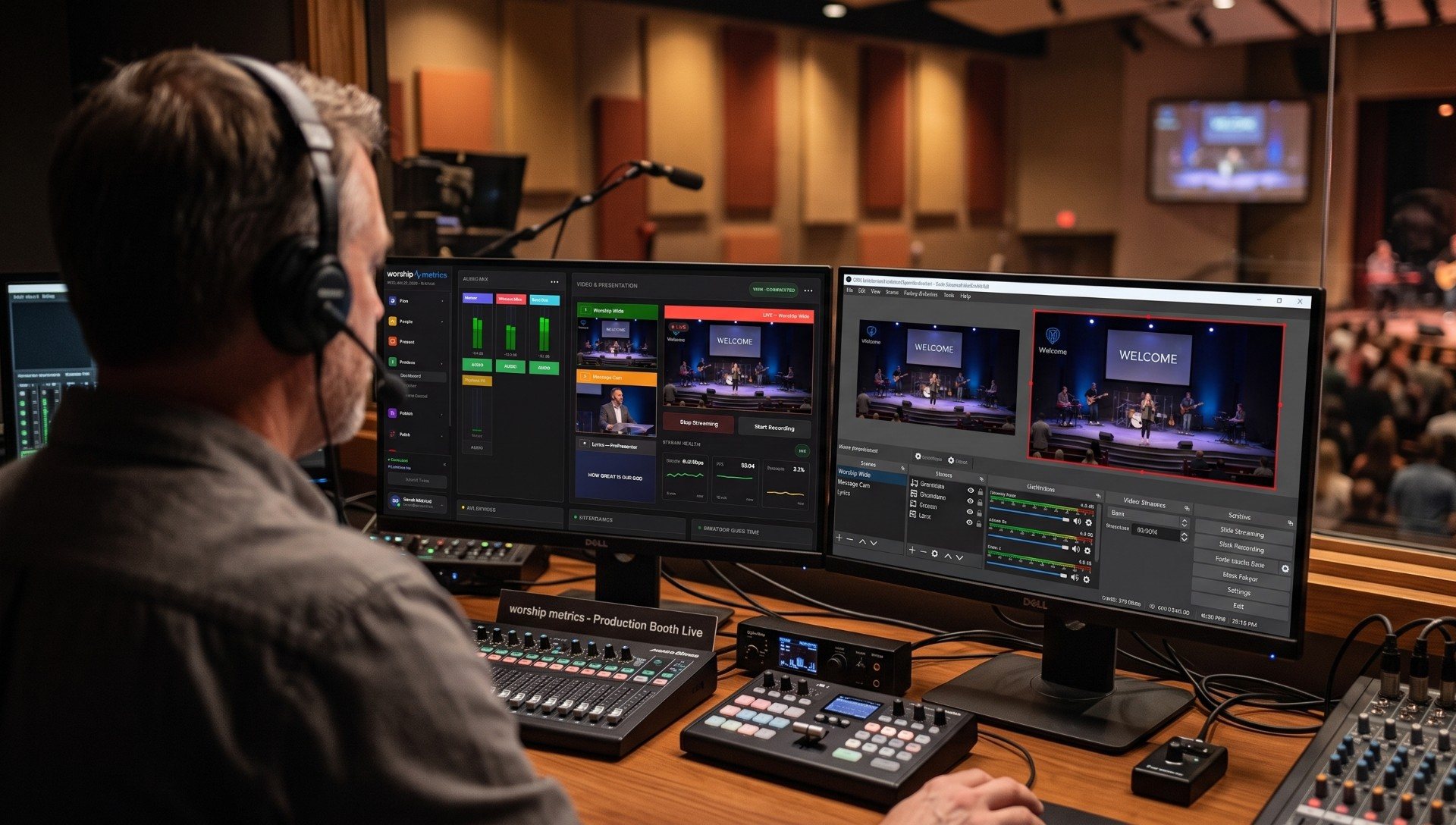
Connect that vMix machine to WorshipMetrics — Tech Manager talks to it over vMix’s own HTTP and TCP APIs — and seats start appearing around it:
- The vMix operator — the seat you have, unchanged. Still the engine room.
- The remote mentor — the full switching panel in the cloud: preview and program with live thumbnails of every input, cut/fade/wipe/stinger transitions, a T-bar, overlays, bus audio — from any device, anywhere. A veteran can watch, coach, or take the wheel.
- The clips editor — never touches the booth. Works from the recording on Monday, choosing between AI-ranked sermon moments.
- The lyrics operator — Present runs slides as its own seat, its own job, its own volunteer.
- The camera operator — PTZ presets and shot framing, a classic first seat with visible results.
- The attendance seat — the seat-map tablet and guest check-in: hospitality with a screen.
- The monitoring watcher — Pulse shows the booth’s health; someone learns to read it, and quiet becomes trustworthy.
- The documentation keeper — the Signal Map: every device, port, and cable, kept true. A gift to every future volunteer.
- The scheduling coordinator — the volunteer matrix that staffs all of the above without a text scramble.
Notice what happened to the original operator’s job in that list: it shrank — in the best way. The seats around them absorbed everything that wasn’t actually switching, and gained a mentor’s leverage: their knowledge now multiplies through other people instead of bottlenecking through one chair.
Why this is a youth ministry story
Look down that list again and count the seats a fourteen-year-old could genuinely own with a mentor nearby: the tablet, the clips, the lyrics, a camera, the monitoring screen. That’s not busywork — those are real jobs where the room notices when they’re done well.
This is the deepest reason to grow the ecosystem, and it’s the heart of this series: the tech booth is one of the few places in a church where a kid who will never sing on stage can serve in front of everyone. The AV Club model — one seat per person, older students mentoring younger, a visible ladder from tablet to T-bar — turns your vMix investment into a discipleship engine. We’ve written about whether students can safely run a livestream (yes, with guardrails worth understanding) and how to start an AV Club around your system.
The guardrails that make growth safe
More people near the booth used to mean more risk. The ecosystem inverts that:
- Self Healing catches the routine failures — the moment a stream or recording stops unexpectedly, a one-tap restart appears on the booth and on your phone — so a new volunteer’s Sunday doesn’t hinge on veteran reflexes.
- Every remote action is logged. You decide who can control the switcher, control stays inside your team’s accounts, and the support history shows who did what, when. Nothing happens silently.
- Telemetry replaces blame. The stream health score turns “how’d it go?” into a number with reasons — which makes it a training tool, not a verdict.
- A human backstop exists. With the Sunday Assurance add-on, a production pro is on call every Sunday morning and can see your system the moment you call.
Where to start
Don’t build all nine seats this month. Do this instead: connect Tech Manager to vMix (local control is free on every plan), invite one trusted person to see the panel from home, and pick the one new seat your church needs most. Then read the rest of this series as you grow — the whole point of the system you already own is that it’s ready when the next volunteer is.
You bought the engine years ago. It’s time to build the crew.
Make the booth easier to run: How to make your church livestream easier for volunteers: the three-seat setup. See also two-computer vMix setup with slides over NDI · the three-person church livestream team.
Share the vMix PC with more volunteers: Splitting vMix roles for church volunteers. See also the vMix Web Controller for volunteers · a titles volunteer for vMix.
Related questions
- Do we have to replace anything to grow a team around vMix?
- No — that's the point. vMix stays exactly where it is, doing exactly what it does. WorshipMetrics connects to it through vMix's own HTTP and TCP APIs, and the new seats — monitoring, clips, lyrics, attendance, remote assist — grow around the system you already own.
- Is connecting WorshipMetrics to vMix expensive?
- Local vMix control from Tech Manager in the booth is free on every plan, forever. Cloud control — the same switching panel from anywhere, for your whole team — comes with Pro ($49/mo) and Max ($99/mo).
- What's the first new seat to add?
- The one with the lowest floor and the fastest payoff: a second person who can see the panel and confirm the red light is actually on before the prelude ends. From there, most churches add the clips seat next — it never touches the booth and turns Sunday's sermon into shareable moments on Monday.
Where Does My Kid Fit at Church? A Parent's Field Guide
NextYouth Group Beyond Game Night: Real Jobs Students Come Back For
Related Articles

Bitfocus Companion + ATEM Mini: A Stream Deck Panel for Your Church Switcher
A Stream Deck running Bitfocus Companion turns a Blackmagic ATEM into plain-word buttons with colors that show what's live, and the same panel can run PTZ cameras, projectors, and more. Here's how to connect Companion to an ATEM and build a volunteer page.

Lyrics Over the Camera on an ATEM Mini: Luma Keys, Chroma Keys, and the Slides Computer
To put song lyrics over the camera shot on a Blackmagic ATEM Mini, feed the slides computer into an ATEM input and key it over the camera. Here's how luma and chroma keys work for lyrics, how to design slides that key cleanly, and who should run it.

ATEM Mini + OBS for Church: Hardware Camera Switching with OBS for Graphics and Streaming
Many churches use an ATEM Mini as a camera switcher and send its output into OBS over USB as a webcam. The ATEM gives volunteers real buttons; OBS adds lyrics, graphics, recording, and streaming. Here's how to set it up, split the jobs, and avoid the common sync and quality problems.