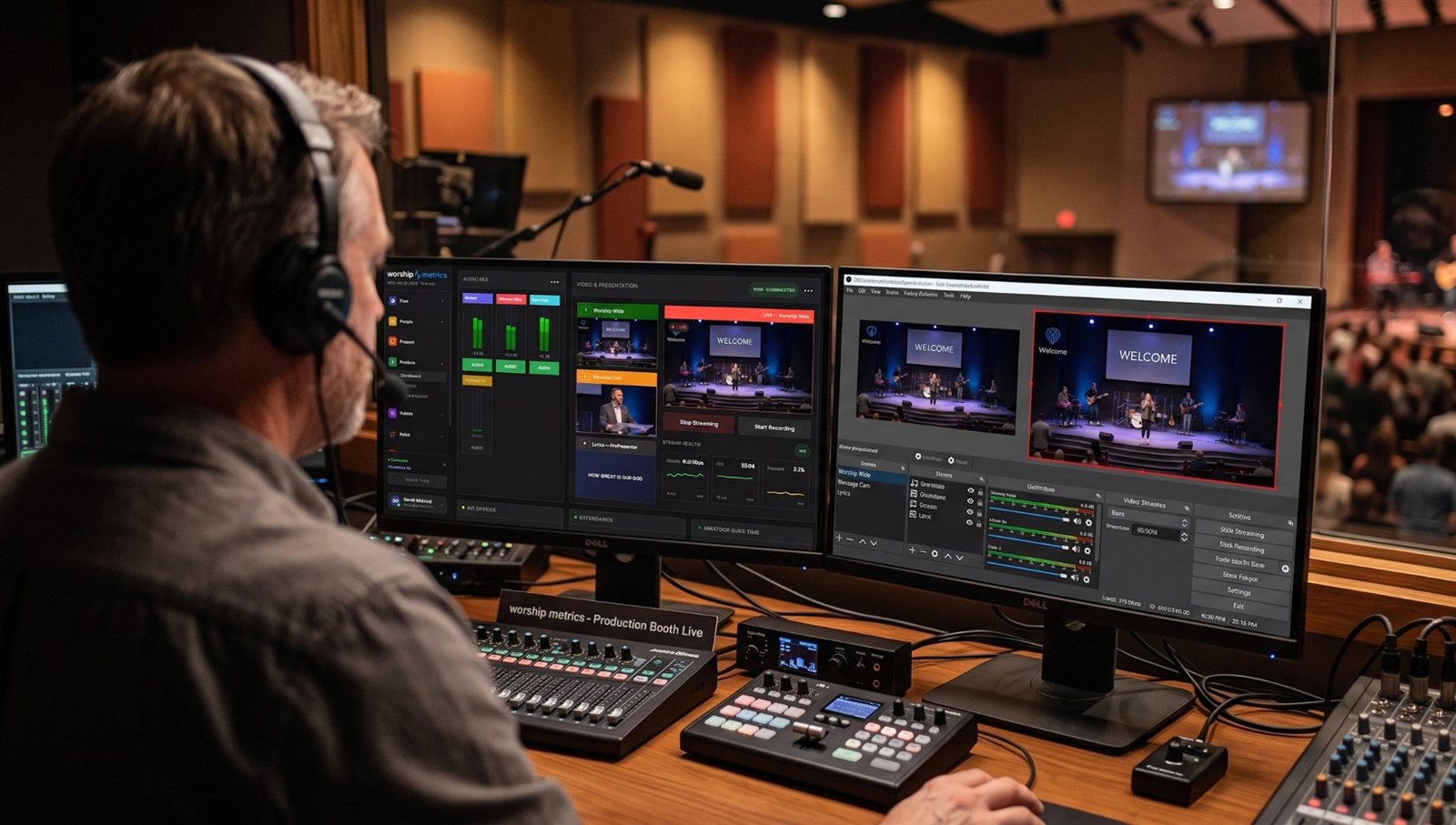
vMix is the center, not the whole booth
With the vMix Web Controller and WorshipMetrics, volunteers can share vMix itself. But Sunday also involves:
- Projectors that need to be on, on the right input, before people arrive
- A Blackmagic ATEM switcher for the room screens or a second production
- A lighting console with looks for worship, the sermon, and prayer
- A sound board with scenes and mutes
Each has its own controls. Bitfocus Companion is how churches put them on the same buttons as vMix.
What a combined button looks like
| Button | vMix | Other gear |
|---|---|---|
| Pre-Service | Welcome loop to Program | Projectors on, input: vMix; lights: walk-in look |
| Worship | Band camera, lyrics overlay on | Lights: worship look |
| Sermon | Pastor camera, lyrics off | Lights: sermon look; ATEM room screens to IMAG |
| Prayer | Wide camera | Lights: low; sound: piano scene |
| End Service | Stop stream and recording | Projectors to standby (on a separate, protected button) |
How to build it
- Set up Companion and connect vMix. (See vMix + Companion setup.)
- Add a connection for each device: your ATEM, your projectors (often PJLink), your lighting console or software, your sound board. (See controlling projectors, PTZ cameras, and sound boards.)
- Build each device’s actions on its own button first and test them one by one.
- Combine them into moment buttons (“Worship,” “Sermon,” “Prayer”), adding short delays where one device needs a moment.
- Agree with each team (lighting, sound, the room) which actions the booth is allowed to trigger.
- Put the panel where volunteers can use it: a Stream Deck, a tablet touch panel, or inside WorshipMetrics.
Where the buttons live
- A Stream Deck beside the vMix keyboard
- An inexpensive Android tablet on the church network
- WorshipMetrics Present’s Companion tab, right beside the slides, where slides can press the buttons on their own. (See Companion buttons inside WorshipMetrics.)
Things to plan for
- Every device needs a fixed IP address and network control turned on.
- Projectors need warm-up time. Turn them on before the service, not at the first song.
- Lights and sound belong to people. Coordinate before automating their changes.
- Document it all in the Signal Map and design the pages for volunteers. (See designing Companion pages for volunteers.)
This is how a complicated booth becomes one a volunteer can run, often without a custom control system. (See making church AV easy to run without hiring an AV company.)
Build your own buttons: vMix shortcuts as a volunteer button panel in the Web Controller.
Using a Blackmagic ATEM? Splitting ATEM Mini jobs for church volunteers. See also Bitfocus Companion + ATEM · ATEM + WorshipMetrics.
Related questions
- Can one button control vMix and other equipment?
- Yes, with Bitfocus Companion. A Companion button can run actions on several devices at once, for example cutting a vMix input, recalling a lighting cue, and switching a projector input, as long as each device has a Companion connection.
- Can Bitfocus Companion control a Blackmagic ATEM and vMix together?
- Yes. Companion has connections for both vMix and ATEM switchers, so one panel can control a church that uses an ATEM for the room screens and vMix for the stream, or an ATEM feeding vMix.
- Can Bitfocus Companion control church lighting?
- Often, yes. Companion can control many lighting consoles and lighting software through their own connections or through OSC and other network commands. Check that your console is supported and agree on which cues the booth may trigger.
vMix + Bitfocus Companion Setup for Church: Buttons for Inputs, Overlays, and Lyrics
NextAdding a Camera Operator to Your vMix Church Production
Related Articles

Bitfocus Companion + ATEM Mini: A Stream Deck Panel for Your Church Switcher
A Stream Deck running Bitfocus Companion turns a Blackmagic ATEM into plain-word buttons with colors that show what's live, and the same panel can run PTZ cameras, projectors, and more. Here's how to connect Companion to an ATEM and build a volunteer page.

Lyrics Over the Camera on an ATEM Mini: Luma Keys, Chroma Keys, and the Slides Computer
To put song lyrics over the camera shot on a Blackmagic ATEM Mini, feed the slides computer into an ATEM input and key it over the camera. Here's how luma and chroma keys work for lyrics, how to design slides that key cleanly, and who should run it.

ATEM Mini + OBS for Church: Hardware Camera Switching with OBS for Graphics and Streaming
Many churches use an ATEM Mini as a camera switcher and send its output into OBS over USB as a webcam. The ATEM gives volunteers real buttons; OBS adds lyrics, graphics, recording, and streaming. Here's how to set it up, split the jobs, and avoid the common sync and quality problems.