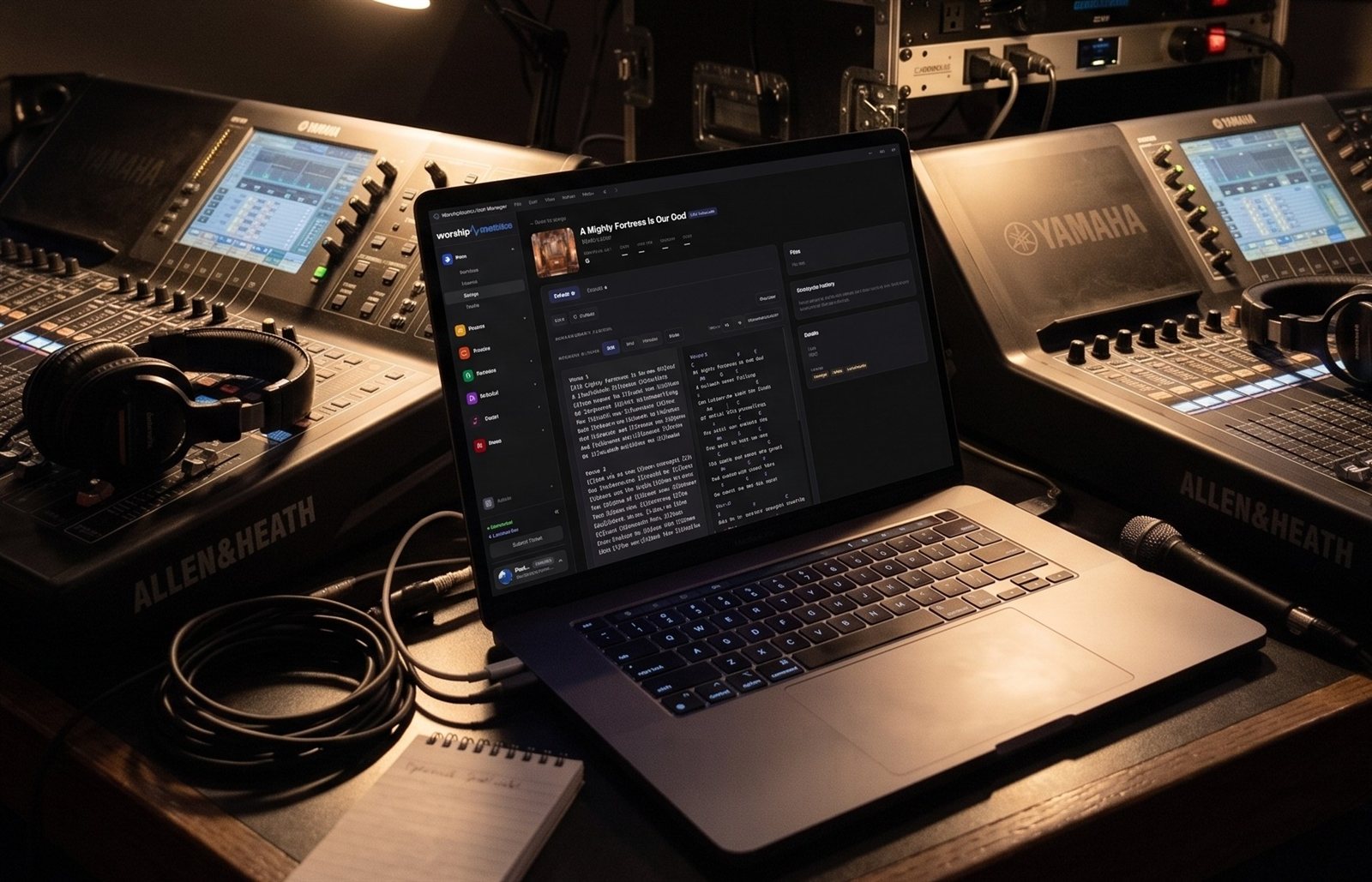
We like Macs
Plenty of churches run on Macs, and for good reason: they’re simple, they’re reliable, and volunteers already know how to use them. WorshipMetrics supports Mac, and Macs have a real place in a church booth.
We also want to be straight with you about the one job where we recommend something else: the core livestreaming computer.
Where a Mac shines
The ProPresenter computer
ProPresenter on a Mac is one of the most common setups in churches, and it works beautifully. Keep it. In our Livestream Systems, the ProPresenter computer stays exactly what it is and sends its slides to the streaming system over NDI or HDMI. (See the wiring diagram and lyrics and slides on your livestream.)
A volunteer station
A Mac is a great second screen in the booth: watching stream health, running cameras from Camera Control in the browser, or following the service plan. A Mac version of Tech Manager is on the way, so a Mac station will be able to run it too.
Planning, slides and clips
The WorshipMetrics web app works in any browser on a Mac: planning services and songs, Present for slides, and Reels for sermon clips.
The office and the media team
Editing, graphics and social posts are classic Mac work. A Mac in the office pairs well with a Windows system in the booth.
Why the core streaming computer should be Windows
1. vMix is Windows-only
For multi-camera churches, vMix brings instant replay, many inputs and outputs for IMAG and confidence monitors. It only runs on Windows. Our Studio and Broadcast systems are built around it. (See vMix Reference Systems vs. WorshipMetrics Livestream Systems.)
2. Capture for many cameras
Our systems use Magewell PCIe capture cards with 4, 8 or 12+ inputs inside the computer. Most Macs have no PCIe slots, so cameras come in through Thunderbolt or USB boxes. That works for two or three sources, but beyond that it adds boxes, cables and failure points. (NDI cameras help here, but you still want SDI and HDMI inputs for many rooms.)
3. Outputs for the room
A Windows production computer with a full graphics card can drive operator monitors, projectors, IMAG and confidence monitors from one machine. (See capture card, graphics card, network card: what each part does.)
4. A system that doesn’t change between Sundays
Our Livestream Systems run a long-term-support edition of Windows that takes security fixes but skips surprise feature updates. macOS updates can be held back, but there’s no equivalent long-term edition. (See why Windows updates break church livestreams.)
5. Rack-mounted and serviceable
Standard rackmount parts mean a failed drive or graphics card can be replaced in place, under warranty, with advance replacement on our Better and Best systems.
What about a Mac for a small church?
If you already have a recent Mac and a simple one- or two-camera service, OBS on Apple Silicon can stream it well. Use wired internet, a USB or NDI camera, and give the Mac no other job on Sunday. When you add cameras, screens in the room or replay, that’s the moment to move the core streaming system to Windows, and keep the Mac for ProPresenter or as a volunteer station.
The best of both
A Windows streaming computer for the core system, and Macs where they shine. That’s the setup we recommend most.
Map your current system, including your Macs. We’ll show you where each one fits, what to reuse, and whether you need a new streaming computer at all.
Related questions
- Does WorshipMetrics work on a Mac?
- Yes. The WorshipMetrics web app, including planning, Present in the browser and Reels, works on a Mac, and a Mac version of Tech Manager is on the way. Macs are a great fit for ProPresenter and volunteer stations.
- Can a Mac run a church livestream?
- Yes, a simple one. OBS runs on Apple Silicon Macs, and a Mac can stream a one- or two-camera service well. For the core livestreaming system, especially with several cameras, replay or screens in the room, we recommend a Windows computer.
- Why do you recommend Windows for the main streaming computer?
- vMix, the production software we use for multi-camera churches, is Windows-only; multi-input capture cards need PCIe slots that most Macs don't have; Windows systems offer more outputs and rackmount, serviceable parts; and a long-term-support edition of Windows avoids surprise feature updates.
How to Put Your Livestream on Lobby and Overflow Room TVs
NextHow to Map Your Church AV System Before a Consultation (and Get a Better Price)
Related Articles

Bitfocus Companion + ATEM Mini: A Stream Deck Panel for Your Church Switcher
A Stream Deck running Bitfocus Companion turns a Blackmagic ATEM into plain-word buttons with colors that show what's live, and the same panel can run PTZ cameras, projectors, and more. Here's how to connect Companion to an ATEM and build a volunteer page.

Lyrics Over the Camera on an ATEM Mini: Luma Keys, Chroma Keys, and the Slides Computer
To put song lyrics over the camera shot on a Blackmagic ATEM Mini, feed the slides computer into an ATEM input and key it over the camera. Here's how luma and chroma keys work for lyrics, how to design slides that key cleanly, and who should run it.

ATEM Mini + OBS for Church: Hardware Camera Switching with OBS for Graphics and Streaming
Many churches use an ATEM Mini as a camera switcher and send its output into OBS over USB as a webcam. The ATEM gives volunteers real buttons; OBS adds lyrics, graphics, recording, and streaming. Here's how to set it up, split the jobs, and avoid the common sync and quality problems.