In our last post, we looked at why young people are returning to church, and why video production is one of the best ways to give them a meaningful place to serve.
The natural next question is: how do you actually start?
We’re working through that ourselves right now as we help First Presbyterian Church in West Chester, Pennsylvania, launch a student audiovisual club. Here’s the plan we’re following, broken into steps any church can use.
1. Start with your pastor and youth leader
A student AV club works best when it’s part of your youth ministry, not a separate tech project. Before you recruit anyone, sit down with your pastor and youth leader and agree on three things:
- The purpose. Is the goal more social media content, a stronger livestream, giving students a place to serve, or all three?
- Who leads it. Pick one adult point person. It doesn’t have to be your most technical volunteer. It should be someone students trust.
- How it fits the calendar. Will the club meet during youth group, on a weeknight, or on Sunday mornings?
When the youth ministry owns it, the club becomes discipleship, not just a production crew.
2. Cover the safety basics first
Anything involving students needs the same care as the rest of your youth ministry. Before your first meeting:
- Follow your church’s existing child protection policy, including background checks and having at least two screened adults present.
- Send a simple parent permission form explaining what the club does and when it meets.
- Confirm your church’s media release practices, so students know who can and can’t appear in clips and on the livestream.
- Set clear rules for church social media accounts: students create and suggest content, and an adult approves and posts it.
This step takes an afternoon, and it builds trust with parents from day one.
3. Define real roles
Students stay engaged when they own something specific. Start with a few clear roles, and let students rotate as they learn:
| Role | What they do | Good fit for |
|---|---|---|
| Sermon reviewer | Watches the message and marks moments that would resonate with their friends | Students who love to discuss ideas |
| Clip editor | Cuts highlights into short vertical videos for social media | Students who already edit on their phones |
| Stream operator | Helps run cameras, graphics or the livestream on Sunday | Students who like being hands-on |
| Social media helper | Writes captions, schedules posts and tracks what performs | Students who love writing or analytics |
You don’t need all four on day one. Two or three committed students with a clear job beats ten students standing around the booth.
4. Use the gear you already have
You don’t need a new budget to start. Most students already carry what they need: a smartphone or laptop with a free editing app.
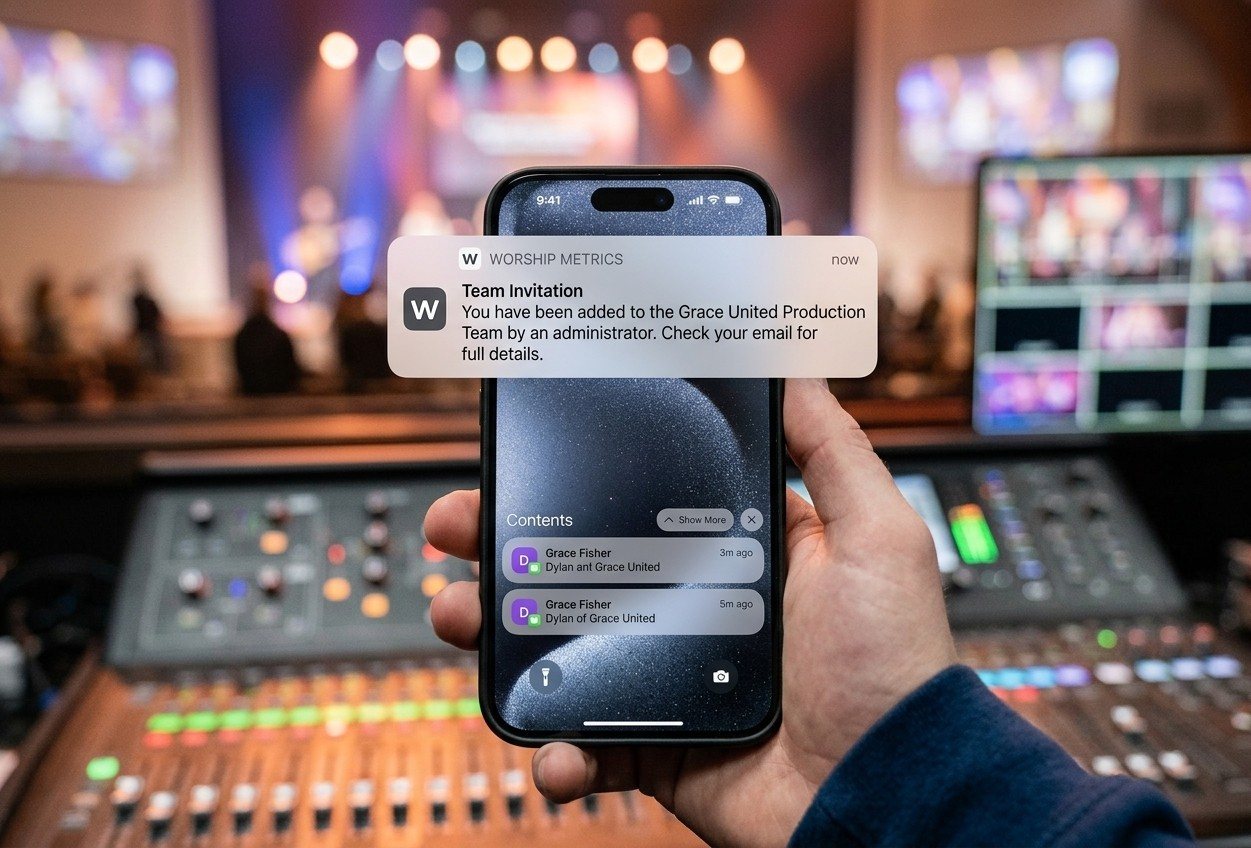
The real barrier in most churches is access, not equipment. If everything runs through one computer in the booth, only one person can help at a time. That’s the problem we built WorshipMetrics to solve. Your church connects a single audiovisual terminal to the cloud, and every student on the team can join from their own device with a defined role.
5. Build a simple weekly rhythm
Consistency matters more than polish. Here’s a starting rhythm:
- Sunday: The service is recorded or livestreamed. Stream operators help in the booth.
- Monday to Tuesday: Sermon reviewers mark two or three key moments.
- Wednesday: At youth group, clip editors cut the moments into short videos. The team talks about the message together.
- Thursday: An adult leader reviews and approves the clips.
- Friday to Saturday: Clips go live on social media ahead of the next Sunday.
That Wednesday conversation is where the ministry happens. Students aren’t just editing a sermon. They’re wrestling with it, and choosing what will speak to their friends.
6. Celebrate and connect it to the future
Small wins keep students coming back. Share a student’s clip in the church bulletin, thank the team from the pulpit, or show the view counts at youth group.
Help students see where these skills can lead, too. Encourage them to build a simple portfolio of their best work. Real production experience can help with college AV programs, internships and careers in video, broadcast and live streaming. If you have church members who work in media, invite them to visit and share their story.
7. Measure what matters
After a few months, look back at a handful of simple measures:
- How many students serve regularly?
- How many clips did the team publish?
- Are new families or young people mentioning that they found you online?
- Are students talking about the sermons more?
That last one may be the most important number you can’t put on a chart.
Follow along with us
We’ll share what we learn as the First Presbyterian club gets off the ground, including what works, what doesn’t, and what students say about it.
If you’re in southeastern Pennsylvania, northern Delaware or New Jersey, I’d be glad to visit your church and help your pastor, youth leaders and tech team map out a student AV club of your own. Contact us to set up a visit.
Wherever you are, join our free First Friday webinar to see how WorshipMetrics helps your whole team serve together.

Paul Richards is a co-founder of WorshipMetrics, where he leads education and customer success. He was previously CEO of PTZOptics. Read our story.