Small churches have an advantage
Large churches have media teams. Small churches often have one willing person and a phone. That can feel like a disadvantage online. It isn’t, necessarily.
Social media rewards authenticity, consistency, and real connection, and small churches tend to have plenty of all three. You don’t need a studio. You need a simple plan you can keep. (See social media is the printing press of our time.)
The strategy in one sentence
Every week, turn Sunday’s sermon into three short clips, and have one volunteer post them through the week on one or two platforms.
That’s it. Everything below is how to do it well.
Step 1: Pick one or two platforms
Don’t try to be everywhere. Ask where your community already is:
- Facebook often reaches local members, older adults, and neighbors.
- Instagram reaches many younger adults and families. (See Instagram for churches: a weekly plan.)
- YouTube keeps your full sermons searchable, and Shorts reach new people. (See livestream to Shorts.)
- TikTok can reach young people who would never follow a church. (See should our church be on TikTok?.)
Start with one. Add a second only when the first is steady.
Step 2: Find one volunteer
You need one person with an hour a week who:
- Is comfortable with a phone or laptop
- Has good judgment about what to share
- Can be consistent
Often that’s a young adult, a teenager with an adult mentor, or a retiree who enjoys it. (See the Youth Clip Team.) Name a pastor or leader who approves posts.
Step 3: Three clips from every sermon
Your sermon is your content. Each week, pull out three moments that:
- Make sense on their own to someone who’s never been to your church
- Start strong with the key sentence (see sermon clip hooks)
- Hold one complete thought, about 30 to 90 seconds
Add captions to every clip. (See captions for sermon clips.)
Step 4: Post on a simple rhythm
| Day | Post |
|---|---|
| Monday | Clip 1: the strongest moment |
| Wednesday | Clip 2: midweek encouragement |
| Friday | Clip 3, plus a short invitation to Sunday |
Add a photo or two of church life when you can. That’s a full week of presence from one sermon. (See a sermon clip posting schedule.)
Step 5: Point everywhere to one next step
Every post should lead somewhere:
- The full sermon on YouTube or your website
- A “plan your visit” page that answers first-timer questions (see the what to expect page)
- A prayer link someone actually answers (see the online prayer workflow)
Step 6: Be warm and real
Small churches shine here:
- Reply to every comment. You can, and people notice.
- Show real people (with consent): the greeters, the potluck, the faithful choir of six.
- Ask members to share. In a small church, a handful of shares can reach most of your town.
Keep it cheap and simple
You don’t need to buy anything to start. If your church livestreams, you already have the raw material.
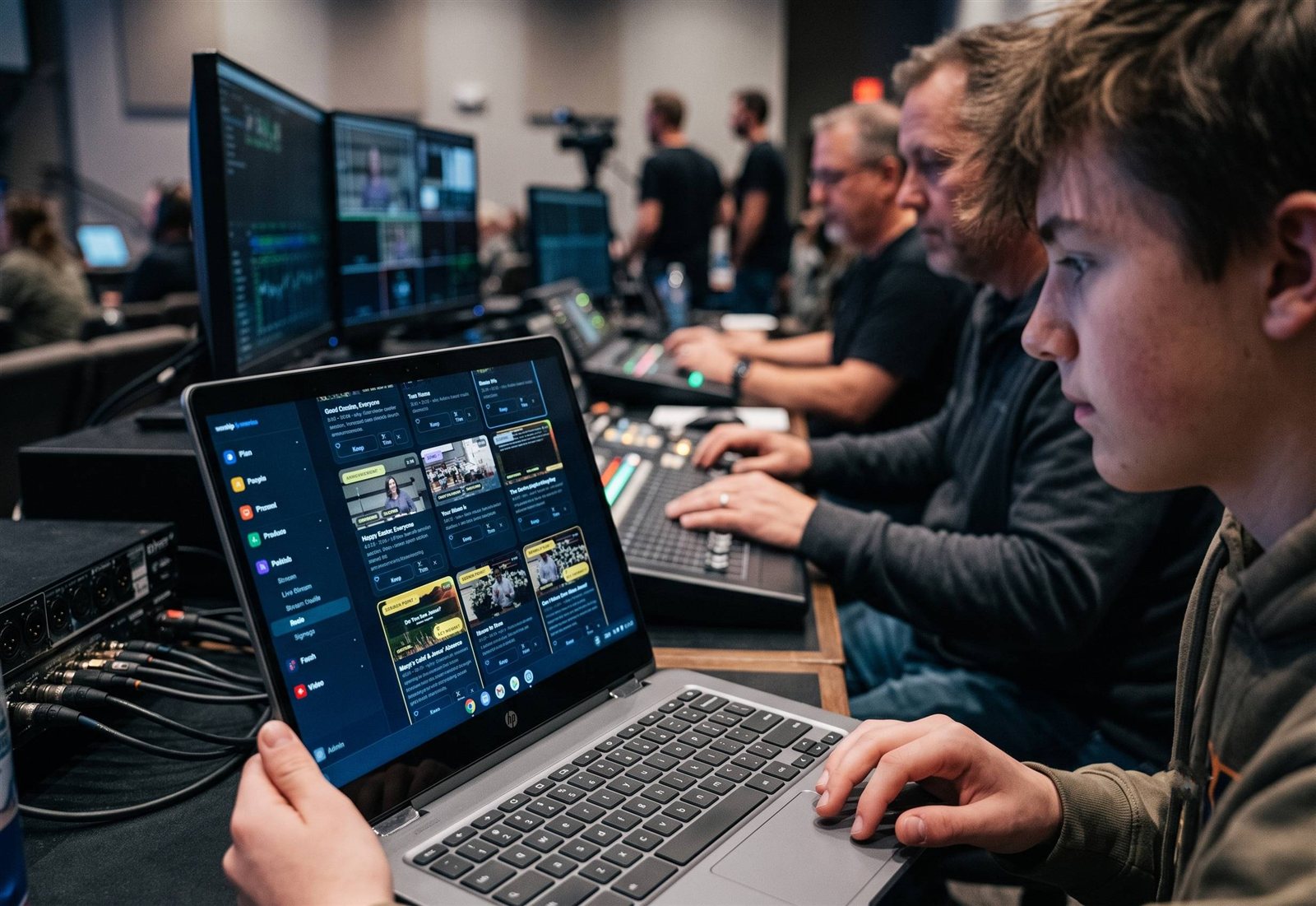
To save your volunteer hours of editing, Reels (formerly Worship Clips) in WorshipMetrics connects to your YouTube livestream, suggests the strongest sermon moments, and renders captioned, branded clips in vertical, square, and horizontal. It’s free and unlimited in Tech Manager, the free WorshipMetrics app on your church’s streaming computer. If your volunteer wants to work from home, cloud Reels comes with the Pro and Max plans.
The same free platform helps a small church in other ways too: Present for lyrics and slides, alerts when the stream stops, and volunteer scheduling.
What success looks like
Not thousands of followers. Instead:
- Your clips go out every week, without burning anyone out.
- Members share them, and neighbors start to recognize your church.
- A first-time guest says, “I saw your pastor’s video.”
That’s a small church doing social media well. (See are your clips bringing people in?.)
More on the social media for churches page.
Related questions
- How can a small church use social media without staff?
- Keep it simple: choose one or two platforms, turn each Sunday's sermon into two or three short captioned clips, post them through the week, and give one volunteer about an hour a week to do it. Use free tools wherever possible.
- Which social media platform is best for a small church?
- Start where your community already is. For many small churches that's Facebook for local members and Instagram or YouTube Shorts for reaching younger people. One platform done well is better than four done poorly.
- Is social media worth it for a small church?
- Often, yes. It's free, and it lets a small church reach its whole community and stay connected to members between Sundays. A small church's warmth and authenticity often come through especially well in short, honest clips.
Should Our Church Be on TikTok?
NextHow Social Media Algorithms Work: A Plain-English Guide for Pastors
Related Articles

Making a Complicated Church AV System Easy to Run, Without Hiring an AV Company
Many church AV systems aren't too old or too small. They're too complicated for a volunteer. A simple button panel built with Bitfocus Companion can hide that complexity behind plain-word buttons, and a church can often build it themselves. Here's when that works, when to call a professional, and how to start.

Your Church Livestream Team, Connected Even When They're Not at Church
A three-person livestream team only works if everyone shares the same plan, the same wiring diagram, and the same news when something breaks. Here's how WorshipMetrics connects the director, slides, and camera volunteers through the week: chat, alerts, documentation, AI help, scheduling, and cloud control for OBS and vMix.

The Three-Person Church Livestream Team: Director, Slides, and Cameras
A church livestream runs best with three clear jobs: a director on OBS or vMix, a slides operator, and a camera operator. Here's what each role does before, during, and after the service, what skills it takes, and how the three talk to each other.