A big step, worth taking
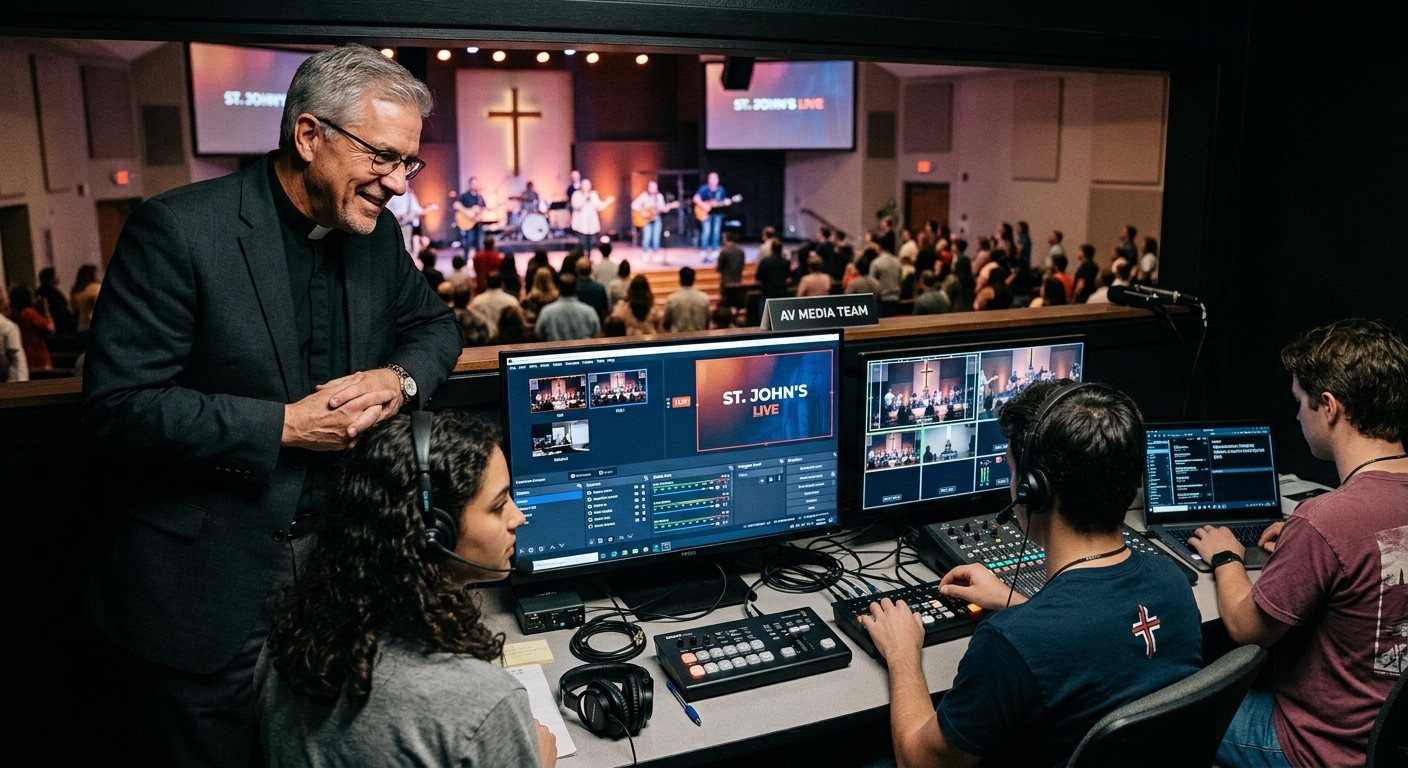
Letting students make your church’s social media clips means handing part of your church’s public voice to teenagers. It’s reasonable for a pastor to pause on that.
It’s also one of the best ways to reach young people and involve them at the same time. (See the youth media flywheel.) The answer isn’t to avoid it. It’s to decide the rules before day one, so students know what’s expected and leaders can say yes with confidence.
1. Students prepare. Adults publish.
The simplest and most important rule: every clip is approved by a designated adult before it’s posted.
- Students find moments, trim clips, check captions, and suggest titles.
- A named adult reviews and publishes.
- If something is unclear, the adult explains why it’s changed. That’s how students learn.
This protects students from mistakes they’d regret, and it protects the church’s voice.
2. Keep the passwords with adults
Students don’t need the passwords to your church’s YouTube, Instagram, TikTok, or Facebook accounts to make clips.
- Give each student their own sign-in to your clip tool, with only the access they need.
- Connect church accounts once, under an adult’s control.
- Remove access promptly when a student steps away from the team.
In WorshipMetrics, you add as many team members as you need, and decide who can access what.
3. What never gets posted
Write it down and give it to every student:
- Personal prayer requests or anything that identifies someone’s private situation
- Children, unless a parent or guardian has given written consent
- People in emotional moments, like an altar call or time of response, unless they’ve agreed
- Pastoral care moments such as memorials or crises
- Clips that could be misunderstood without the rest of the sermon
- Worship songs, unless your music license covers it (see can churches post worship song clips?)
More on this in privacy for sermon clips.
4. How adults and students communicate
Your church’s safeguarding rules apply online, too:
- No private one-on-one messages between adults and students. Use a group thread that includes other leaders, or go through parents.
- Background checks for adult mentors, following your church’s policy.
- Parental consent before a student joins the team.
- A clear way to report concerns, known to every student and leader.
The full checklist is in safeguarding students in church tech.
5. Comments and replies
Clips will get comments, some kind, some not.
- Students don’t respond to comments from the church account. Adults handle replies.
- Prayer requests in comments go to your pastoral team.
- Hostile comments are handled by an adult according to your moderation policy.
6. Credit and boundaries
- Credit the team, not individual students by full name, unless parents agree.
- Respect students’ time. An hour a week is a good starting expectation. Exam weeks and family events come first.
- Let students share church clips on their own accounts if they want to, but never require it.
A one-page policy
Put all of this on one page, have leadership approve it, and give it to every student and parent. A clear policy doesn’t slow the team down. It’s what lets the team move quickly without worrying.
Then start with the 30-day plan for launching a youth clip team. See how it all fits together on the Youth Clip Team page.
Next: the bigger picture on using social media well, from the vision to a policy template and a Christmas plan, on the Social Media for Churches page.
Related questions
- Should students have access to the church's social media accounts?
- Students can prepare clips without holding the account passwords. Give each student their own sign-in to your clip tool with only the access they need, and have an adult publish to the church's accounts.
- Who should approve student-made church clips?
- A designated adult, usually the communications lead, a pastor, or the clip team's mentor. Every clip gets a quick review for theological clarity, consent, music licensing, and captions before it's posted.
- What should never be in a church clip?
- Personal prayer requests, children without parental consent, people in emotional moments who haven't agreed to be featured, and pastoral care moments like memorials. Also avoid clips that could be misunderstood out of context.
How to Start a Youth Clip Team in 30 Days
NextServing From Home: How Students Can Clip Sermons on Their Own Schedule
Related Articles

Making a Complicated Church AV System Easy to Run, Without Hiring an AV Company
Many church AV systems aren't too old or too small. They're too complicated for a volunteer. A simple button panel built with Bitfocus Companion can hide that complexity behind plain-word buttons, and a church can often build it themselves. Here's when that works, when to call a professional, and how to start.

Your Church Livestream Team, Connected Even When They're Not at Church
A three-person livestream team only works if everyone shares the same plan, the same wiring diagram, and the same news when something breaks. Here's how WorshipMetrics connects the director, slides, and camera volunteers through the week: chat, alerts, documentation, AI help, scheduling, and cloud control for OBS and vMix.

The Three-Person Church Livestream Team: Director, Slides, and Cameras
A church livestream runs best with three clear jobs: a director on OBS or vMix, a slides operator, and a camera operator. Here's what each role does before, during, and after the service, what skills it takes, and how the three talk to each other.