The two ways it usually goes wrong
Everyone posts. Staff, volunteers, and well-meaning members all have the password. Posts are inconsistent, the tone wanders, and nobody notices when something goes wrong.
One person does everything. A single volunteer runs every account. It works well, until they burn out or move away, and then the church’s online presence disappears overnight, sometimes along with the passwords. (See the handoff checklist.)
The fix is a simple structure with clear roles.
Five roles (some people wear several)
| Role | What they do | Who it often is |
|---|---|---|
| Direction | Sets the purpose and tone, decides what matters most, speaks for the church in hard moments | Senior pastor or leadership team |
| Owner | Runs the accounts and the weekly rhythm, keeps the policy, trains others | Communications lead (staff or volunteer) |
| Creators | Find sermon moments, make clips, take photos, write posts | Volunteers, students, young adults |
| Approver | Reviews content before it’s published | The owner, a pastor, or a designated adult |
| Responders | Reply to comments and messages, move prayer requests to pastoral care | Online host, communications lead, prayer team |
In a small church, one person might be owner, approver, and responder, with a couple of creators helping. In a larger church, each role may be a small team. What matters is that every role has a name.
Direction: the pastor’s part
Pastors don’t need to manage social media, but they should:
- Set the purpose. What is our presence online for? (See what is our church live stream actually for?)
- Be in the content. Clips of the pastor’s preaching are usually the most important thing a church posts.
- Approve sensitive content and speak for the church in a crisis.
- Champion it publicly, so the congregation knows it matters and shares.
The owner: the most important role
The owner keeps everything running:
- Holds the accounts (on church-owned email, with two-factor authentication)
- Keeps the weekly posting rhythm (see a sermon clip posting schedule)
- Maintains the church social media policy
- Recruits and trains creators
- Reviews results monthly (see are your clips bringing people in?)
This can be a volunteer, but it needs to be someone with steady time and good judgment, and a named backup.
Creators: where young people shine
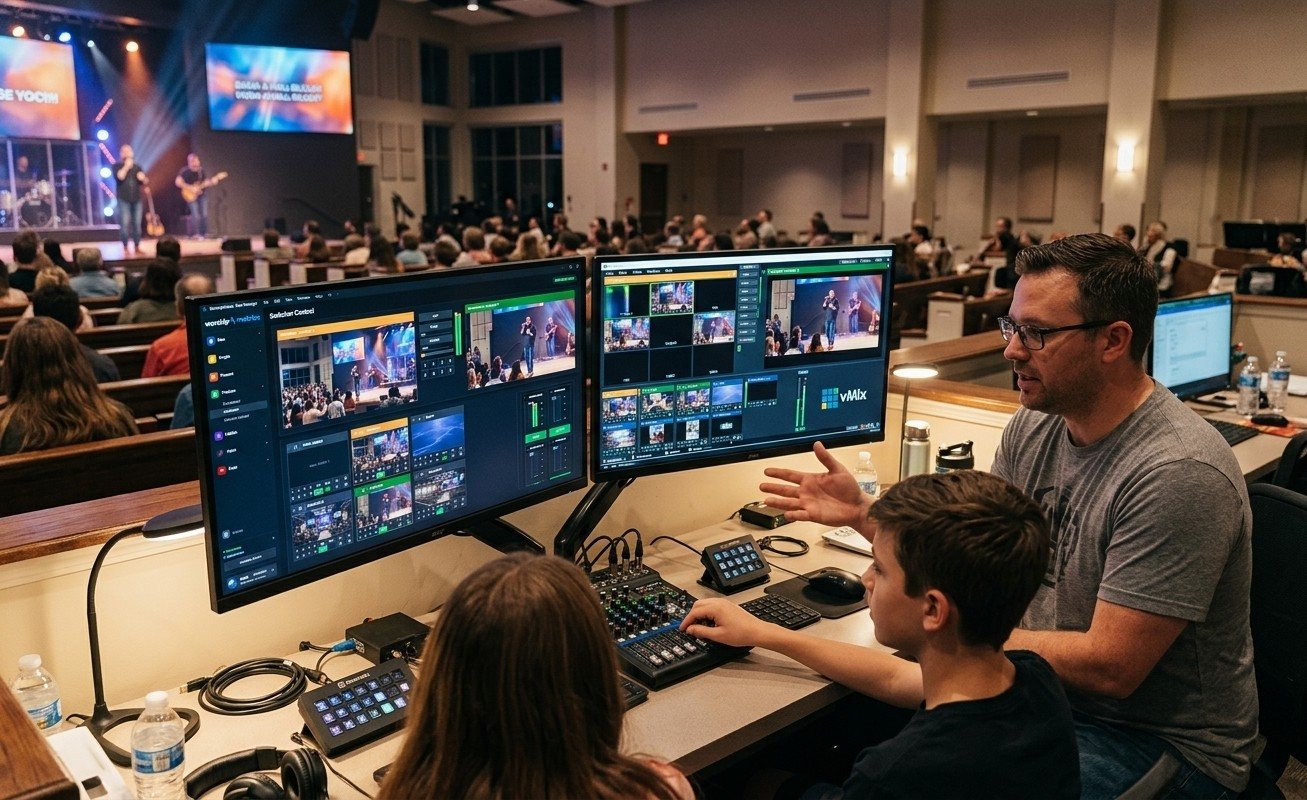
Creating content is the perfect place to involve more people, especially students and young adults who understand short video. They prepare; the approver publishes. (See the Youth Clip Team.)
In WorshipMetrics, you add as many team members as you need and decide who can access what, so creators can prepare clips in Reels without ever holding the church’s account passwords. With cloud Reels on Pro and Max, they can work from home.
Oversight without bottlenecks
Approval shouldn’t mean every post waits a week for the senior pastor. A few ways to keep it moving:
- Approve the rhythm, not every post. Agree on the weekly plan; the owner approves routine posts.
- Reserve pastor approval for sensitive topics, personal stories, and anything controversial.
- Use a shared queue so the approver can review a week’s clips at once.
- Set a turnaround. For example, routine posts are approved within a day.
Make it survive turnover
- Accounts registered to church-owned email
- Passwords in a church password manager
- The weekly routine written down
- Two people who know how everything works
- Access removed promptly when someone steps away
Then when your best volunteer moves away, it’s a handoff, not a crisis.
Start with names
Write the five roles on a page and put a name next to each one. If a role has no name, that’s your next recruit. More on the social media for churches page.
Related questions
- Who should manage a church's social media?
- Usually a communications lead, staff or volunteer, who owns the accounts and the weekly rhythm, with a pastor setting direction and approving sensitive content. Volunteers and students can create clips and posts, and a designated adult approves before anything is published.
- Should the pastor run the church's social media?
- The pastor should set direction and be visible in the content, but most pastors shouldn't manage it day to day. It takes consistent time, and it works better as a team with a clear owner.
- How do we keep church social media going when a volunteer leaves?
- Keep accounts on church-owned email, store passwords in a church password manager, write down the weekly routine, and have at least two people who know how it works. Then a departure is a handoff, not a crisis.
Sermon Clips in Any Language: AI Clipping for Spanish, French, and Multilingual Churches
NextA Content Engine That Stays Personal: More Clips, Better Titles, Better Thumbnails
Related Articles

Making a Complicated Church AV System Easy to Run, Without Hiring an AV Company
Many church AV systems aren't too old or too small. They're too complicated for a volunteer. A simple button panel built with Bitfocus Companion can hide that complexity behind plain-word buttons, and a church can often build it themselves. Here's when that works, when to call a professional, and how to start.

Your Church Livestream Team, Connected Even When They're Not at Church
A three-person livestream team only works if everyone shares the same plan, the same wiring diagram, and the same news when something breaks. Here's how WorshipMetrics connects the director, slides, and camera volunteers through the week: chat, alerts, documentation, AI help, scheduling, and cloud control for OBS and vMix.

The Three-Person Church Livestream Team: Director, Slides, and Cameras
A church livestream runs best with three clear jobs: a director on OBS or vMix, a slides operator, and a camera operator. Here's what each role does before, during, and after the service, what skills it takes, and how the three talk to each other.