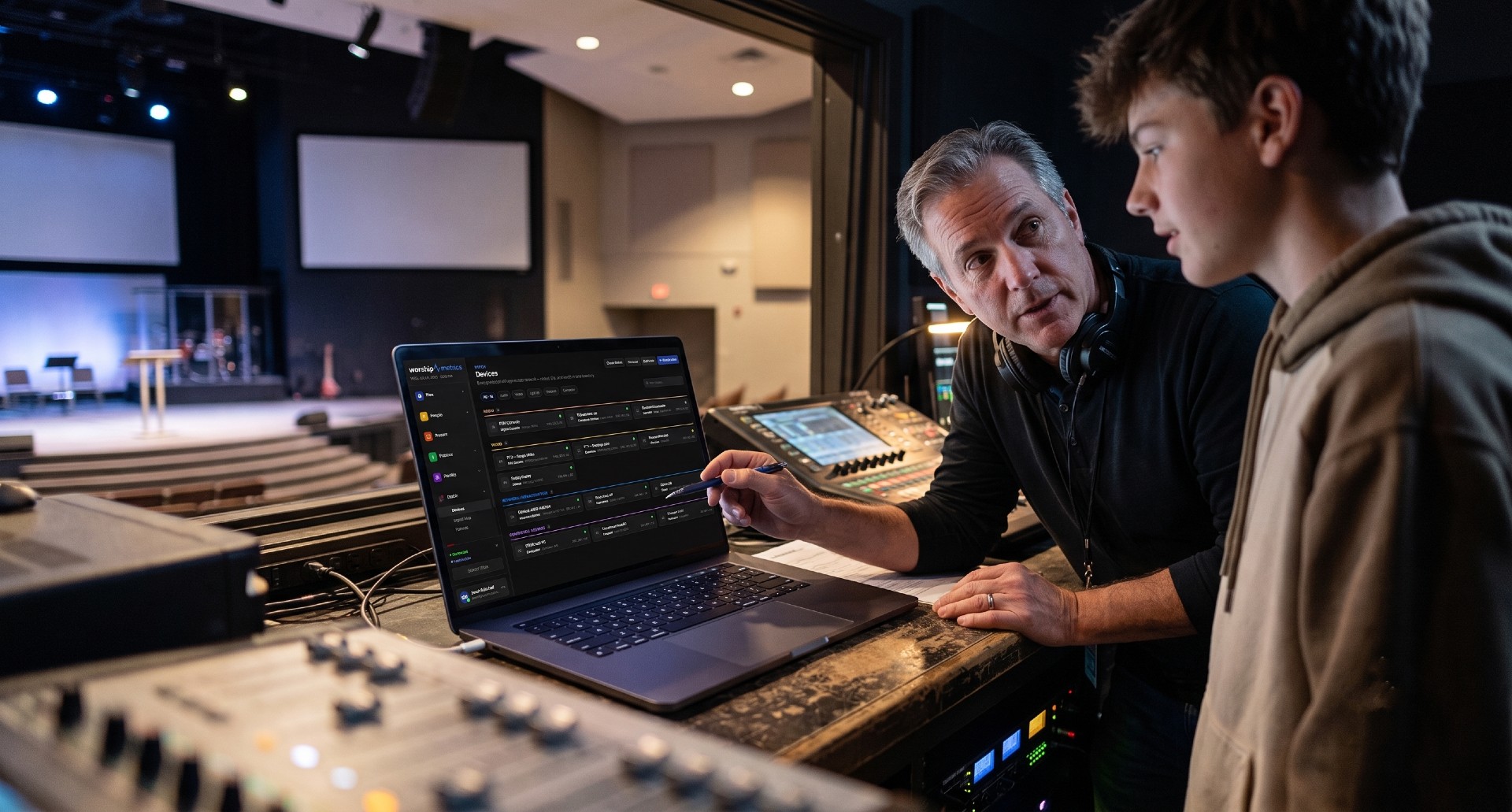
Why SDI is still the backbone of church video
Walk into almost any church booth built in the last fifteen years and you will find SDI — Serial Digital Interface — carrying the cameras. It runs over ordinary-looking 75-ohm coax, locks with a quarter-twist BNC connector, travels hundreds of feet without a repeater, and carries embedded audio and timecode alongside the picture. There is no handshake, no HDCP negotiation, no EDID dance: the source sends a signal, and the receiver either locks to it or it does not.
That simplicity is also where the confusion starts. “SDI” is not one standard — it is a family of generations, each roughly doubling the bit rate of the one before. The cable and connector look identical across all of them, so nothing on the wall plate tells you whether a run was built for 1080i or 4K60. When churches mix camera generations — a ten-year-old broadcast camera next to a brand-new PTZ, feeding a switcher bought somewhere in between — the generation question is usually the hidden reason a “perfectly good cable” shows no picture.
What each generation carries
Here is the family tree, in the order most churches encountered it:
| Generation | Standard | Bit rate | Typical formats |
|---|---|---|---|
| SD-SDI | SMPTE 259M | 270 Mb/s | 480i / 576i |
| HD-SDI (“1.5G”) | SMPTE 292M | 1.485 Gb/s | 720p60, 1080i60, 1080p30 |
| 3G-SDI | SMPTE 424M | 2.97 Gb/s | 1080p60 |
| 6G-SDI | SMPTE ST 2081 | 5.94 Gb/s | 2160p30 (4K/UHD at 30) |
| 12G-SDI | SMPTE ST 2082 | 11.88 Gb/s | 2160p60 (4K/UHD at 60) |
A few practical readings of that table:
- HD-SDI tops out at 1080p30. If your camera is set to 1080p60 and your run of gear is HD-SDI only, you will get no image — 1080p60 needs 3G. This is the single most common mixed-generation surprise, because “1080p” sounds like it should fit anywhere the word “HD” appears.
- 3G-SDI is the church workhorse. 1080p60 over a single cable covers the overwhelming majority of worship production today, and nearly every switcher, encoder, and camera sold in the last decade speaks it.
- 6G and 12G are about 4K, not about better 1080. 6G carries UHD at 30 frames; 12G carries UHD at 60. A 12G port running a 1080p59.94 signal is simply operating as a 3G port.
- Fractional frame rates ride along. 59.94 versus 60, 29.97 versus 30 — all fit within the same generation. Your whole system should agree on one family (most North American churches standardize on 59.94-based rates), but that is a sync question, not a bandwidth question.
One wrinkle worth knowing inside 3G: the standard defines Level A and Level B mappings for 1080p60. Most gear defaults to Level A, but some devices ship set to Level B, and a receiver expecting one may not lock to the other. If two 3G devices refuse to talk even though the format math works, check for a Level A/B setting in the menus before blaming the cable.
Mixing generations: what works, what doesn’t
Because SDI has no negotiation, compatibility follows one simple rule: inputs are usually backward-compatible; outputs never upgrade themselves.
- A modern 12G input on a switcher will typically accept 3G, HD, and often SD signals happily. Multi-rate receivers are the norm on current gear.
- The reverse is not true. A 12G source sending 2160p60 into a 3G input produces nothing — not a degraded picture, nothing. The older receiver cannot lock a signal four times its ceiling.
- The fix is always at the source or in between: set the camera or player’s output format down to something the receiver speaks (most 4K cameras will output 1080p on request), or insert a down-converter.
This is why an inventory that records which generation each port speaks matters more than one that just says “SDI.” Two real-world patterns to watch:
- The vintage recorder. A church adds 1080p60 cameras but keeps an HD-SDI-era recorder for archive duty. The switcher’s program output at 1080p59.94 gives the recorder a blank screen. The cure is a 3G-to-HD cross-converter or a second switcher output configured at 1080i.
- Quad-link leftovers. Before 12G was affordable, 4K traveled as four 3G cables (quad-link), in either “square division” or “two-sample interleave” arrangements. If you inherit gear with four SDI ports labeled as one output, that is what you are looking at — and a single-link 12G device will not read it without a converter that speaks both.
None of this means old gear is bad gear. An HD-SDI distribution amplifier reclocking a 1080i confidence feed is doing honest work. The goal is simply to know, per port, what generation you actually have — so Sunday-morning troubleshooting starts from facts instead of archaeology.
Micro-DIN and HD-BNC: the small connectors that don’t inter-mate
As devices got denser — multi-input capture cards, compact 4K switchers, rack converters — the full-size BNC ran out of real estate. Two high-density 75-ohm connectors filled the gap, and they are the source of a specific, avoidable frustration:
- DIN 1.0/2.3 (“micro-DIN”) — a push-pull latching connector roughly a third the footprint of BNC. Common on capture cards and dense router panels.
- HD-BNC — a miniaturized true bayonet (quarter-twist) connector, electrically excellent to 12G and beyond, found on many current compact 4K devices.
Here is the trap: micro-DIN and HD-BNC look nearly identical at arm’s length and do not inter-mate. A DIN 1.0/2.3 plug will not seat in an HD-BNC jack, and vice versa — the latching mechanisms are different designs. If you order a drawer of “mini SDI pigtails” without checking which family your gear uses, you can end up with a bag of cables that fit nothing in your rack. Check the device’s spec sheet (or its entry in your documentation system) before buying adapters, and label the pigtails by family once they arrive — a habit that pairs well with a durable cable labeling system.
The saving grace: both families adapt cleanly to full-size BNC with the correct pigtail, so your wall plates and long runs can stay standard BNC while only the last few inches change.
Cable-run realities: distance shrinks as bit rate climbs
The same physical coax carries every generation, but not for the same distance. As bit rate doubles, high-frequency losses bite harder, and the maximum reliable run shortens. On quality broadcast-grade RG-6-class coax, sensible planning numbers look like this:
- HD-SDI: roughly 100 m (330 ft) with comfortable margin
- 3G-SDI: roughly 80–100 m (260–330 ft)
- 6G-SDI: roughly 60–80 m (200–260 ft)
- 12G-SDI: roughly 60–70 m (200–230 ft), and only on cable actually rated for 12G
Treat those as planning ceilings, not guarantees — real distance depends on the specific cable, connector quality, and how clean the terminations are. Some habits that protect your margin:
- Buy cable rated for the generation you will grow into. Modern precision coax designed for 12G costs little more than legacy HD-era stock. If you are pulling new runs through walls, pull for 12G even if you switch in 3G today.
- Terminations matter more at higher rates. A slightly ragged BNC crimp that passed 1080i for years can kill a 12G signal. Use proper 75-ohm connectors and a real crimp or compression tool.
- Barrel adapters are margin thieves. Every barrel, patch point, and wall plate adds return loss. One or two are fine; a daisy chain of five is a mystery dropout waiting for the highest-bandwidth Sunday of the year.
- Reclocking distribution amplifiers reset the clock. A DA that reclocks (most broadcast-grade ones do) regenerates the signal, effectively restarting your distance budget — the honest way to go long.
- Never substitute antenna or CATV coax. It may be 75 ohm, but its shielding and precision are not built for gigabit serial video, and it fails in the most intermittent, hard-to-diagnose ways.
For very long hauls — overflow rooms across campus, a balcony camera 400 feet away — fiber SDI extenders or a move to network-based video like NDI become the right tools. Our guides on NDI for church production and which AV signals survive a network switch cover when that trade makes sense. And once the signal reaches your encoder, generation questions hand off to a different set of decisions — see our hardware encoder comparison for that side of the chain.
Documenting SDI generations so the next volunteer doesn’t guess
Everything above reduces to one operational discipline: know, per port and per cable, which generation is in play. A wall plate cannot tell you; a spreadsheet row that says “SDI” cannot either. What actually prevents the blank-screen Sunday is documentation that records:
- Each port’s generation — HD, 3G, 6G, or 12G — not just “SDI in/out.”
- Each port’s connector family — BNC, micro-DIN, or HD-BNC — so the right pigtail is in the drawer before install day.
- Each cable’s identity and endpoints — so “camera 2 is dark” becomes “trace VID-004 from the north truss to switcher input 2” instead of a flashlight expedition.
- The format each source is set to — because a 12G-capable camera configured to 2160p60 into a 3G switcher is a settings problem, not a wiring problem.
How WorshipMetrics handles this
WorshipMetrics System Documentation treats SDI generations as first-class data, not a footnote. Its connector taxonomy distinguishes HD, 3G, 6G, and 12G SDI formats per port, alongside 76 physical connector types — so a micro-DIN port and an HD-BNC port are recorded as the different connectors they are. The curated device library covers thousands of models and ships with factory port presets: add a current production switcher and its rear panel lands already documented, SDI generations included, with every entry linking to the official manual viewable in-app.
On the Signal Map, the compatibility engine works while you wire: as you drag a connection from a port, every other port lights green, orange, or red — distinguishing “connects directly,” “a passive adapter works,” and “this needs a powered converter.” Seven continuous wiring audits, including connector-mismatch detection, flag problems the moment they are drawn rather than the Sunday they matter. And every cable you draw gets a permanent ID by cable type — VID-001, AUD-002, NET-014, color-coded to the printed label — that never renumbers, keying the printable patch sheet and the vector PDF wiring diagram your team can tape inside the rack door. When a volunteer asks “what generation is the balcony run?”, the answer is on the map, not in someone’s memory.
Scheduling Volunteers a Month at a Time: The Matrix Workflow
NextTeam Chat File Sharing: Formats, Limits, and Why Your Files Stay Private
Related Articles
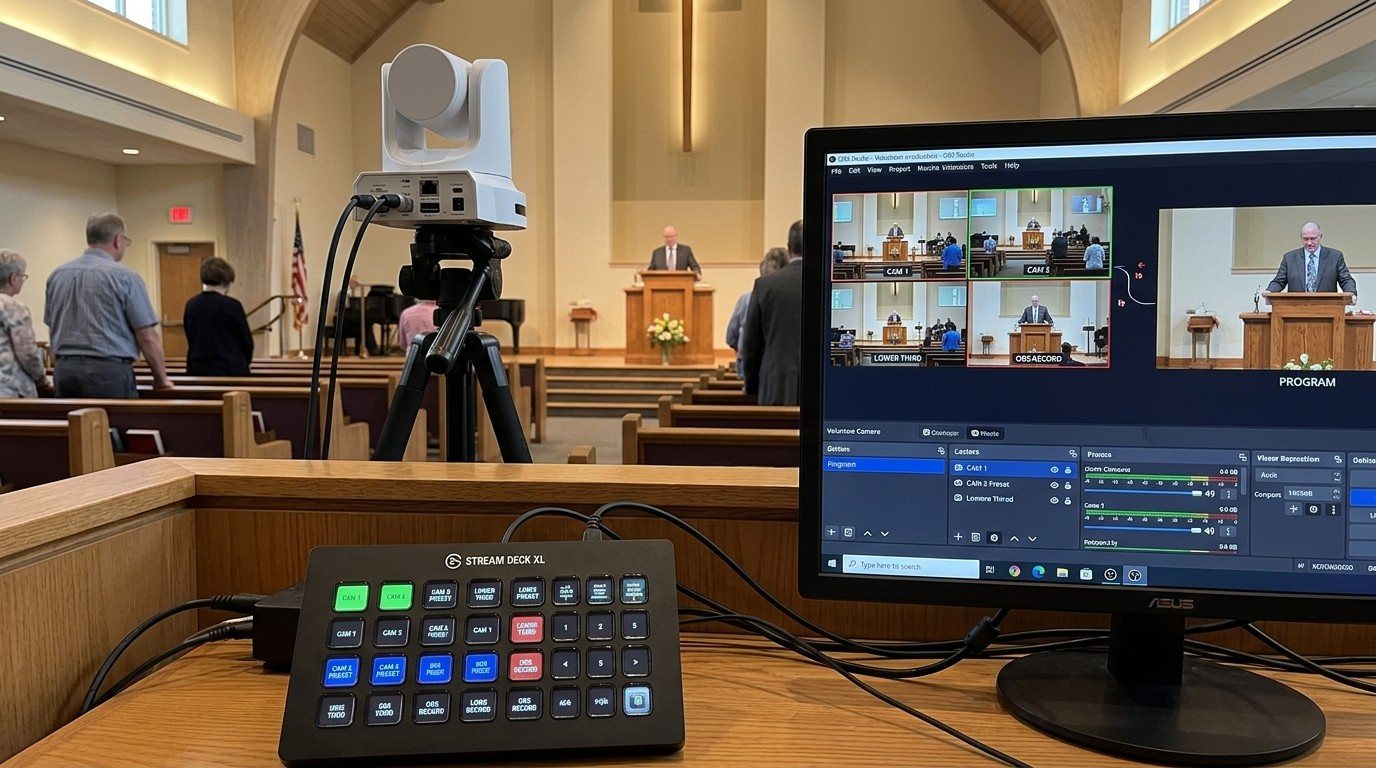
Controlling Projectors, PTZ Cameras, and Sound Boards with Bitfocus Companion
Bitfocus Companion can control far more than OBS and vMix. Projectors over PJLink, PTZ cameras over VISCA, digital sound boards over the network, and almost anything else with an IP address. Here's how churches connect the rest of the room, and how to plan a 'Start Service' button that does it all.
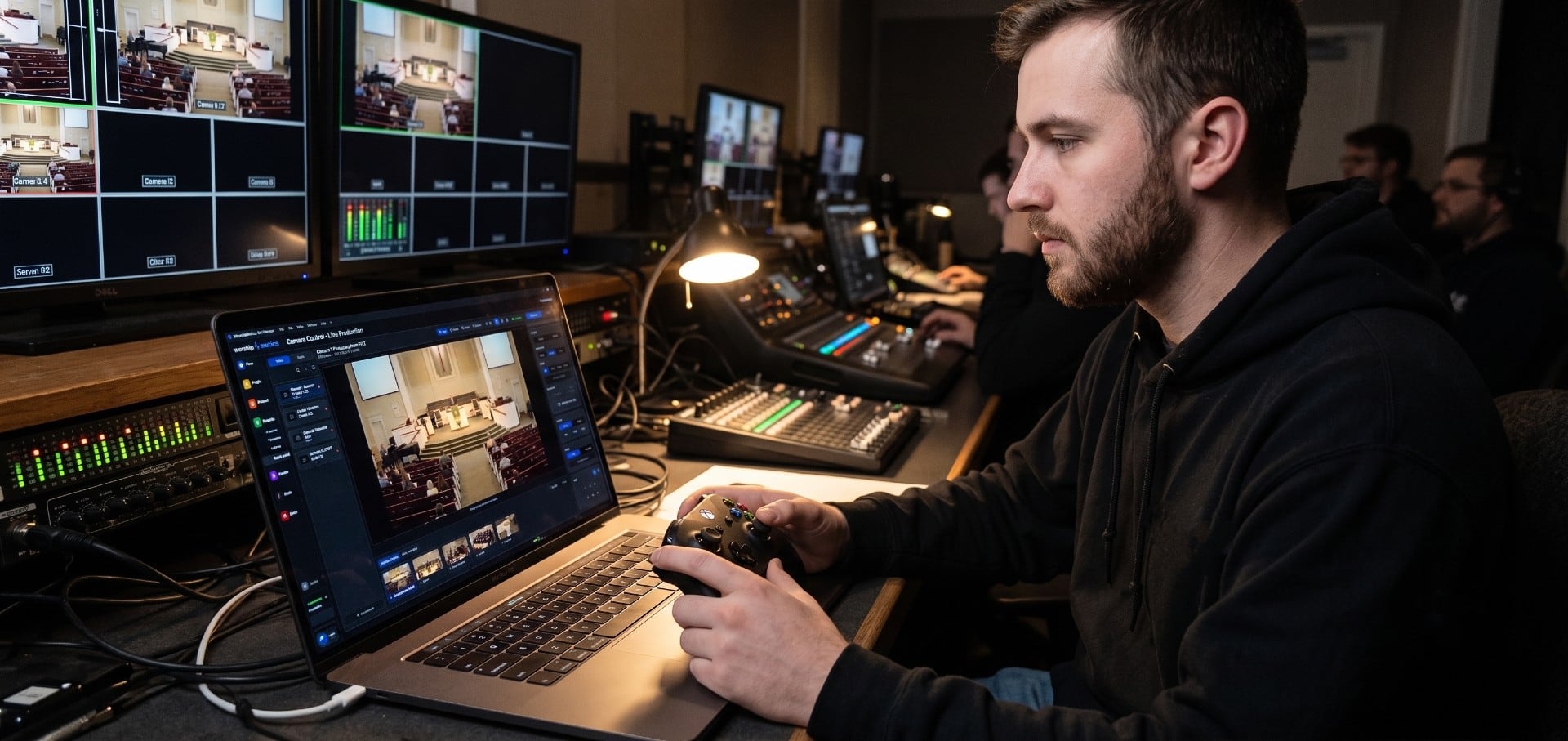
PTZ Camera Troubleshooting for Churches: The 10 Problems Behind Almost Every Sunday Failure
A symptom-first field guide to the PTZ and network camera failures church booths actually hit — cameras that vanish from the network, presets that drift, flicker under LED lighting, video lagging the audio — with fast checks for each, and the upgrades that end the guessing: a mapped system, cameras on watch, and AI that knows your wiring.
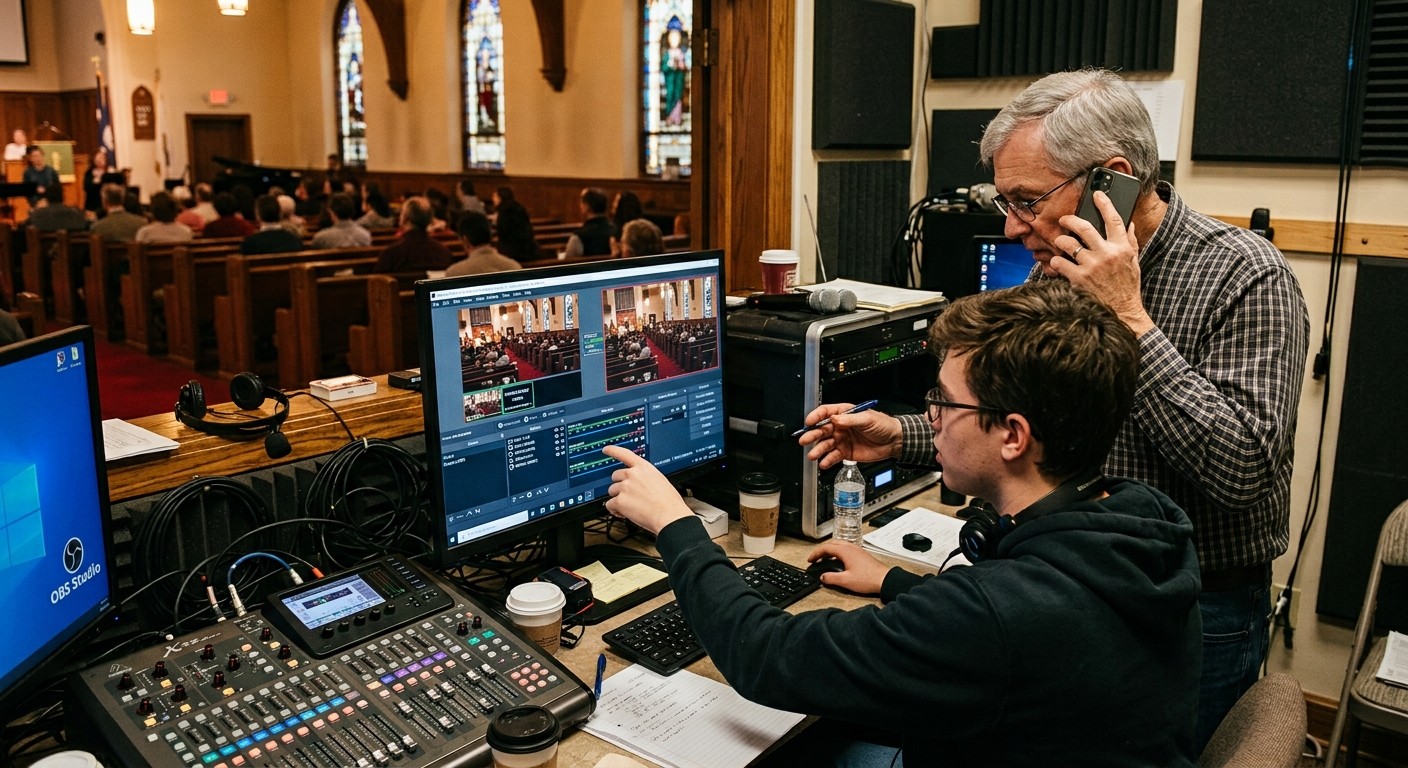
AI That Knows Your Wiring: How Luminos and Journey Actually Work
The AV manager's tour of the context architecture: how the Signal Map, live inventory, telemetry, and support history become an assistant that answers questions about YOUR booth — in the app as Luminos, on the phone as Journey.