The moment one directory becomes two congregations
The transition from one campus to two is one of the most operationally disruptive things a church can do — and almost none of the disruption shows up where you expect it. The stage gets built, the lease gets signed, the launch team gets commissioned. Then someone on staff asks a question nobody planned for: “Can I get a list of just our North Campus people?”
Suddenly every assumption baked into a single-campus directory starts to creak. Reports mix congregations. An export meant for the East Campus welcome team includes four hundred names from the original location. And if the campuses sit in different time zones, “Sunday at 9:00 AM” quietly stops meaning one thing.
This article walks through how to plan a multi-site directory — a real time zone for each campus, a clear answer to who belongs where, and the organizational patterns that decide whether a team should live at one campus or float across all of them. Separate campus support in WorshipMetrics is coming soon; the planning below is worth doing either way.
Creating campuses: one real time zone each
Each campus should carry its own IANA time zone — America/Chicago, America/Indiana/Indianapolis, Pacific/Honolulu, whatever is true for that building.
If you have not run into IANA zone names before, they are the industry-standard way of naming time zones by place rather than by offset, and the distinction matters more than it looks. A raw offset like “UTC−6” is a snapshot; an IANA zone is a rulebook. America/Chicago knows that Chicago observes daylight saving time and exactly which Sunday it springs forward. America/Phoenix knows that Arizona does not observe it at all. A church with campuses in El Paso and Phoenix is one hour apart for part of the year and zero hours apart for the rest — a fixed offset gets that wrong twice annually, and a place-based zone never does.
This is why per-campus time zones belong on the campus record and not buried in a global org setting. When each campus knows where it physically is:
- Service times mean what the people in that room think they mean, year-round.
- A multi-state church never has to do the “okay, so 9 AM their time is 10 AM our time, except in March…” arithmetic by hand.
- Anything time-anchored downstream — schedules, reminders, reports — inherits the correct local clock per site instead of one campus living in another campus’s time.
Practical advice when you create your campuses: pick the most specific IANA zone that matches the building, not the nearest big city you recognize. Indiana, Arizona, and parts of several other states have counties with their own zone entries precisely because their DST behavior differs from their neighbors. Five seconds of care here prevents a decade of off-by-one-hour confusion.
Every person belongs somewhere: campus on the profile
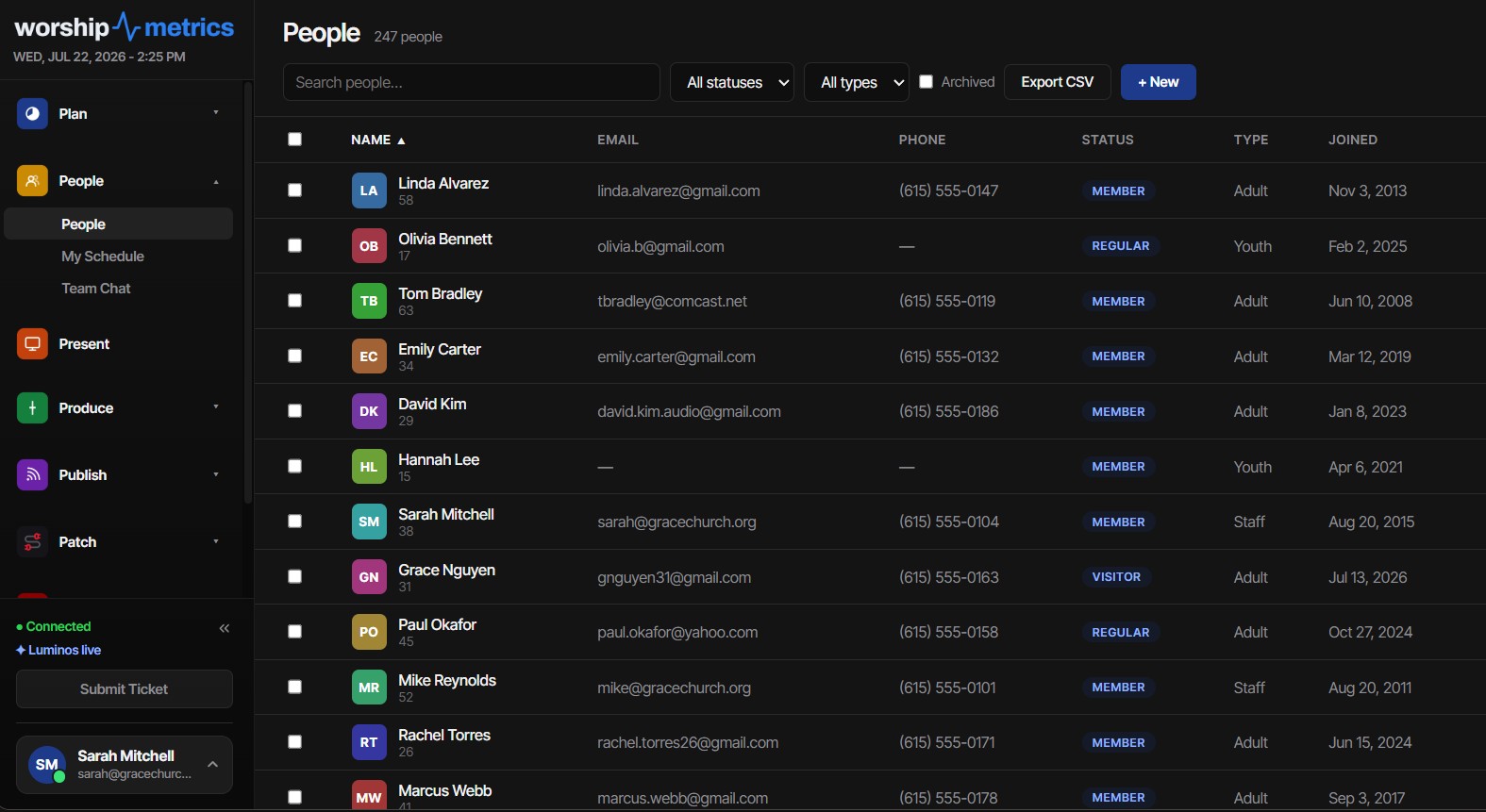
Every person in a multi-site directory should belong to a campus, recorded right alongside the fields you’d expect — name, contact details, member type, and status. That single fact is what makes everything else in this article possible: once campus lives on the person, lists can be filtered by it, imports can assign it, and exports can respect it.
A worthwhile discipline as you launch a new site: decide before launch Sunday who is moving. Walk your launch-team list and set each person’s campus as a deliberate pass, rather than waiting for attendance data to sort people organically. The directory becomes your source of truth for “who is a North Campus person” on day one — exactly when your new campus pastor needs that answer most.
The same person, different hats
Multi-site people are rarely tidy. Your worship pastor might lead at the broadcast campus and coach the team at the new site. A retired schoolteacher might coordinate greeters at one campus and simply attend the other when visiting grandkids.
Plan for that rather than forcing one flat role across the whole organization. Whatever you use to track it, write down which hat each person wears at which site, so a multi-site church can answer the two questions a flat list can’t:
- “What does this person do here?” — as opposed to somewhere in the org.
- “Who are the leaders at this campus?” — without a spreadsheet on the side.
If you are setting up staff and key volunteers across several sites, it is worth reading how logins link to directory people first — getting the login-to-person link right is the foundation everything else sits on.
Importing and exporting a growing directory
Two moments come up in every multi-site launch.
Importing. Duplicate protection matters double in multi-site imports: families that attended the original campus for years will absolutely appear on the new campus’s launch list, and the import’s dedup keys (email, then phone, then exact name) are what keep the Hendersons from existing twice. The full column vocabulary, alias matching rules, and strategy details live in the member CSV import guide.
Exporting. Exports from the People list honor exactly what is on screen — the filtered, selected rows, not the whole database. This is partly convenience and partly pastoral care: the file you hand a campus welcome-team lead should contain their people, and the rest of the congregation’s contact information should never ride along in an attachment it didn’t need to be in.
Shared versus campus-specific teams: three patterns that work
Campus structure in software is the easy half; deciding how your teams map onto campuses is the half that generates staff-meeting debates. Three patterns cover most churches:
1. Campus-specific teams (the default). Greeters, nursery, parking, hospitality — anything where the serving happens in one building for the people of that building. Build these per campus, staff them from that campus’s people, and let each site’s coordinator own their roster. This should be your starting assumption; only promote a team out of it for a reason.
2. Shared teams that travel. Many multi-site churches run one worship or production team that rotates across sites, especially in the first year of a new campus when the talent pool is thin. Keep this team org-wide rather than duplicating it per campus, and lean on scheduling rather than structure to express “who is where this Sunday.” The rhythm for staffing this well — building rosters ahead instead of week-to-week scrambling — is covered in scheduling volunteers a month at a time.
3. Central teams with campus liaisons. Finance, communications, and often the technical arts team live centrally, with one identified person per campus. The central team stays one team, with each member’s site noted on the roster. Your AV team will recognize this shape — it is the same hub-and-spoke pattern that works for equipment, covered from the hardware side in managing AV devices across multiple campuses.
Whichever mix you choose, resist the temptation to mirror your org chart perfectly into the software on day one. Start with campus-specific teams, share only what genuinely travels, and revisit after your first quarter of multi-site Sundays — the reality of who actually drives between campuses will overrule the launch plan anyway.
One directory, honestly shared
A final encouragement: multi-campus done well is still one church. Campuses are not walls between congregations — each site should see its own people clearly while the whole body stays one directory, one household model, one set of records. Because that directory is live-synced (edits made anywhere appear everywhere in about fifty milliseconds, on web and desktop alike), a family moving from the broadcast campus to the new site stays one record — not an export, an email, and a re-import between two systems that have already started to disagree.
How WorshipMetrics handles this
Today WorshipMetrics keeps one directory for your whole church: households, bulk tools, CSV import and export, and duplicate protection, for unlimited people, on every plan. Separate campus support is coming soon. The directory is covered on the People page.
Migrating Your Song Library from ProPresenter: What Carries Over
NextWhy One Bad Network Path Never Pages Your Whole Team: Multi-Observer Health
Related Articles

Making a Complicated Church AV System Easy to Run, Without Hiring an AV Company
Many church AV systems aren't too old or too small. They're too complicated for a volunteer. A simple button panel built with Bitfocus Companion can hide that complexity behind plain-word buttons, and a church can often build it themselves. Here's when that works, when to call a professional, and how to start.

Your Church Livestream Team, Connected Even When They're Not at Church
A three-person livestream team only works if everyone shares the same plan, the same wiring diagram, and the same news when something breaks. Here's how WorshipMetrics connects the director, slides, and camera volunteers through the week: chat, alerts, documentation, AI help, scheduling, and cloud control for OBS and vMix.

The Three-Person Church Livestream Team: Director, Slides, and Cameras
A church livestream runs best with three clear jobs: a director on OBS or vMix, a slides operator, and a camera operator. Here's what each role does before, during, and after the service, what skills it takes, and how the three talk to each other.