Introduction
Multi-site ministry creates technical complexity faster than most teams expect. One campus becomes two, then two becomes four, and suddenly your cameras, encoders, displays, and streaming computers are spread across multiple buildings with different volunteers, different quirks, and different levels of documentation.
At that point, device management stops being only an AV task and becomes an operational requirement for the whole organization. If your campuses cannot be seen, documented, and supported in one system, every Sunday depends on memory and luck.
Why Multi-Site AV Breaks Down
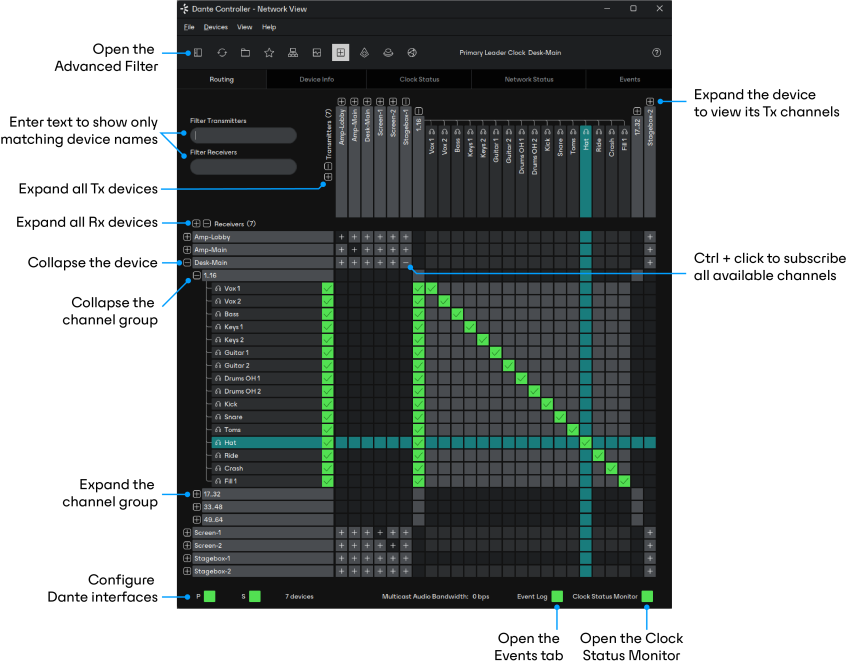
The hardware itself is rarely the hardest part. The breakdown usually comes from four recurring problems:
- no shared naming system between campuses
- no central visibility into what is online or offline
- no historical record of changes, failures, or firmware drift
- no reliable way for one support person to help another campus remotely
In a single-building environment, those problems can hide for a long time because the same people see the same equipment every week. In a multi-site environment, the gaps multiply. A volunteer at Campus B may describe a failure very differently than the person who originally set up the room, and if nothing is documented, the support conversation starts from zero.
Build a Standard Device Inventory
Every campus should use the same naming structure for cameras, switchers, streaming computers, encoders, and displays. The goal is not just neatness. The goal is making remote support and cross-campus troubleshooting possible.
A strong naming scheme answers three questions immediately:
- What kind of device is this?
- Which campus does it belong to?
- Where in that campus does it live?
For example, NST-PTZ-StageLeft-01 tells a support person much more than Camera 2. Once every campus uses the same pattern, documentation scales and volunteer handoff becomes easier.
At minimum, the inventory should include:
- manufacturer and model
- serial number or asset tag
- IP address or network identity where relevant
- physical location
- signal-path role
- firmware version
- replacement date or age estimate
If the inventory only tells you what was purchased, it is not useful enough. It should tell you how the device fits into the live system.
Separate Local Ownership from Central Oversight
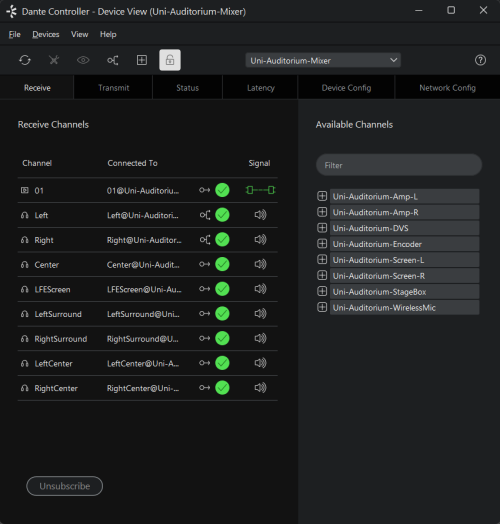
Campus teams still need local ownership. They know the room, the volunteers, the service flow, and the practical realities of that campus better than anyone else. But local ownership should not mean isolated systems.
A healthy multi-site model gives each campus operational independence while maintaining central visibility for:
- device status
- network health
- documentation
- support history
- recurring failure patterns
This is the difference between distributed ministry and fragmented operations. Distributed ministry is healthy. Fragmented operations are expensive.
Create a Repeatable Maintenance Rhythm
Regular review matters more than perfect review. The campuses with the fewest surprise failures are usually the ones with the simplest recurring maintenance rhythm, not the most sophisticated toolset.
For multi-site AV systems, that rhythm should include:
- monthly firmware review for key devices
- quarterly cable and connection checks
- regular battery and UPS inspection
- storage health review on production computers
- network speed and stability tests at each campus
- annual documentation cleanup
The most important principle is this: maintenance should be scheduled before it is needed. Waiting until a failure reveals a weakness guarantees the review is already late.
Support Volunteers with Better Context
When something fails on Sunday, volunteers need more than a laminated checklist. They need context.
They need to know:
- what device is involved
- which campus it belongs to
- whether the issue is local or affecting other campuses too
- what changed recently
- what the last successful fix was
That context dramatically shortens support conversations. Instead of spending ten minutes figuring out what “the black box by the switcher” means, your team can move immediately into diagnosis.
This is especially important in congregations where volunteer turnover is normal. Good systems preserve knowledge so the operation does not become fragile every time a key volunteer steps away.
Build a Remote Support Playbook
Multi-site support becomes far less stressful when the team already knows how remote escalation works.
Create a written playbook for questions like:
- Who is the first responder at each campus?
- What issues must be reported immediately during service?
- Which issues can wait until after service?
- What screenshots, device names, or log details should be collected first?
- Who has permission to restart devices or change settings remotely?
Without a playbook, each campus invents its own support pattern under pressure. That leads to inconsistent results and unnecessary downtime.
Watch for Drift, Not Just Failure
One of the hidden challenges in multi-site AV is configuration drift. The systems do not all break dramatically. More often, they quietly become different from one another over time.
One campus updates firmware. Another changes an OBS profile. A third replaces a cable path and never documents it. None of those changes feels major on its own, but together they turn one shared system into four slightly different systems that all need different troubleshooting.
That is why visibility matters so much. You are not only watching for hard outages. You are watching for slow divergence.
Conclusion
Managing AV devices across campuses is really about system visibility. Once equipment, people, and procedures are documented in one place, the support burden drops, consistency goes up, and volunteers stop carrying more risk than they should.
The goal is not to centralize every decision. The goal is to make every campus supportable, understandable, and stable. When that happens, your production system starts scaling with your ministry instead of fighting against it.
Related Articles
Church AV Upgrade: What to Keep and What to Replace
A church AV upgrade almost never means starting over. Here's the decision table churches use to keep the cameras and the sound board, replace the computer and the cables, and quote only what's missing.
How to Control PTZ Cameras with an Xbox Controller
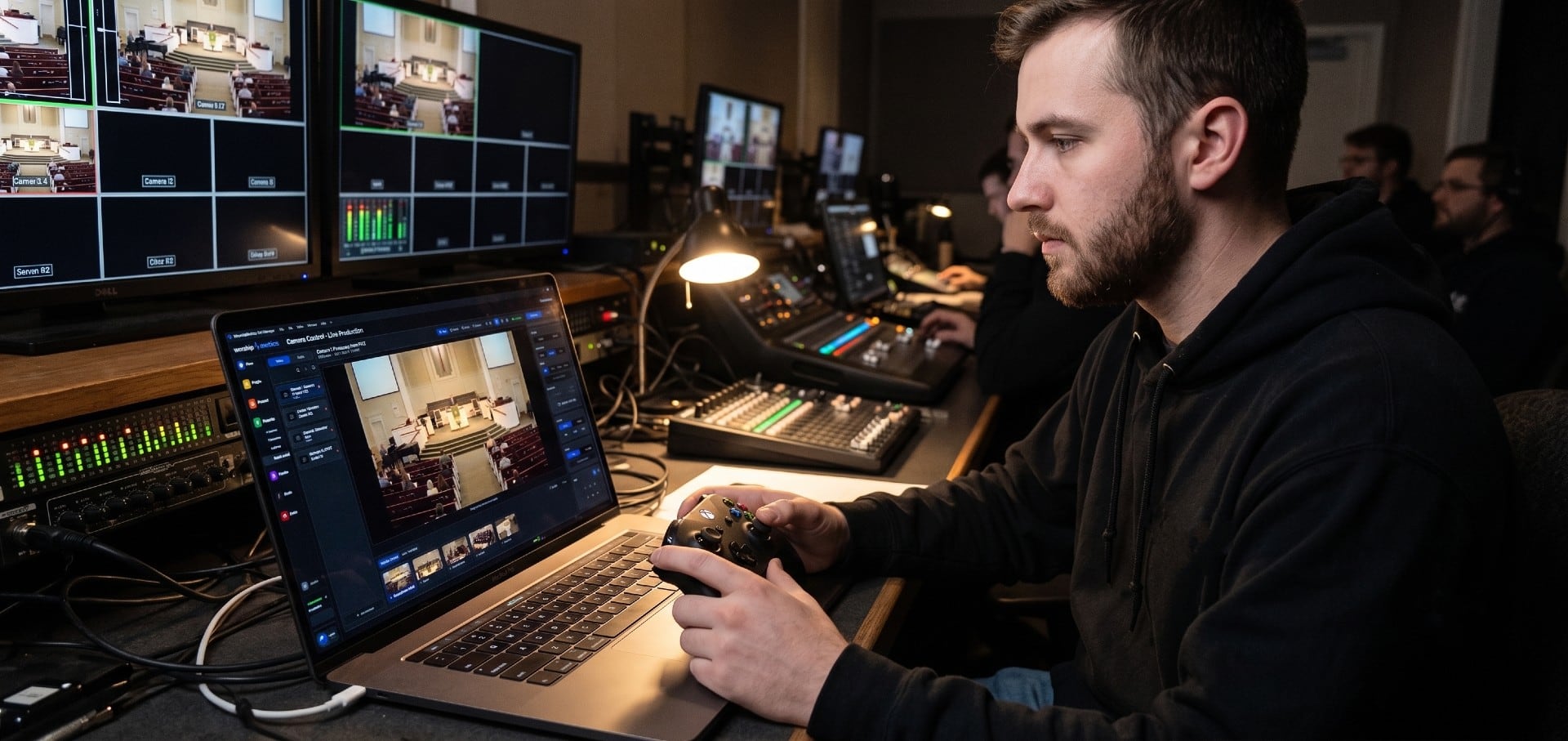
Drive your church's PTZ cameras with an Xbox controller: analog pan and tilt, zoom on the triggers, focus on the bumpers and presets on A, B, X and Y. What you need, setup step by step, the button map, and fixes when the controller doesn't respond.
Controlling Projectors, PTZ Cameras, and Sound Boards with Bitfocus Companion
Bitfocus Companion can control far more than OBS and vMix. Projectors over PJLink, PTZ cameras over VISCA, digital sound boards over the network, and almost anything else with an IP address. Here's how churches connect the rest of the room, and how to plan a 'Start Service' button that does it all.