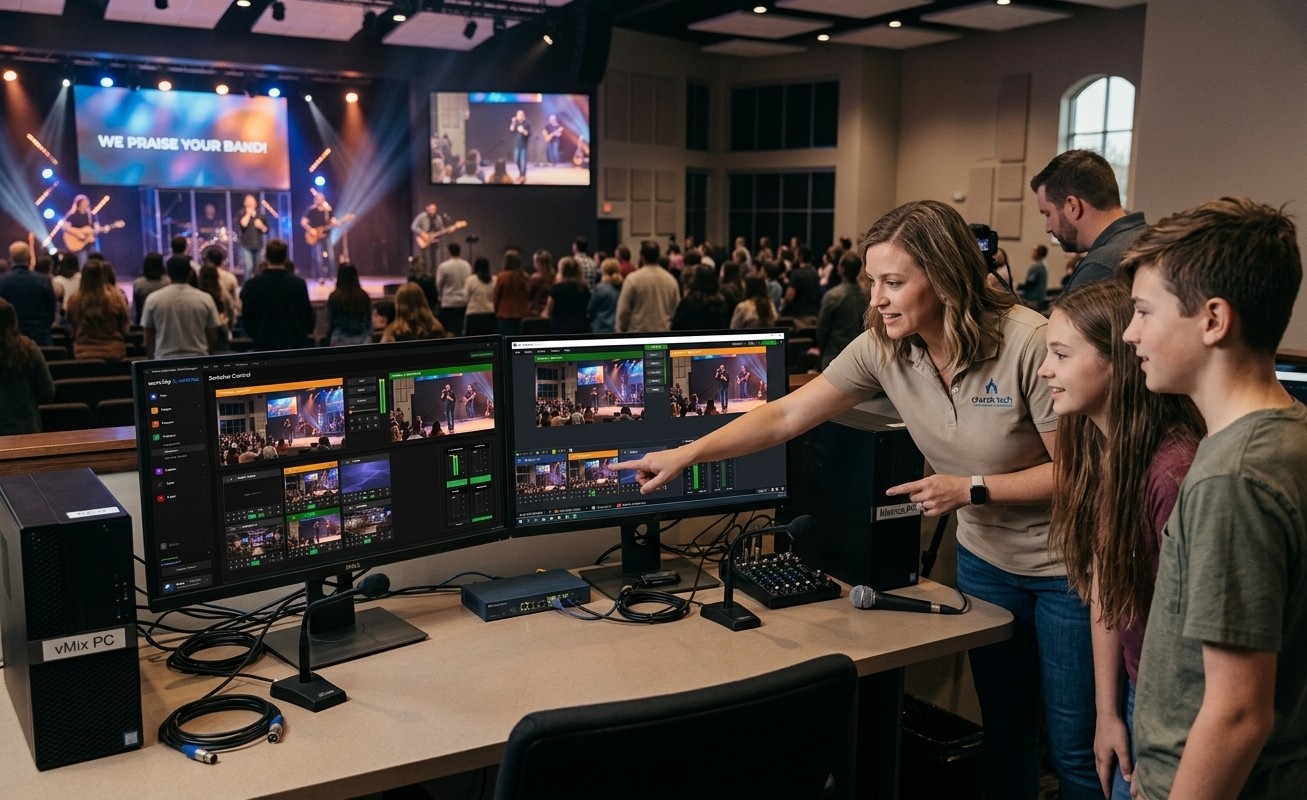
The relief hiding in the problem
Most churches don’t have a social media person. Leaders read the “post Reels consistently” advice, look around for someone to do it, find no one, and file the whole idea under someday. If that’s your church, here’s the reframe that changes everything: you were looking for the wrong person.
The reason “social media volunteer” felt like a unicorn is that the role used to require a stack of skills — video editing, an eye for moments, transcription patience, formatting know-how, and the platform sense to post it well. That’s a professional, and professionals cost money churches don’t have. But when the software finds and cuts the moments for you, that whole stack collapses to one skill: taste. And taste is common, cheap, and trainable in an afternoon.
Recruit for taste, not editing
Stop looking for someone who “does video.” Start looking for someone who has a feel — for a moment that lands, for your church’s voice, for what a friend would actually stop scrolling to watch. Two profiles fill this role beautifully:
- A student. The generation that already lives in short video thinks in Reels natively — they don’t need to be taught the format because it’s their first language. Clip review is also a perfect entry seat on the tech ministry ladder: real responsibility, low technical floor, done from a phone.
- A detail-oriented parent or member. Someone who wants a flexible, from-home way to serve — the clip review happens on their own schedule, on their couch, in the margins of a week. It’s one of the few church jobs with no Sunday-morning presence required.
The recruiting ask writes itself, and it’s the specific, named invitation that actually works: “You’ve got a great eye for this stuff — would you pick our two best moments from Sunday each week? The software already cuts them; you just choose.”
The afternoon training session
Because the software carries the craft, training is genuinely one sitting:
- Show them the ranked list. Open Worship Clips and walk through a real service’s AI-found moments — the shareability scores, the categories, the suggested hooks. The concept lands in five minutes: the computer already watched the service and flagged the good parts.
- Teach the one judgment call. Which moment fits our church? Talk through two or three examples — why this sermon point travels, why that inside-joke moment won’t land with a newcomer. This is the entire skill, and it’s a conversation, not a curriculum.
- Do one together. Pick a moment, tweak the caption from the draft, download the vertical render, post it. Watch them realize it took four minutes.
- Set the rhythm. Agree on a cadence they can sustain — two clips a week beats ten this week and none after. Point them at the volunteer’s workflow guide for reference and let them run.
That’s it. No editing software to master, no formatting to learn, no transcription to babysit.
Why this role sticks when others don’t
Volunteer roles fail when they’re vague, heavy, or lonely. Clip review is the opposite: it’s specific (pick and post), light (a couple hours, from anywhere), and visibly fruitful — the volunteer watches their pick get views, likes, and the occasional “I saw your church’s video!” That feedback loop is unusually motivating, which is why clip volunteers tend to stay. And it scales into a real ministry seat: today they pick moments, next quarter they’re thinking about campaigns and helping the church reach people it never would have.
The person you needed was never a video professional. It was someone with good instincts and two spare hours — and that person is already in your congregation. The software made the rest of the job disappear; you just have to ask them.
Next: see how students can find and share your sermon’s best moments, from church or from home, on the Youth Clip Team page.
Related questions
- How do we start a church social media presence without hiring anyone?
- Recruit for taste, not editing skill. When the platform finds the shareable moments, ranks them, and renders finished captioned clips, the volunteer's whole job is choosing which moment fits your church and posting it — a role a teenager or a busy parent can own in a couple of hours a week with an afternoon of training.
- What skills does a church clips volunteer actually need?
- Three, none of them technical: a sense for a moment that stands alone, a feel for your church's voice, and the consistency to post regularly. Video editing, transcription, and formatting are handled by the software — so you're training judgment, which almost anyone with social media instincts already has.
- Who's the ideal person to run church clips?
- Often a student — the generation that already lives in Reels and TikTok and thinks natively in short video — or a detail-oriented parent who wants a flexible, from-home way to serve. The from-home, on-your-own-schedule nature of clip review makes it one of the easiest volunteer roles to fill.
Who Answers at 8:45 on a Sunday Morning?
NextHow Do You Train Volunteers to Help with OBS?
Related Articles
A Content Engine That Stays Personal: More Clips, Better Titles, Better Thumbnails
Keeping up online means more content than most church teams can make by hand. Clipping every service, with AI help on titles, descriptions, and thumbnails, turns one sermon into a week of posts. Here's how to build a church content engine that stays personal, controllable, and true to your voice.
Which Sermons Resonate? What Clip Metrics Tell Pastors
When you clip every service, each clip becomes a small signal: what people watched, finished, shared, and came back to. Here's how pastors can read sermon clip metrics to learn what's connecting with their congregation and community, without letting the numbers write the sermon.
Which Worship Songs Does Your Congregation Love? Song Insights From Clips
Worship leaders usually choose songs by feel, familiarity, and theme. Clip metrics add another view: which songs people play again and again, at church and online. Here's how to read worship song insights to plan stronger sets, and the licensing to check along the way.