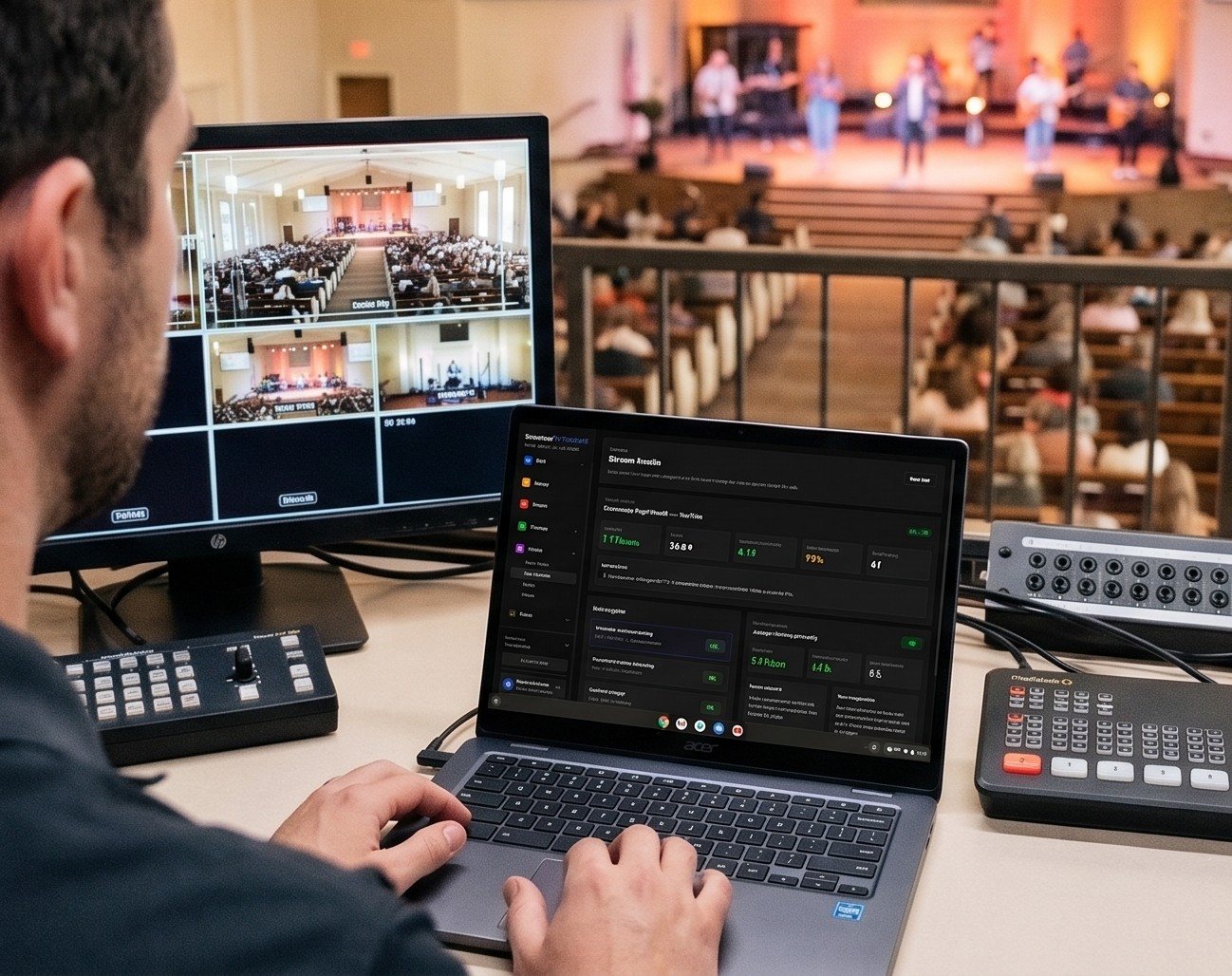
The middle third
Your livestream is 16:9: wide. Reels, Shorts, and TikTok are 9:16: tall. When you crop a horizontal frame to vertical at full height, you keep roughly the middle third of the picture and lose the rest.
That’s fine when the speaker is in that middle third. It’s a problem when:
- The shot is wide, so the speaker is a small figure in a slice of stage.
- The speaker walks from one side to the other.
- The shot is framed with the speaker off to one side for a nice livestream composition.
A few small habits on Sunday make clips much better on Monday.
Shot choices that survive the crop
- Make the medium shot your sermon shot. Chest- or waist-up framing reads as personal on a phone and crops cleanly. (See live production with PTZ cameras for setting up repeatable shots.)
- Leave room around the speaker. A slightly looser medium shot gives the crop room to follow small movements.
- Avoid tight framing on one side. If the speaker is on the left third for a nice horizontal composition, a centered crop may cut them off. You can shift the crop later, but you can’t recover a shoulder that isn’t in the frame.
- Watch the headroom. Too much space above the head looks odd in vertical; cutting off the top of the head looks worse.
Pastors who walk
Some preachers pace. That’s part of their style, and nobody should change how they preach for a camera. But it helps to:
- Have a camera operator follow smoothly with the medium shot instead of switching to a wide shot.
- Use a PTZ preset for the spot where the pastor usually lands for key points.
- Tell the pastor that the moments they deliver from one spot are the ones most likely to become clips. Many will naturally plant their feet for the big line.
What else gets cropped
Anything near the edges of the horizontal frame won’t make it into a vertical clip:
- Lower thirds and lyrics placed at the left or right will be cut off. That’s usually fine, since clips get their own captions.
- Sign language interpreters standing to the side won’t be in a centered crop. If your church provides interpretation, consider whether vertical clips should include the interpreter, and frame a version that does.
- Scripture slides behind the pastor may be partly cut. Burned-in captions carry the words instead.
Square clips are more forgiving
A 1:1 square crop keeps more of the frame than 9:16. For feed posts and moments with two people (an interview, a baptism), square is often the better choice. Make vertical and square versions of the same moment, and use whichever fits.
How Reels handles framing
Reels (formerly Worship Clips) renders each clip in vertical (9:16), square (1:1), and horizontal (16:9) from the same source, with captions and your branding. For vertical and square, you can adjust the horizontal position of the crop, so a speaker standing off-center isn’t cut in half.
Good framing on Sunday still matters most. The crop can only work with what the camera captured. Five minutes of conversation with your camera operators about “keep the pastor in a medium shot with room around them” will improve every clip you make this year.
Next: captions for sermon clips.
Related questions
- How do you get vertical video from a horizontal church livestream?
- Crop the 16:9 frame to 9:16, which keeps roughly the middle third of the picture. It works well when the speaker is framed in a medium shot with some room around them, and badly when the shot is wide or the speaker is near the edge.
- Do we need a separate vertical camera for church clips?
- Usually not. A medium shot of the speaker from your main camera crops to vertical well. A dedicated vertical camera helps only if clips are a major focus and you have the people to run it.
- What camera shot works best for sermon clips?
- A medium shot from about the waist or chest up, with the speaker reasonably centered. It reads as personal on a phone and survives the vertical crop.
Your Best Sermon Moments Are Buried in a 75-Minute Livestream
NextShould Our Church Be on TikTok?
Related Articles
A Content Engine That Stays Personal: More Clips, Better Titles, Better Thumbnails
Keeping up online means more content than most church teams can make by hand. Clipping every service, with AI help on titles, descriptions, and thumbnails, turns one sermon into a week of posts. Here's how to build a church content engine that stays personal, controllable, and true to your voice.
Which Sermons Resonate? What Clip Metrics Tell Pastors
When you clip every service, each clip becomes a small signal: what people watched, finished, shared, and came back to. Here's how pastors can read sermon clip metrics to learn what's connecting with their congregation and community, without letting the numbers write the sermon.
Which Worship Songs Does Your Congregation Love? Song Insights From Clips
Worship leaders usually choose songs by feel, familiarity, and theme. Clip metrics add another view: which songs people play again and again, at church and online. Here's how to read worship song insights to plan stronger sets, and the licensing to check along the way.