Two languages, one church
Bilingual and multilingual churches are some of the most vibrant congregations anywhere. Spanish and English. French and English. Korean and English. Haitian Creole and French. Sometimes three or more.
They also face a social media question other churches don’t: how do you share your message online when your congregation speaks more than one language?
Start with how your church actually works
Bilingual churches usually fall into one of three patterns:
- Separate services by language. A Spanish service at 9, an English service at 11.
- One service with live interpretation. The pastor preaches in one language, an interpreter repeats in another.
- One service that switches. Songs, prayers, and preaching move between languages naturally.
Your clip strategy should follow the same pattern.
One account or two?
| One shared account | One account per language | |
|---|---|---|
| Best when | Most people understand both languages, or you want one church identity | Each language community is large and mostly separate |
| Pros | Simpler to run; shows the church as one family | Each feed stays in one language; easier to reach each community |
| Cons | Some followers won’t understand some posts | Twice the accounts to maintain |
Many churches start with one shared account and add a second when one language’s audience clearly wants its own feed.
Clipping each pattern
Separate services: clip each service in its own language. The same week’s sermon may produce Spanish clips from the 9:00 service and English clips from the 11:00. Each is a natural fit for its audience.
Interpreted services: the moment usually lands best in the language the pastor spoke. If the interpreted version is clear, a second clip in the other language can reach the other half of your church. Frame interpreters in your camera shots if you want them in vertical clips. (See shooting your service for vertical clips.)
Switching services: pick moments that stay in one language from start to finish. A clip that jumps between languages is hard to follow on a phone.
Captions: one language at a time
- Caption in the language spoken. It’s what viewers expect and what the transcript provides.
- Avoid stacking two languages of captions on one small vertical screen. It’s usually too much text.
- Use each language’s Bible book names: Juan, Jean, John.
- Check names and local expressions before posting. (See captions for sermon clips.)
Serving two generations
In many immigrant churches, parents prefer the heritage language while their children and grandchildren are more comfortable in English, or move between both. Clips can serve both:
- Share the heritage-language clips where parents and grandparents spend time, often Facebook or WhatsApp groups.
- Share English or bilingual clips where younger members are, like Instagram, YouTube Shorts, and TikTok.
- Let young bilingual members help choose and caption clips. They often understand both audiences best. (See the Youth Clip Team.)
How Reels helps
Reels (formerly Worship Clips) in WorshipMetrics transcribes services in the dozens of languages AssemblyAI supports, including Spanish, French, Portuguese, Mandarin, and many more, and detects the language automatically in the cloud (in Tech Manager on the booth computer, you pick your church language instead). Captions come out in the language spoken, and clips render in vertical, square, and horizontal formats with your church’s branding.
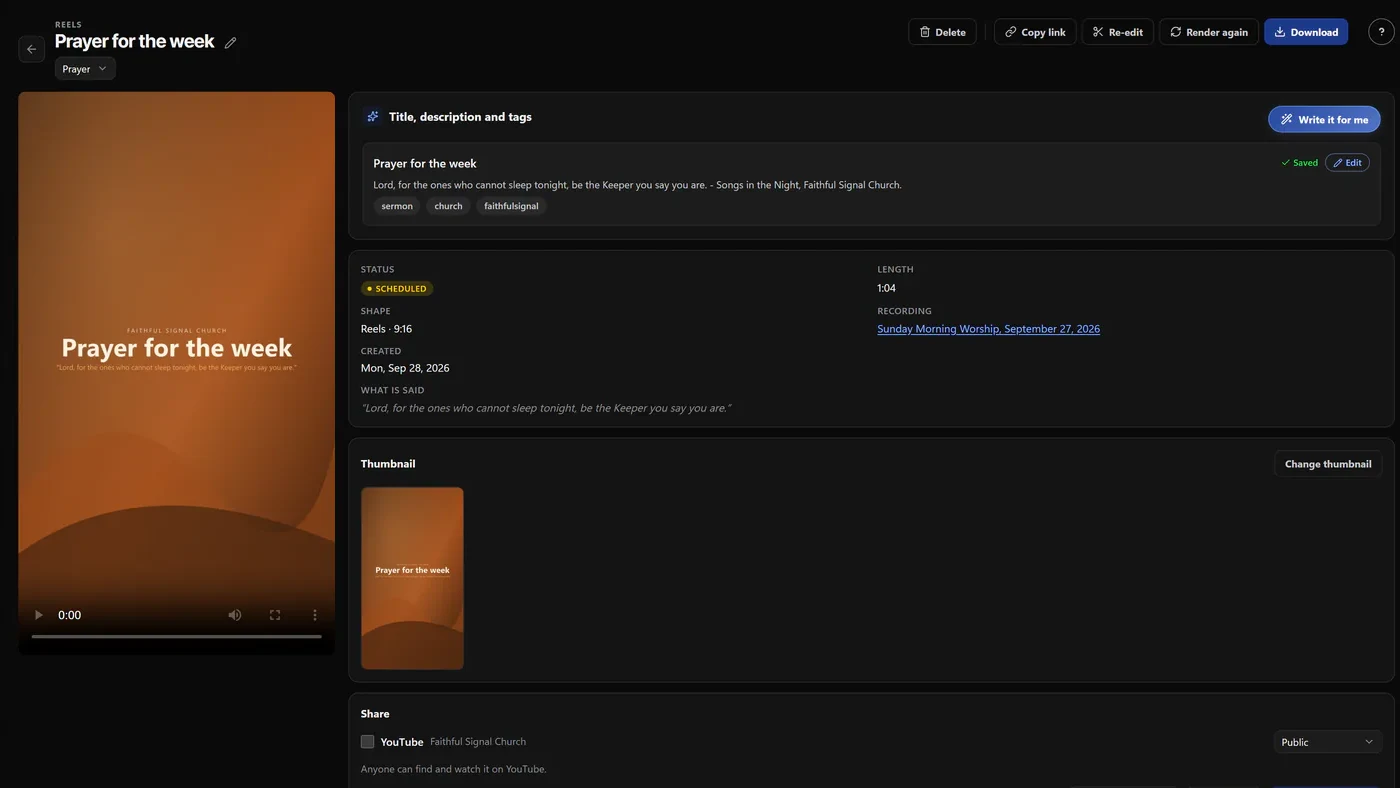
Churches are already using it beyond English. After testing Reels on a French livestream, David Roche of the Church of God in Montreal said the AI “did a pretty decent job capturing the moments” and that he’d “already found a moment I really enjoyed.” (See sermon clips in any language.)
Reels is free in Tech Manager on your church’s computer, and cloud Reels on Pro and Max lets volunteers in each language community work from home.
Related questions
- Should a bilingual church have one social media account or two?
- It depends on your audiences. One account works when most followers understand both languages or the church wants one shared identity. Two accounts work better when each language community is large and mostly separate, so each feed stays in one language.
- How should we caption sermon clips in a bilingual church?
- Caption each clip in the language that was spoken. If a sermon is interpreted live, clip the moment in the original language and consider a separate clip in the interpreted language. Avoid mixing two languages of captions on one small screen unless your audience expects it.
- Can AI clipping handle services that switch languages?
- Cloud Reels in WorshipMetrics detects the spoken language automatically and transcribes in the dozens of languages AssemblyAI supports. For services that switch languages often, review the suggested moments and captions carefully before posting.
A Biblical Case for Church Social Media
NextOne Look Everywhere: Church Branding Across Your Stream, Slides, and Clips
Related Articles
Sermon Clips That Lead Back to the Full Message
A sermon clip that ends with nowhere to go is a missed invitation. Here's how to give every clip two homes, social media for reach and your own page for depth, so a 60-second moment becomes a path to the full message, the series and a first visit.
A Content Engine That Stays Personal: More Clips, Better Titles, Better Thumbnails
Keeping up online means more content than most church teams can make by hand. Clipping every service, with AI help on titles, descriptions, and thumbnails, turns one sermon into a week of posts. Here's how to build a church content engine that stays personal, controllable, and true to your voice.
Which Sermons Resonate? What Clip Metrics Tell Pastors
When you clip every service, each clip becomes a small signal: what people watched, finished, shared, and came back to. Here's how pastors can read sermon clip metrics to learn what's connecting with their congregation and community, without letting the numbers write the sermon.