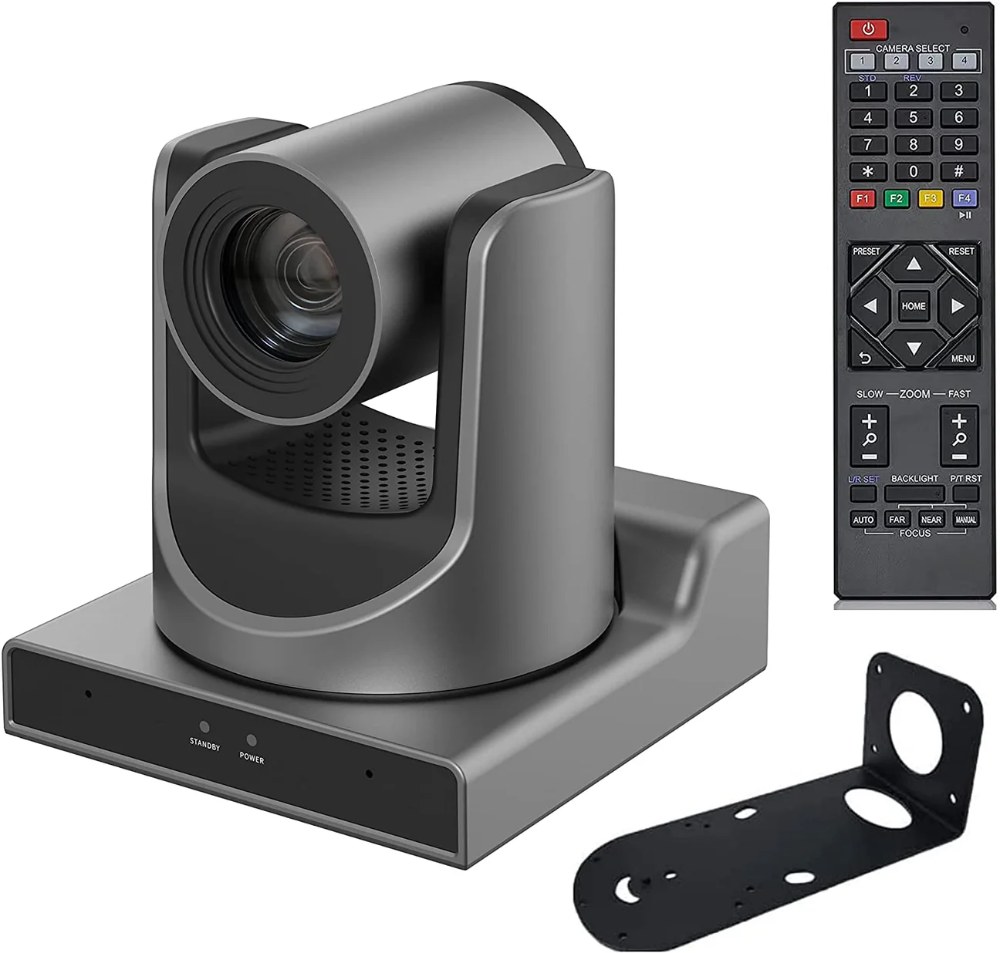
Moving from single-camera to multi-camera production transforms your church’s broadcast from a stationary view to a dynamic, professional-looking service. Multiple SMTAV BX20N cameras give you the flexibility to show wide shots, close-ups, and different angles throughout your service. This guide covers the complete multi-camera workflow.
Planning Your Multi-Camera System
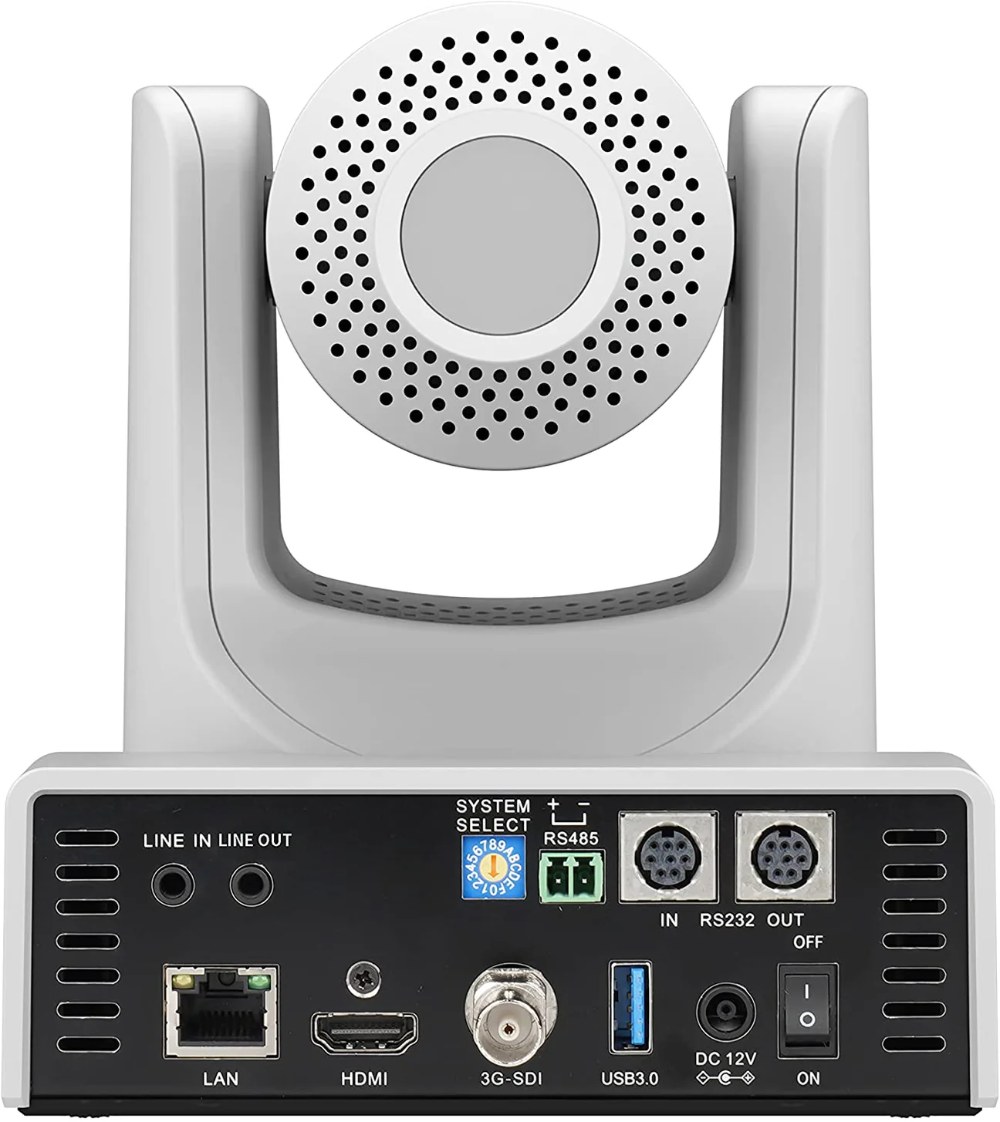
Before you purchase additional cameras, plan where they’ll be positioned and what each one will capture. Most churches benefit from three cameras: one for wide stage shots, one for close-ups of speakers, and one for worship band or congregation reaction.
Discuss camera positions with your worship leader and production team. You want positions that provide good angles without looking awkward or unflattering. Position cameras at the rear of the sanctuary for best angles to the stage, or use side positions if the rear isn’t ideal.
Consider your cables runs and network connections. Each camera needs power and Ethernet connectivity. Plan these routes early so you’re not running cables in visible or hazardous locations.
Positioning Your Cameras for Different Shots
The first camera, typically at the rear of the sanctuary, should have a wide view of your entire stage and some congregation. This is your “wide shot” camera that establishes the scene for viewers.
The second camera can be positioned slightly forward or to the side, dedicated to close-ups of speakers or musicians. This camera uses more of its zoom range to capture intimate details.
The third camera might focus on the worship band, a particular musical instrument, or the congregation. This camera provides dynamic variety and engagement with your audience.
Don’t position cameras directly above people or in ways that feel invasive. Position them high enough to have good angles but not so high they’re looking down at people’s heads.
Setting Up Presets for Each Camera
For each camera, plan what presets you’ll need during your service. If your service is 60 minutes long with different segments, you might need 8 to 12 presets across all cameras.
For a typical service structure, presets might be: Opening worship (wide stage), Worship band (band focused), Transitions (medium shots), Sermon (pulpit close-up), Congregational singing (congregation shots), Closing (wide stage). Document your preset plan before saving presets.
Position each camera carefully for each preset. Test presets in your broadcast software to ensure they look good not just in the camera’s preview but in your actual production layout. Make adjustments during rehearsal and resave presets as needed.
Coordinating Camera Movement
With multiple cameras, smooth operation requires coordination. If all cameras are moving at once, it can look chaotic. Typically, one or two cameras move at a time while others remain stationary.
Plan your camera movements in advance. Document which camera moves when and where. Your camera operator needs to know the exact sequence of movements throughout your service.
Naming Conventions for Multiple Cameras
Give each camera a descriptive name that reflects its position or primary function: “Wide Stage Camera,” “Pulpit Camera,” “Worship Band Camera.” Use these names consistently in your NDI configuration, broadcast software, and team communication.
Create a control sheet or reference document that shows each camera’s name, position, and what presets it uses. Share this with everyone who operates the cameras.
Switching Strategy and Cut Timing
Develop a switching strategy that provides visual interest without being too chaotic. Generally, you hold on one camera for 15 to 30 seconds before cutting to another. Rapid cutting can feel disorienting.
When switching between cameras, try to cut to a complementary angle. If you’re on a wide stage shot, cut to a close-up of the speaker. If you’re on a pulpit shot, cut back to a wide shot to reestablish the stage.
Avoid cutting in the middle of a sentence or musical phrase. Cut during pauses or transitions for a more natural feel.
Network Bandwidth Considerations
With multiple BX20N cameras running simultaneously, bandwidth becomes a concern. Three full-quality 1080p cameras consume about 450 megabits per second combined. A gigabit network can handle this, but you’re using nearly half the available bandwidth.
If you’re having problems with multiple cameras, reduce one or more cameras to 720p resolution or reduce frame rate from 59.94 to 30 fps. These changes reduce bandwidth while maintaining acceptable quality.
Upgrade to a managed switch with QoS if you’re running multiple cameras. QoS ensures that video traffic gets priority over office web browsing or email.
Rehearsal and Team Communication
Before broadcasting multi-camera production, rehearse with all cameras running. Have someone operate each camera while another person monitors the broadcast output for problems.
Develop hand signals or verbal commands for switching and camera movements. Clear communication prevents mistakes and helps your team work smoothly together.
Camera Operator Station and Workflow
Your camera operators need a place where they can see the current video output while operating cameras. Set up monitors or broadcast software displays so they can see what’s actually being broadcast while they operate.
Some churches give each camera operator a dedicated computer or control panel. Others use a single operator who controls all three cameras. Choose whatever setup works for your team’s size and skills.
Recording and Archival
Record the complete broadcast output from your switcher for archival. This captures all your cutting, effects, and graphics.
Additionally, record individual camera feeds if possible. This gives you clean source material for later editing or re-broadcasting individual camera angles.
Overcoming Common Multi-Camera Challenges
Many churches starting multi-camera production encounter issues. The most common is camera operator unfamiliarity with using presets and controls smoothly. This improves with practice and rehearsal.
Another challenge is network congestion when multiple cameras run. This usually improves when you upgrade your network switch or reduce camera resolution.
A third challenge is the learning curve for broadcast software control. Make sure your operators practice regularly and have good documentation of preset positions and switching sequences.
Advanced Techniques as You Grow
As your team becomes comfortable with multi-camera production, explore advanced techniques. Picture-in-picture displays can show multiple cameras simultaneously. Automated camera movements can trigger preset recalls at specific times during your service.
Some churches use switching control software that automates preset recalls based on a pre-planned schedule. This advanced setup is beyond basic multi-camera operation but provides impressive results.
Documentation and Knowledge Sharing
Document everything about your multi-camera setup. Create diagrams showing camera positions and viewing angles. Document preset positions and what each camera’s presets are for.
Record your knowledge in a manual that new operators can reference. Include troubleshooting tips and emergency procedures.
Conclusion
Multi-camera production with SMTAV BX20N cameras elevates your church’s broadcast to a professional level. With proper planning, network infrastructure, and team training, you can create engaging, dynamic video that draws viewers into your service. The investment in multiple cameras and infrastructure pays dividends through improved broadcasts and deeper audience engagement.