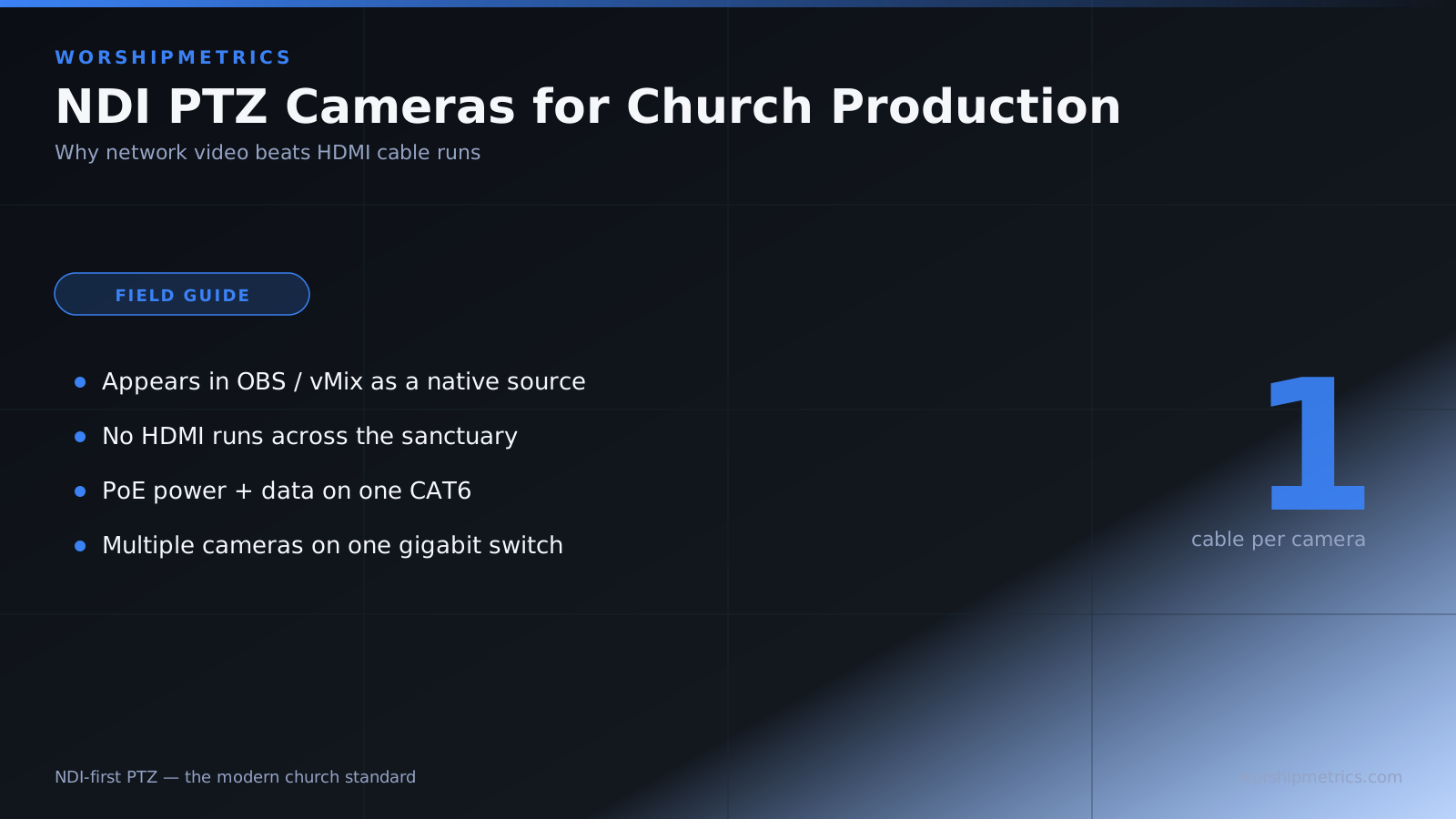
Network Device Interface (NDI) is a modern video transmission standard that many churches are adopting because of its advantages for broadcast infrastructure. Unlike traditional HDMI which requires physical cables running across your sanctuary, NDI sends video over your existing network. This guide explains why NDI matters for church production and what advantages it offers.
What is NDI?
NDI is a modern video protocol developed by NewTek/Vizzt that sends broadcast-quality video over standard network connections. Each NDI device appears as a source in broadcast software like OBS or vMix, and video is transmitted in real-time over your network.
NDI is royalty-free, meaning anyone can use it. Most major broadcast software (OBS, vMix, Wirecast, etc.) supports NDI, making it a practical choice for modern church productions.
Advantages Over HDMI
HDMI requires physical cables running from the camera to your switcher or broadcast computer. In a church sanctuary, these cables need to be routed carefully to avoid creating visual clutter or tripping hazards.
NDI eliminates physical cables between the camera and broadcast station. Video travels over your existing network, requiring only Ethernet cables you already have for network connectivity. This simplicity is particularly valuable in large sanctuaries where long HDMI runs would be necessary.
Infrastructure Requirements
NDI requires a network infrastructure that most modern churches already have. You need a gigabit Ethernet switch, network cables, and broadcast software that supports NDI.
You don’t need specialized video infrastructure. Your church’s standard office network can carry NDI video if it has adequate bandwidth and proper configuration.
Bandwidth Efficiency
Each NDI camera uses approximately 150 megabits per second of bandwidth. While this is substantial, it’s much less than streaming the same video over the internet. A gigabit network can handle multiple NDI cameras simultaneously while leaving adequate bandwidth for office work.
If bandwidth becomes constrained, you can reduce camera resolution or frame rate to fit within available bandwidth without losing acceptable video quality.
Network Discovery and Auto-Sensing
One of NDI’s most convenient features is automatic discovery. When you open OBS or vMix and add an NDI source, available cameras appear in a list automatically.
You don’t need to manually enter IP addresses or configure complex network parameters. The discovery process is handled automatically, making NDI camera integration nearly as simple as HDMI.
Flexibility and Multi-Destination Streaming
With NDI, your camera can simultaneously feed multiple destinations. You might have OBS recording video while vMix switches between cameras and a secondary system archives footage.
This flexibility is impossible with HDMI where a single cable feeds one destination. NDI’s network-based approach allows true multi-destination streaming.
Lower Latency Than Streaming
NDI’s latency (the delay between the camera moving and the picture updating in your broadcast software) is typically 50 to 100 milliseconds. This is much lower than streaming protocols like RTMP or HLS, making NDI feel responsive and immediate.
For camera operation, low latency means the camera operator gets immediate feedback on their movements, making the camera feel responsive and natural to control.
Comparison to RTSP and Streaming Protocols
RTSP (Real Time Streaming Protocol) is an alternative network video protocol supported by some cameras and software. RTSP works well but doesn’t have the automatic discovery that NDI offers.
Streaming protocols like RTMP (used for YouTube/Facebook streaming) have high latency and are intended for internet distribution, not local camera control. For local broadcast workflows, NDI is superior.
Network Requirements
A stable gigabit network is essential for reliable NDI operation. Your church network switch should be a modern gigabit switch with adequate ports.
Managed switches with Quality of Service (QoS) capabilities are ideal for multi-camera deployments. QoS ensures that video traffic gets priority, maintaining quality even when other network activities spike.
NDI and Firewall Considerations
Some firewalls block NDI’s multicast discovery protocol. If your church has a sophisticated firewall, ask your IT administrator to verify that NDI traffic isn’t being blocked.
In most cases, standard office firewalls don’t interfere with NDI, but it’s worth checking if you encounter NDI discovery problems.
Future Scalability
As your church’s production grows, NDI scales easily. Add more NDI cameras without worrying about where to route physical cables. Add new broadcast software and destinations without HDMI routing complexity.
NDI’s network-based approach supports future expansion in ways HDMI can’t match.
Cost Considerations
NDI cameras are comparable in price to equivalent HDMI cameras. The real cost savings come from simplified infrastructure—you don’t need long HDMI cables, HDMI extenders, or complex cable management.
For larger deployments, NDI can be significantly cheaper because your network infrastructure can replace specialized video infrastructure.
Reliability and Redundancy
If an NDI camera connection fails, you can quickly disconnect and reconnect the camera on the network. There’s no physical cable connection to troubleshoot—just verify that the camera is powered on and connected to the network.
Some sophisticated productions use redundant network connections for additional reliability, something that’s difficult with HDMI.
NDI Ecosystem
NDI is supported by major broadcast software and manufacturers. OBS, vMix, Wirecast, DaVinci Resolve, and many other tools support NDI.
Hardware manufacturers including Minrray, SMTAV, FoMaKo, and others support NDI. The NDI ecosystem is large and growing, ensuring that your investment in NDI-based equipment remains valuable.
Adopting NDI in Your Church
If your church is building a new broadcast infrastructure, NDI should be your first choice. The simplicity of network-based distribution and automatic camera discovery make NDI ideal for churches.
Even if you’re upgrading an existing HDMI-based system, consider adding NDI cameras alongside HDMI cameras during your transition. You can gradually move to NDI-based infrastructure without abandoning existing equipment.
Conclusion
NDI represents the future of broadcast video infrastructure. For churches, NDI provides simplicity, flexibility, and scalability that traditional HDMI can’t match. Whether you’re building a new broadcast system or upgrading an existing one, seriously consider NDI-based PTZ cameras. Your church’s production quality and operational flexibility will benefit from this modern approach.