The Teradek VidiU X supports streaming to multiple platforms simultaneously from a single HDMI input. This is ideal for churches wanting to reach YouTube and Facebook audiences in one broadcast, or for distributing streams to multiple campus locations via custom RTMP servers. This article covers configuring multiple destinations and managing the bandwidth implications.
Why Stream to Multiple Destinations
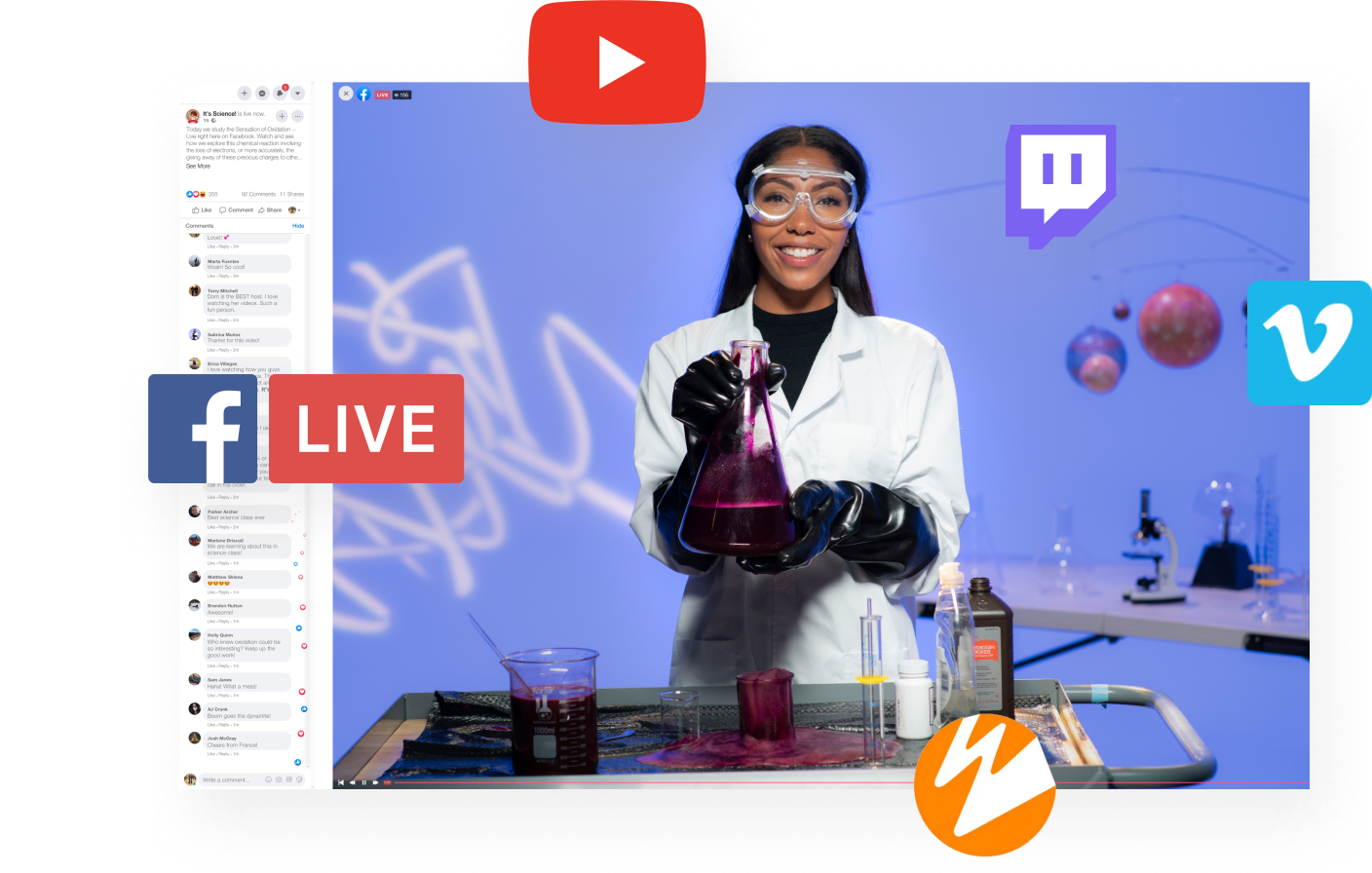
YouTube and Facebook serve fundamentally different audience segments and provide different engagement models. YouTube is excellent for archiving and discoverability—viewers find your content through search, recommendations, and subscriptions. Facebook is better for community engagement—existing page members receive notifications and can comment in real-time.
By streaming to both simultaneously, you maximize reach without duplicate encoding or multiple hardware units. Your single VidiU X encodes the video once and sends it to multiple platforms. This efficiency makes multi-destination streaming practical even for smaller churches.
Adding YouTube as Your Primary Destination
Start by configuring YouTube as your first destination. Log into your YouTube account and navigate to Creator Studio. Find the Live Streaming settings and copy your unique stream key.
In the VidiU X’s web interface (or through Teradek CORE if you prefer cloud management), navigate to Streaming or Destinations. Click Add Destination. Select RTMP as the protocol. Paste the YouTube stream URL (rtmp://a.rtmp.youtube.com/live2/) and your stream key.
Name this destination clearly—“YouTube Live” or “YouTube Main” so it’s easy to identify if you add more destinations. Save the configuration.
Test the YouTube connection by starting the stream and checking that your video appears in YouTube Creator Studio within 15-30 seconds. Verify video and audio quality look appropriate. Stop the stream when testing is complete.
Adding Facebook as Your Second Destination
With YouTube confirmed working, add Facebook as your second destination. Log into Facebook with your church’s page account and navigate to your Live Video settings. Copy the stream URL (typically rtmps://live-api-s.facebook.com:443/rtmp/) and your stream key.
Back in the VidiU X, click Add Destination again. Select RTMP (or RTMPS if your configuration requires it—Facebook’s default now uses RTMPS for security). Paste the Facebook URL and stream key. Name it “Facebook Live.”
Test this connection independently before combining with YouTube. Start streaming, verify it appears on Facebook, stop the stream.
Simultaneous Multi-Platform Streaming
With both YouTube and Facebook destinations configured, streaming to both simultaneously is as simple as clicking Start Streaming once. The VidiU X automatically initiates connections to both platforms and begins sending the same encoded stream to each destination.
Monitor your destinations in the VidiU X’s dashboard or in Teradek CORE. Both should show “Connected” status within 30 seconds. If either shows “Connecting” or “Error,” the authentication likely failed. Verify the stream key is current and correctly entered.
Open both YouTube Creator Studio and Facebook in separate browser windows. Confirm your video appears on both platforms simultaneously. You might notice slight timing differences (one platform might be 2-3 seconds ahead of the other) due to platform-specific buffering and processing—this is normal and imperceptible to most viewers.
Dual-platform streaming does consume more bandwidth, but not in the way many assume. The VidiU X encodes your video once and sends that single encoded stream to multiple destinations. The total bandwidth is the sum of the bitrates sent to each destination, not a multiplicative increase.
If you’re streaming 1080p at 6000 kbps to YouTube and 6000 kbps to Facebook, your upload connection is sustaining 12,000 kbps (12 mbps) total. Test this before committing to dual-platform streaming during critical services. Verify your upload bandwidth can handle the combined load.
Adding Additional Destinations
Beyond YouTube and Facebook, the VidiU X supports adding additional RTMP destinations. Some churches also stream to Twitch, Vimeo Live, their own website via a Wowza server, or to other campus locations.
Each additional destination increases bandwidth consumption. Before adding a third destination, ensure your upload bandwidth can handle the combined bitrate. If you’re at the limits of your bandwidth with YouTube and Facebook, adding Twitch at 6000 kbps would create an unsustainable load.
You can mitigate this by assigning different bitrates to different destinations. For example, YouTube at 1080p6000kbps, Facebook at 1080p5000kbps, and an internal campus server at 720p3000kbps. The VidiU X encodes each destination separately at its configured bitrate, though the cumulative bandwidth impact is still the sum of all destinations.
Custom RTMP Servers and Campus Distribution
Beyond public platforms, the VidiU X can stream to custom RTMP servers. This is valuable for multi-campus distribution where you want to deliver the main service feed to satellite locations without relying on YouTube’s processing.
Your IT team might set up a Wowza Streaming Engine server or similar RTMP receiver at each campus. Configure the VidiU X to stream to these servers using custom RTMP URLs provided by your IT team. Instead of your satellites pulling from YouTube (with inherent delay), they receive the stream directly from your main venue with minimal latency.
Custom RTMP destination setup is identical to YouTube/Facebook setup—you simply provide the server URL and stream key instead of a platform URL. Your IT team will provide these credentials.
Managing Bandwidth for Multiple Destinations
Before rolling out multi-destination streaming, run a complete bandwidth audit. Use an online speed test tool to measure your actual upload bandwidth. Don’t rely on your provider’s advertised speeds—measure what you actually get.
If your upload is 10 mbps, you can comfortably stream to YouTube and Facebook simultaneously at 5000 kbps each (10 mbps total). This leaves 0 mbps headroom, though, so any network fluctuation will cause issues. Reduce to 4000 kbps each for stability.
If your upload exceeds 20 mbps, you can stream at higher quality or add more destinations without concern.
Run actual tests before a critical service. Stream to all your configured destinations for 30 minutes, monitor your upload bandwidth in use, and watch for dropped frames or quality issues. If everything remains stable, you’re ready for production use.
Failover and Redundancy Considerations
Multi-destination streaming provides inherent redundancy. If YouTube becomes temporarily unavailable (rare but it happens), your Facebook stream continues uninterrupted. Viewers on Facebook see your service normally while you investigate YouTube.
Some VidiU X configurations and Teradek CORE plans support active failover—if a primary destination disconnects, the encoder automatically attempts the backup destination. Check your VidiU X’s documentation to see if this feature is available.
For maximum resilience, some churches configure YouTube as the primary public destination (with archives searchable and discoverable) and Facebook as the secondary engagement destination. Both receive the full stream continuously.
Platform-Specific Considerations
YouTube and Facebook have slightly different requirements and behaviors. YouTube prefers constant bitrate (CBR) encoding, while Facebook is more flexible. The VidiU X uses CBR by default, which works well on both platforms.
YouTube may request a brief preview period before you go fully live—you’ll see an option in Creator Studio to verify your video. Use this preview to confirm quality and audio levels before officially going live.
Facebook allows you to save a draft stream (pre-configured but not live) and go live when ready. Some churches prefer this for control and flexibility.
Both platforms benefit from a title, description, and thumbnail that are set before streaming. Do this well before your broadcast so viewers understand what they’re watching and are more likely to engage.
Testing and Optimization
Document your multi-destination configuration and test it weekly before important services. Verify both YouTube and Facebook connections work, that video quality is appropriate, and that bitrate stability meets your requirements.
If you encounter issues with one destination, you can temporarily disable it (remove it from the active destinations list) and rely on the other while troubleshooting. The VidiU X continues streaming to the remaining destinations without interruption.
Keep your stream keys secure. Don’t share them in public settings or unencrypted channels. If a stream key is accidentally exposed, regenerate it immediately in the platform’s settings and update your VidiU X.
Multi-destination streaming transforms your single encoder into a powerful, efficient tool for reaching multiple communities simultaneously. With proper bandwidth planning and testing, it’s a reliable addition to any church’s streaming toolkit.