
The Roland V-1HD has built-in transition effects beyond the basic cut and fade. You can use wipes, pushes, and other effects to create visual interest and signal to your congregation that something in the service is changing.
This guide covers using transitions effectively without overdoing them.
Understanding Transition Types
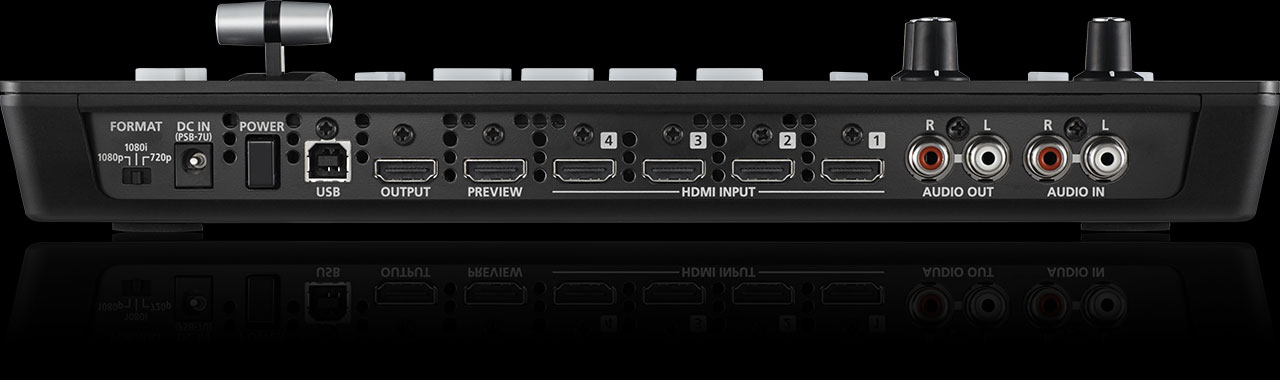
A cut is an instant switch from one camera to another with no transition. This feels sharp and immediate, good for breaking news moments or quick changes.
A mix (fade) gradually blends from one camera to another over a second or two. This feels smooth and is appropriate for most worship service transitions.
A wipe uses a line or shape that moves across the screen, replacing the outgoing camera with the incoming camera. Wipes feel more dramatic and are useful for opening moments or special effects.
A push makes the new camera appear to push the old camera off screen. Pushes feel dynamic and work well for building energy or dramatic moments.
Selecting Transitions on the V-1HD
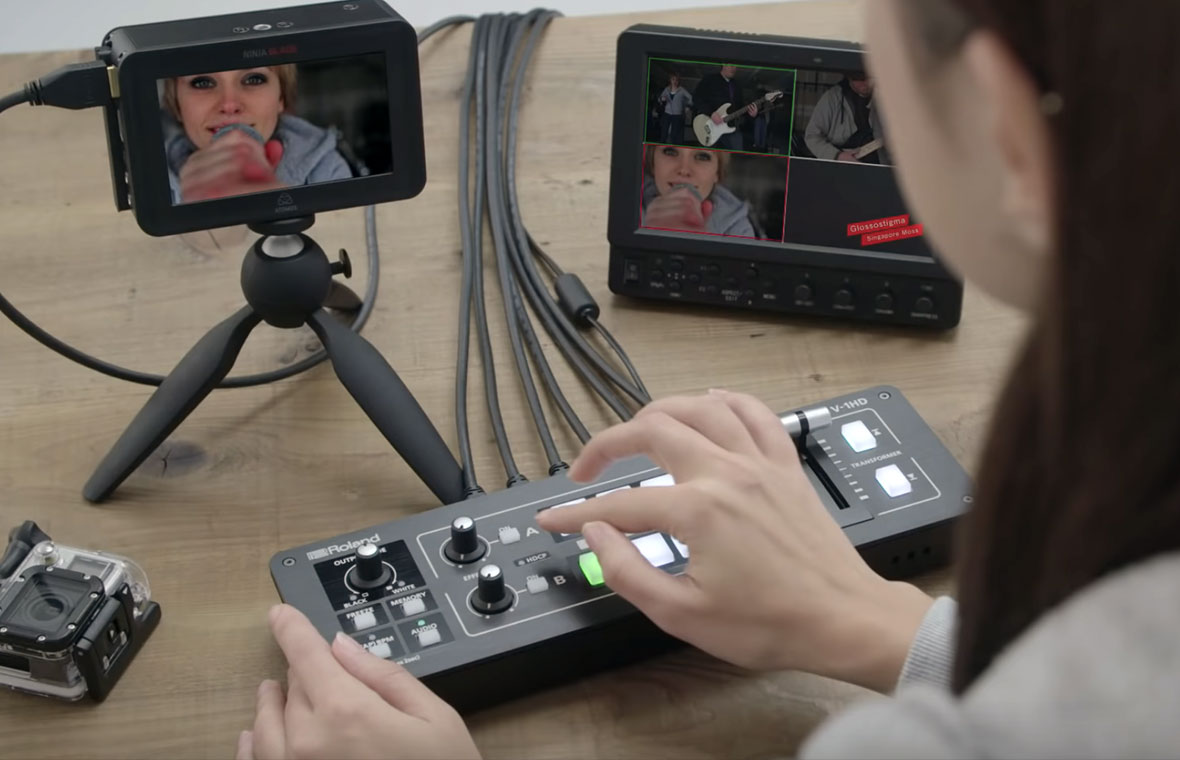
The Roland V-1HD has buttons for different transition types. Press a transition button to select which effect will apply when you move the T-bar. Then select your new camera and move the T-bar to execute the transition with that effect.
The T-bar controls transition speed. Push it slowly for a long transition, quickly for a snappy transition.
Transitions for Different Worship Moments
For opening moments, use a wipe or push to signal that something is starting. A slow, smooth wipe looks professional and intentional.
For camera-to-camera switches during the sermon or announcements, use a mix or cut. Cuts are faster and feel more conversational. Mixes are smoother and feel more polished.
For transition between song and sermon, use a wipe or push to signal a change in mood.
For prayer moments, use a slow mix or fade to create a contemplative feeling.
For closing moments, use a wipe or push in reverse, creating a sense of resolution.
T-Bar Speed and Transition Duration
The speed at which you move the T-bar determines the transition duration. For a fast cut-like effect, snap the T-bar quickly. For a slow, smooth transition, move it slowly and deliberately.
Practice getting consistent with your T-bar speed. Fast transits should take under half a second. Medium transitions should take about 1–2 seconds. Slow transitions might take 3–5 seconds.
Avoiding Overusing Effects
Transitions are powerful, but overusing them makes your broadcast feel busy and unprofessional. Here’s a useful rule: use 80% cuts or mixes, 20% wipes or pushes.
Most of your camera switches should be simple and transparent. Reserve wipes and pushes for moments where you want to draw attention to a change.
Common Transition Mistakes
Mixing transitions randomly (cut, then wipe, then push) looks chaotic. Pick one or two transitions and use them consistently throughout your service. This creates visual consistency.
Using very slow transitions for every switch makes the broadcast feel sluggish. Reserve slow transitions for moments where you want a contemplative or ceremonial feel.
Using dramatic transitions during mundane moments (switching to the announcements slide) makes the effect feel arbitrary and undercuts its impact.
Transition Timing and Service Flow
Think about your transition choices in the context of your service flow. Opening moment: use a dramatic wipe to signal “we’re starting.” Song: use a mix or cut as you switch between the worship leader and band. Sermon: use cuts for quick, responsive switches. Prayer: use a slow mix for contemplation. Closing: use a wipe to signal “we’re ending.”
This intentional use of transitions adds a layer of professionalism to your broadcast. Your congregation (whether watching in person or online) unconsciously perceives the transitions as part of the service design.
Transition Effects in Post-Production
Even if you’re not using effects during the live broadcast, OBS lets you add transitions between scenes in post-production. You could stream the raw camera feed via the Roland V-1HD, then add transitions in OBS or re-edit later in post-production.
This gives you flexibility: operate the V-1HD simply during the broadcast, then polish the final product with effects during editing.
Testing Transitions Before Service
Before your first service using various transition effects, practice with your team. Have someone operate the T-bar while you watch the small preview screen on the V-1HD and observe how each transition looks.
Get a feel for T-bar speed and how to control transition duration. Practice a few times until you’re confident.
Your Transition Philosophy
Develop a consistent approach to transitions that matches your church’s style. Some churches prefer minimal effects and rely mostly on cuts and mixes. Others use more effects and wipes.
Neither approach is wrong—it’s a matter of style. The key is being intentional and consistent. Your congregation will perceive your broadcast as more professional if transitions are purposeful and not random.
The Roland V-1HD’s built-in effects give you the tools to create a visually polished broadcast. Use them strategically, and they enhance the viewer’s experience. Overuse them, and they become a distraction.
Think of transitions like punctuation in writing. A period is essential, a comma is common, and an exclamation mark is powerful but should be used sparingly. Your transitions work the same way—builds, mixes, and pushes in their place, but mostly straightforward cuts and fades that keep the focus on your message, not the technology.