The Roland V-02HD is a two-camera switcher—the most compact option in the Roland line. It’s ideal for small churches with just two cameras, or for side rooms in larger churches where you need basic switching capability without the cost and complexity of a larger switcher.
This guide covers the minimal setup needed to get the V-02HD running.
Physical Setup
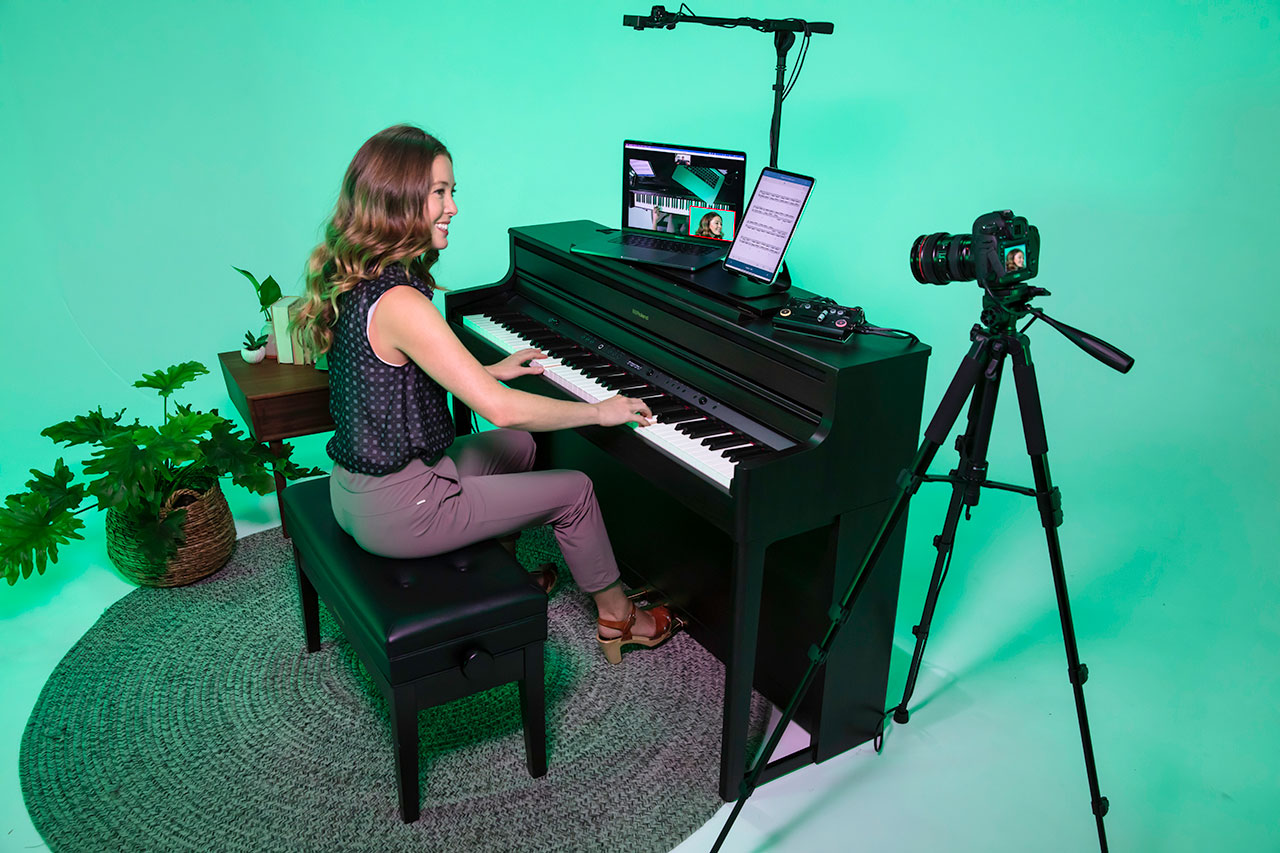
The Roland V-02HD has two HDMI inputs. Connect your two cameras or video sources. Connect HDMI output to a capture card or monitor. Connect audio input if you want audio embedded in the output.
The entire device is smaller than a large tablet. It’s portable and lightweight, making it suitable for multipurpose rooms or traveling between locations.
Basic Operation
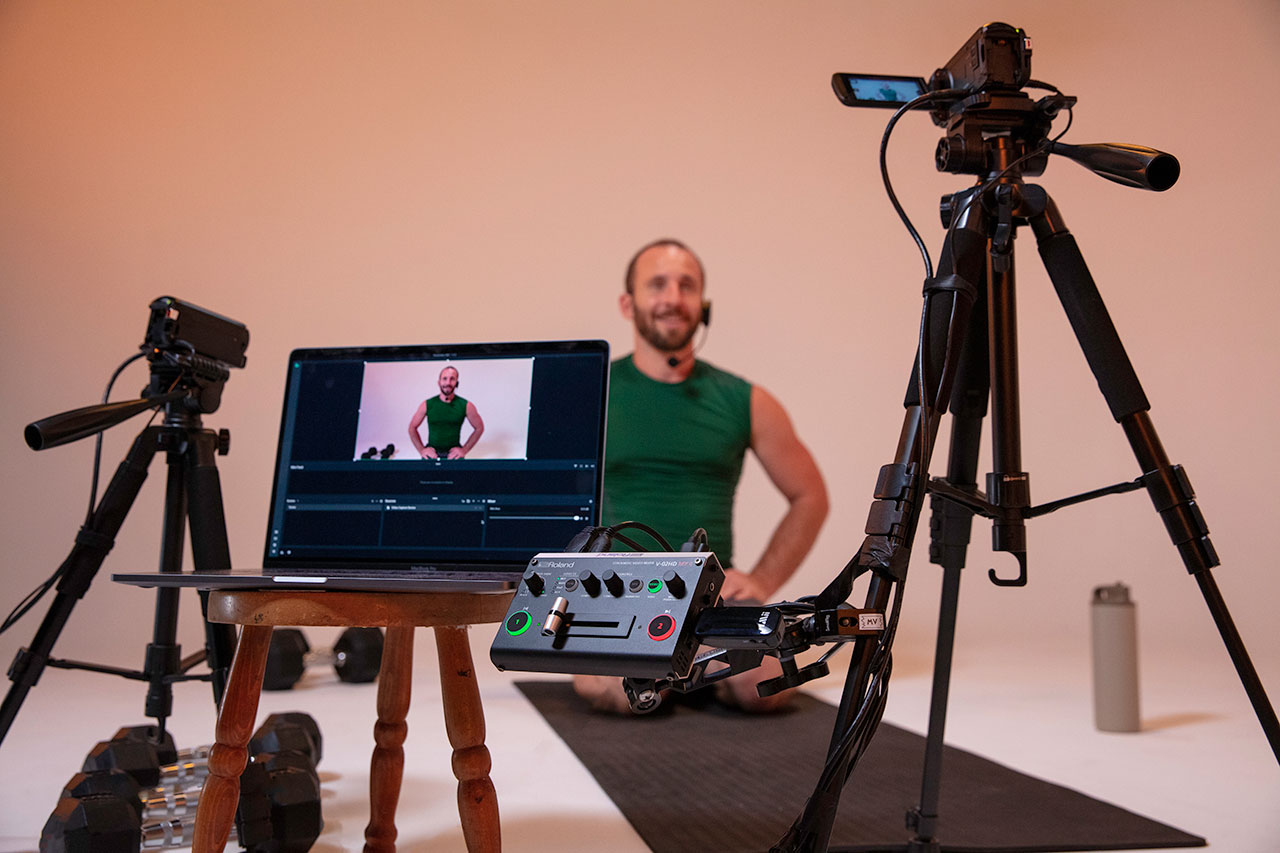
The V-02HD has two buttons: one for each camera. Press button 1 to select camera 1 for preview. Press button 2 to select camera 2. The T-bar transitions between the selected cameras.
This is the simplest possible switching workflow. No menus, no software, no configuration—just two buttons and a T-bar.
Output to Capture Card and OBS
Like the V-1HD, the V-02HD requires a capture card to feed OBS. Connect the HDMI output to a capture card, then add the capture card as a video device in OBS.
From there, stream to YouTube as you would with any other switcher.
Audio Integration
The V-02HD has a 3.5mm audio input. Connect your mixer’s output for embedded audio. Audio flows with the video through the HDMI output to the capture card and into OBS.
When the V-02HD Is Appropriate
Use a V-02HD if you have exactly two camera feeds and simple switching needs. It’s common in: small churches with a worship leader camera and a wide room shot, multi-site churches with limited equipment per campus, or temporary setups where you need minimal footprint.
If you think you’ll ever need more than two cameras, spend the extra money on the V-1HD instead. Upgrading later is expensive. Build in a little future capacity.
Comparison to V-1HD
The V-1HD is four cameras. The V-02HD is two cameras. If your church grows or your needs expand, the V-1HD is more flexible.
The V-02HD is cheaper, smaller, and simpler—perfect for churches that are certain they only need two cameras.
Workflow
Connect two cameras. Connect audio mixer. Connect HDMI output to capture card. Open OBS and add capture card. Configure YouTube streaming.
During service, press button 1 or 2 to select your camera, then move the T-bar to switch. Simple and straightforward.
The V-02HD is the minimalist’s switcher. For simple broadcasting needs, it’s all you need.