The Roland V-160HD has sophisticated keying and effects capabilities: multiple keyers, chroma key, luma key, DVE (Digital Video Effects), and advanced compositing. This enables complex visual designs rivaling broadcast television.
This guide covers advanced keying techniques.
Multiple Simultaneous Keyers
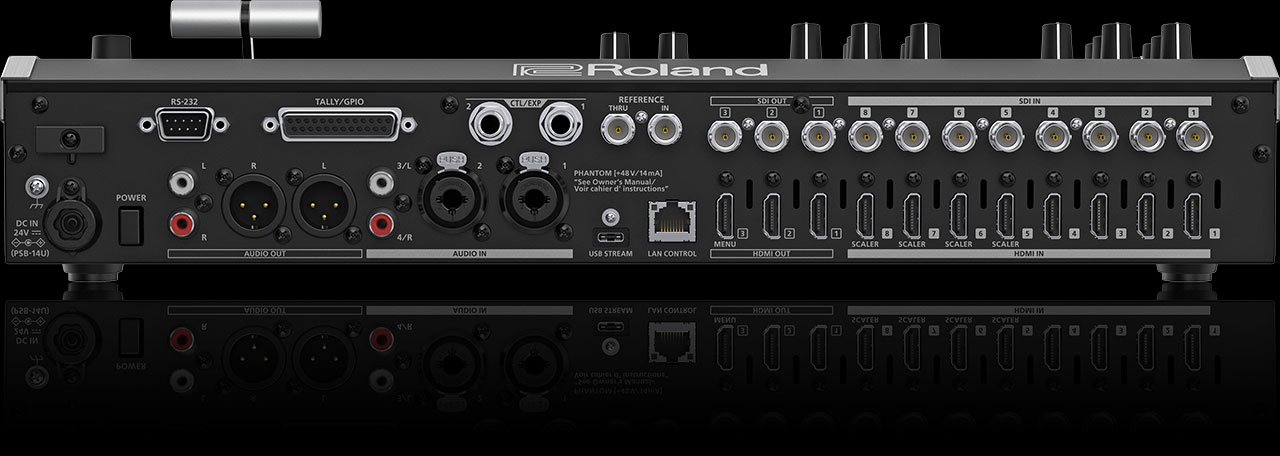
The V-160HD has multiple keyer channels, allowing you to layer graphics simultaneously. Unlike smaller switchers with one or two keyers, the V-160HD can handle four or more keyed elements on the program output.
For example: graphics keyed over a camera feed, a watermark in the corner, a chroma-keyed presenter on a virtual background, and a lower-third all visible simultaneously.
Chroma Keying Presenters
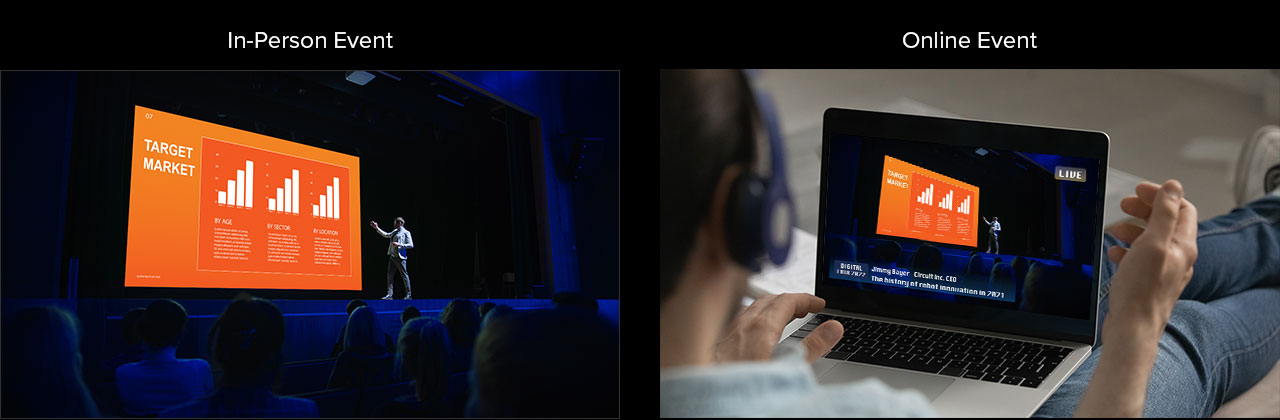
Set up a green screen studio where a presenter stands in front of a green background. The V-160HD chroma keys out the green, replacing it with a virtual background (video feed of your worship space, an image, or another video source).
Requires: proper green screen lighting, focused camera, careful keyer configuration. The result is professional-looking—the presenter appears against your desired background.
Luma Keying for Bright Graphics
Some graphics (white text on black, bright logos) luma key better than alpha key. Configure a luma keyer to make everything below a brightness threshold transparent, revealing the background.
This is useful for stylized graphics that aren’t available with alpha channel.
Positioning and Scaling Effects
Use DVE (Digital Video Effects) parameters to position, scale, rotate, and create perspective effects on keyed elements. Create picture-in-picture displays, tilted text overlays, or floating graphic elements.
The V-160HD’s DVE is powerful and requires menu diving to master, but the visual results are professional.
Keyer Macros and Automation
Save complex keyer configurations as presets or macros. Multiple keyer, graphics, and effect setups can be triggered with a single button press.
This is how large productions manage complexity—automation at key moments, manual control for responsive switching.
Real-Time Graphics and CG Integration
The V-160HD can integrate with external graphics systems. Professional churches might run a dedicated graphics PC running graphics software (ChyronHego, Ross Overdrive, or similar), with outputs feeding the V-160HD’s keyer inputs.
This separates graphics operation from switching operation—two teams, two responsibilities.
Color Correction and Matching
With multiple video sources and keyers, color consistency becomes important. The V-160HD has color correction tools to adjust each input’s color, ensuring that transitions between keyed elements and camera feeds look smooth.
Lip Sync with Keyed Graphics
When keying graphics over a presenter, audio/video sync is critical. The V-160HD has audio delay compensation to align audio with keyed video.
Test your setup during rehearsal to ensure presenters’ words sync with their lip movement.
Practical Complex Setups
Main camera keyed with sermon series graphic in corner. Worship leader with lyrics keyed below. Simultaneous chroma-keyed presenter on a virtual set background. Lower-third graphics with speaker name and title.
All visible simultaneously, all animated and positioned carefully. This is television-grade production.
Avoiding Visual Overload
Just because you can key four things doesn’t mean you should. Busy screens with too many elements distract from the message.
Use visual hierarchy: feature the main message (presenter, lyrics), supporting graphics in secondary positions, minimal text.
Training and Expertise
Operating the V-160HD’s keying capabilities requires training. Allocate time for your graphics operator to learn the menu system, practice keying, and refine their skills.
This is not a learn-as-you-go tool. The learning curve is steep but rewarding.
Your Advanced Production Workflow
Main switcher operator: selects cameras and executes transitions. Graphics operator: manages keyed graphics and effects. Audio operator: mixes audio and manages sync. Director: oversees overall production and coordinates the team.
This is a three-person (or more) team. For most churches, this level of production is aspirational rather than practical.
The V-160HD is capable of this. Whether your church is ready for it is a different question.
Advanced keying and effects are powerful tools that can enhance your broadcast. But master the basics (simple switching, basic audio, reliable streaming) before diving into advanced keying. The fundamentals matter more than fancy effects.