The Kiloview E1 is a dedicated streaming encoder. Unlike the N2 which uses NDI, the E1 encodes directly to RTMP (for YouTube/Facebook) or SRT (for point-to-point video transport). It’s useful for remote streaming locations or as a standalone encoder for your switcher’s output.
This guide covers basic E1 configuration for church streaming scenarios.
Understanding SRT vs. RTMP
SRT (Secure Reliable Transport) is a peer-to-peer protocol for sending video between two locations over the internet. You’d use SRT to send video from a remote location to your main control room.
RTMP (Real Time Messaging Protocol) is the streaming protocol YouTube and Facebook use. You’d use RTMP to send video directly from the E1 to YouTube.
The E1 can do both simultaneously: receive an HDMI input, encode it, and stream to YouTube via RTMP and simultaneously send to another location via SRT.
Physical Setup
Connect an HDMI source (your switcher’s output, a camera, etc.) to the E1’s HDMI input. Connect the E1 to your network via Ethernet. Power on the device.
Like the N2, the E1 is portable and can be positioned near your video source or your main control location.
Accessing E1 Web Interface
Open a browser and navigate to the E1’s IP address (found in your router or on the device label). This opens the E1’s configuration interface.
Navigate to the Streaming settings.
Configuring RTMP Streaming to YouTube
In the E1 web interface, find the RTMP settings. Enter your YouTube stream key and select YouTube as the destination.
Configure resolution (1080p, 720p) and bitrate (3000–6000 Kbps depending on your internet upload speed).
Click Start Stream. The E1 begins encoding and streaming to YouTube.
SRT Configuration (Caller Mode)
If you want to send video from the E1 to a receiving location (like your main control room), configure SRT in caller mode.
Enter the receiver’s IP address and port, and the E1 will connect to the receiver and stream video via SRT.
SRT is low-latency (100–200 milliseconds typical), making it suitable for interactive or real-time scenarios.
SRT Configuration (Listener Mode)
Alternatively, configure the E1 in listener mode. The E1 waits for an incoming SRT connection from a remote location.
When a remote encoder connects and sends video via SRT to the E1’s listener, the E1 receives and can re-stream it to YouTube.
This is useful for relay scenarios where you have multiple remote locations sending video to a central hub.
Simultaneous RTMP and SRT
The E1 can simultaneously stream to YouTube via RTMP and send to a remote location via SRT. Configure both, and both happen in parallel.
This is useful if you want to stream to YouTube while also providing a low-latency feed to your control room monitor.
Audio Embedding
The E1 embeds audio from the HDMI input into your streams. If your HDMI source has embedded audio, it flows through to your RTMP and SRT outputs.
If you need separate audio, the E1 has analog audio inputs that you can embed.
Bitrate and Quality
E1 streams to YouTube should target 4000–6000 Kbps for 1080p30. If your internet upload speed is limited, reduce bitrate to 3000 Kbps.
SRT to your control room can use higher bitrate since it’s local network. You can do 20+ Mbps for minimal compression.
Testing Your E1 Stream
Start a test stream to YouTube. Verify on YouTube that video and audio are present and synced.
For SRT, use an SRT receiver (there are open-source and commercial options) to verify that SRT is transmitting.
Network Bandwidth
RTMP to YouTube uses your internet upload bandwidth. SRT to local control room uses your internal network. Ensure both pipes have adequate capacity.
If you’re doing 6000 Kbps RTMP plus 20 Mbps SRT simultaneously, you’re consuming significant network capacity.
Troubleshooting
If the stream doesn’t appear on YouTube, verify your stream key is correct. If SRT connection fails, verify firewall rules allow the SRT port through.
If quality is poor, check bitrate and reduce if needed.
Your E1 Workflow
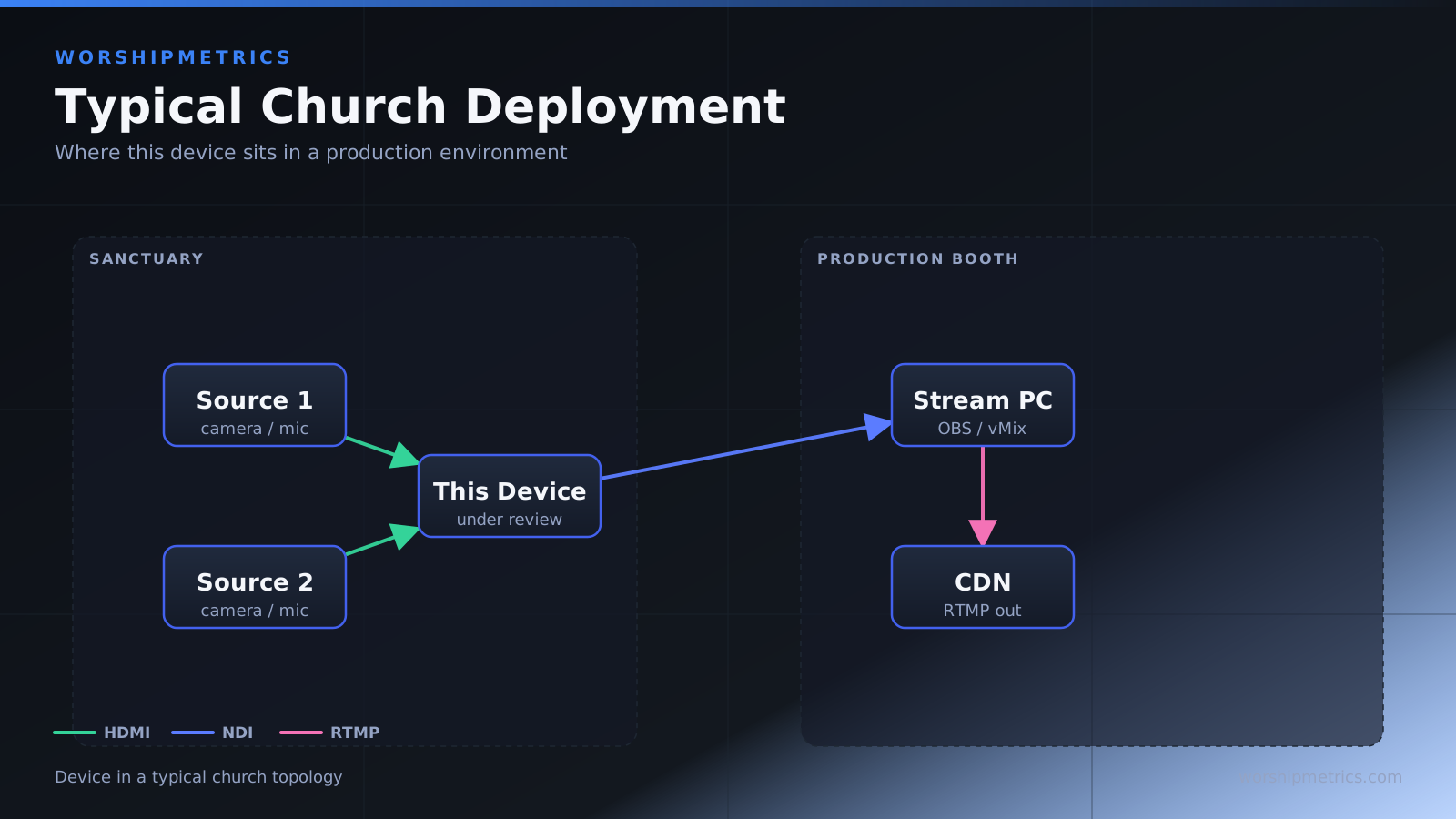
Switcher output HDMI → E1 → simultaneous RTMP to YouTube and SRT to control room. Or: remote camera HDMI → E1 → RTMP to YouTube.
The E1 is a flexible encoder that adapts to multiple streaming scenarios.
The Kiloview E1 is useful for dedicated streaming needs that exceed what a switcher can handle alone. For most churches, the E1 is a secondary device used in specific scenarios rather than primary equipment.