The Kiloview DC230 is a decoder. It receives an incoming stream (via SRT, RTMP, or other protocols) and outputs HDMI video for display on a monitor. This is useful for multi-campus churches where satellite locations receive the main service broadcast and display it locally.
This guide covers setting up the DC230 to receive and display streams at remote locations.
Understanding the Decoder’s Role
Your main campus produces a broadcast and streams it to YouTube. Your satellite campus receives that YouTube stream on the DC230 and displays it on a large screen for local viewing.
Alternatively, your main campus sends a low-latency SRT stream to the DC230, which displays it locally with minimal delay.
Physical Setup
Connect the DC230 to your network via Ethernet. Connect an HDMI cable from the DC230’s HDMI output to a projector or large display. Power on the device.
The DC230 is compact and can be mounted near a projector or integrated into your AV closet.
Accessing DC230 Web Interface
Open a browser and navigate to the DC230’s IP address. This opens the configuration interface.
Navigate to the Streaming or Playback settings.
Receiving RTMP Stream (YouTube Relay)
If you want the DC230 to receive your main service broadcast from YouTube, configure RTMP playback.
However, YouTube doesn’t support direct RTMP pull (you can’t directly pull a YouTube stream). Instead, you’d need to: use a YouTube download tool to get a re-streamable URL, or have your main location send RTMP to the DC230 directly.
Most churches configure the main location to send an RTMP or SRT stream to each satellite location’s DC230 instead of relying on YouTube.
Receiving SRT Stream (Low-Latency)
If your main campus uses a Kiloview E1 or other encoder to send SRT, configure the DC230 to receive that SRT.
In the DC230 web interface, enter the main campus encoder’s IP address and SRT port. The DC230 will connect and receive the video stream.
Configure the DC230 to display full-screen or in a window, and connect the HDMI output to your satellite campus display.
Low-Latency Display at Satellite
SRT streams have 100–500 milliseconds of latency. This is low enough to feel “live”—the satellite campus sees the broadcast just a few hundred milliseconds behind the main campus.
This creates a sense of simultaneity while allowing time-zone adjustments (if satellite is in a different time zone, you can buffer the stream).
Backup Connectivity
Configure a backup stream input on the DC230. If the primary SRT feed from main campus fails, the DC230 can automatically switch to a backup YouTube stream or another source.
This ensures your satellite campus has video even if the primary link is down.
Audio from Satellite Display
The DC230 receives and outputs audio. Satellite location’s audio comes from the DC230’s HDMI audio or analog audio output.
Route this audio to your satellite campus’s audio system (speakers, sound system, etc.) so congregants can hear both video and audio.
Network Requirements
SRT streams are bandwidth-efficient. A 1080p30 SRT stream might use only 2–4 Mbps if you configure the DC230 for lower bitrate.
This is much less bandwidth than YouTube streaming, so satellite locations with slower internet can receive SRT without issues.
Multiple DC230 Units
You can deploy multiple DC230 decoders at different satellite campuses, each receiving the same main stream.
This is cost-effective: one main location produces the broadcast, multiple satellite decoders display it locally.
Synchronization Across Campuses
If you’re using SRT, all satellite locations receive the stream with essentially the same latency (a few hundred milliseconds). This means all locations see the broadcast nearly simultaneously, creating good synchronization for congregational moments (singing, prayer, etc.).
YouTube streaming has much higher latency (10–30 seconds), so YouTube-based satellite viewing feels less synchronized.
Your Multi-Campus Workflow
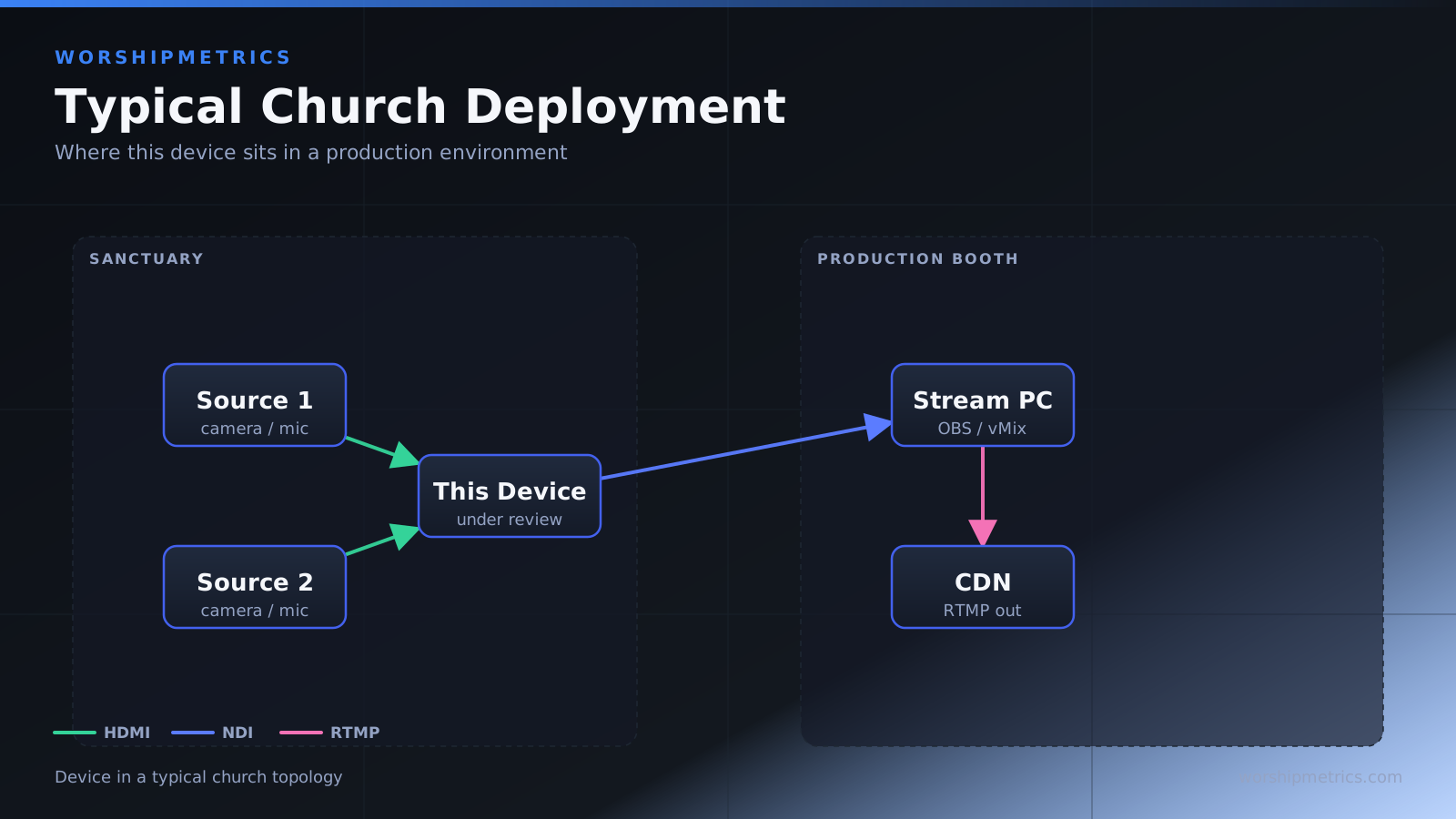
Main campus: worship service broadcast from switcher. Main campus E1: encodes and sends SRT to all satellite locations. Each satellite campus: DC230 receives SRT, displays on local screen, local audio feeds to campus sound system. Result: all campuses experience nearly-live worship together.
This is how large multi-campus churches maintain unified experience across locations.
Troubleshooting
If DC230 isn’t receiving the stream, verify the SRT connection string is correct and the firewall allows the SRT port through.
If video is laggy or dropping, check network bandwidth. You might need to reduce encoder bitrate at the main location.
Scaling to Many Campuses
The architecture scales. One main encoder can send to many DC230 decoders as long as the main location’s upload bandwidth allows it.
For example: main campus E1 sending SRT to 5 satellite DC230s simultaneously is feasible on good internet.
The Kiloview DC230 is the elegant solution for satellite campus video display in multi-location churches. Combined with SRT encoding at the main location, it creates low-latency, synchronized multi-campus worship experiences.