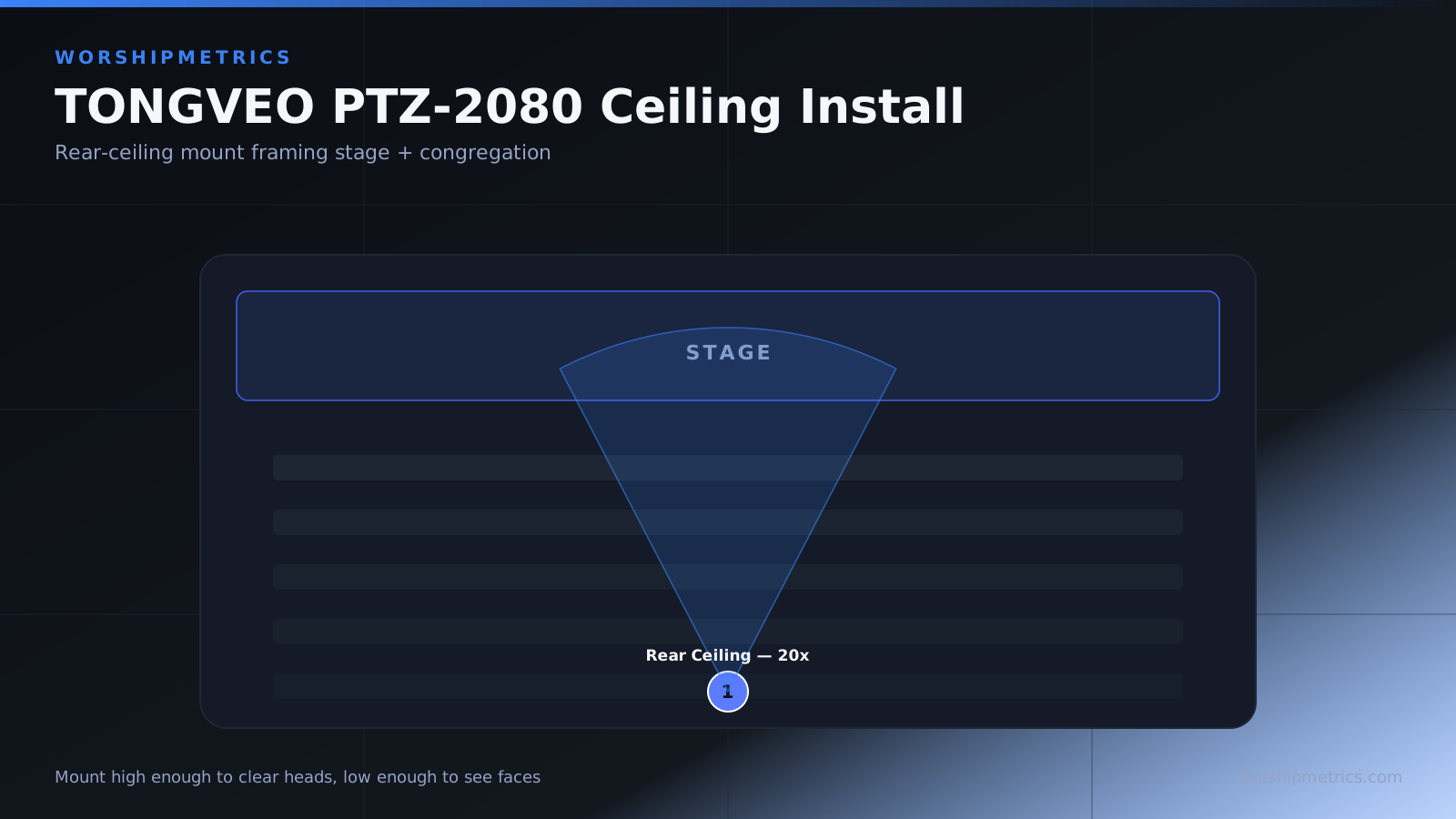
Permanent installation of a PTZ camera requires careful planning of the mounting location, cable routing, and support structure. Unlike a simple fixed camera that you might mount quickly, a PTZ camera needs to be positioned where it can see the important parts of your sanctuary without obstacles, and all cables need to be routed safely where they won’t be a hazard or visible in your stream. This guide covers the installation process for a ceiling-mounted TONGVEO PTZ-2080.
Planning the Mounting Location
Before you install anything, spend time observing your sanctuary during a service. Stand where different people sit and imagine what you’d want to see in the video. You probably want the camera to see the pulpit, the worship band, and ideally some of the congregation. The camera should be positioned high enough that it has a good angle down to the stage, but not so high that it’s looking nearly straight down at people’s heads.
Most churches mount main PTZ cameras at the rear of the sanctuary, somewhere between 10 and 20 feet high, depending on your ceiling height and sanctuary depth. This position gives you an excellent angle to see both stage and congregation, and it’s far enough away that the camera isn’t directly above people. Discuss the mounting location with your worship leader and AV director to ensure everyone agrees on what the camera will see.
Measure the distance from the proposed mounting location to the stage, and use the PTZ-2080’s 20x zoom to visualize what the camera will see. If the distance is very far, you might need to position the camera more toward the center of the sanctuary rather than at the very rear. If your ceiling is low, you might need to mount the camera slightly forward where it won’t feel like it’s looming over the congregation.
Selecting a Mounting Bracket
The TONGVEO PTZ-2080 doesn’t come with a mounting bracket, so you’ll need to purchase one separately. Look for a PTZ camera bracket that’s rated for the weight of your camera (typically three to five pounds) and that offers tilt adjustability. A quality bracket allows you to adjust the angle of the camera after installation without having to unmount it.
Popular options include adjustable wall and ceiling mounts from brands like Pyle, Neewer, and others. Ensure the bracket you choose is compatible with standard 1/4” threaded mounts, which most PTZ cameras use. When selecting your bracket, consider how visible it will be to the congregation. Some churches prefer a low-profile black bracket that blends with the ceiling, while others hide the bracket entirely in a ceiling recess.
Securing the Bracket to the Ceiling Structure
Installing any ceiling-mounted equipment requires identifying the structural support above the ceiling tiles or drywall. You’ll need to locate ceiling joists, trusses, or other structural members where you can safely attach the bracket. Never mount a camera directly to drywall or ceiling tiles—they cannot support the weight and will eventually fail.
If you have a drop ceiling with removable tiles, you can access the space above and see the structural members. Identify the nearest joist in the direction of your desired mounting location, and plan to attach the bracket to that joist. If your ceiling is drywall or plaster mounted directly to structure, you’ll need to locate joists using a stud finder or ask someone familiar with your building’s construction.
Once you’ve located a suitable mounting point, use appropriate fasteners for your ceiling type. For wood joists, lag bolts or heavy-duty screws work well. For steel structure, use bolts with lock washers. The bracket should be secured with at least two fastening points, and the fasteners should be rated for at least ten times the weight of the camera.
Positioning and Angle Adjustment
Once the bracket is securely mounted, attach the camera to the bracket. The bracket should have tilt adjustment capability that lets you angle the camera downward toward the stage. Start by aiming the camera at your stage area. You’ll want a slight downward angle—not so steep that you’re looking straight down at the tops of people’s heads, but not so level that you’re missing the stage.
Use the bracket’s adjustment mechanism to set the initial angle. Once the camera is in the ballpark of where you want it, power on the camera and test the pan-tilt movement. Verify that the camera can pan left and right across your entire stage area, and that the tilt range allows you to look at the stage from different heights.
Make fine adjustments based on what you see in your broadcast software. You might find that you need a bit more downward angle than you initially thought, or that the pan range needs to be limited in software so the camera doesn’t pan so far that it looks at the ceiling or walls. This experimentation is normal and important—take time to get it right.
Cable Routing and Safety
Plan how your power cable and HDMI or USB cable will reach from the camera down to your equipment. The neatest installations use cable trays or conduit that route cables along the ceiling to a drop point, and then down the side of the room to your broadcast station or equipment rack. This keeps cables out of sight and protects them from damage.
If your church uses ceiling-mounted cable trays or conduit already, route your camera cables alongside the existing infrastructure. If not, you might use adhesive cable clips to manage the cables along the ceiling perimeter, or run them through the space above drop ceilings if you have them.
Ensure cables don’t create a tripping hazard for anyone in the sanctuary. If cables must come down a wall, secure them at least every four feet so they don’t dangle where someone could catch their head or foot on them. Cable passes through doorways should be protected with cable covers or ramps so people don’t trip.
Power Outlet Access
The PTZ-2080 requires constant power. If you don’t have an outlet near your mounting location, you’ll need to run a power cable from a nearby outlet, or have an electrician install a new outlet in the ceiling space or at the mounting location. Never use extension cords or power strips in ceiling spaces—this is a fire hazard. Permanent power should come from properly installed building electrical.
If running permanent power isn’t feasible, consider relocating the camera to a spot where you can access an existing outlet. A camera mounted on a wall bracket rather than a ceiling might be easier to power, even if the angle isn’t quite as ideal.
Securing Cables Against Movement
Once cables are routed, secure them so they won’t come loose due to vibration from the pan-tilt motors or building movement. Use cable ties or spiral wrap to bundle power and video cables together, and secure them at regular intervals along their run. Ensure that any cable connections at the camera and at the receiving end are tight and won’t loosen over time.
Some installers add a strain relief loop near the camera connection points, which prevents the cables from being pulled straight out if someone accidentally tugs on them. This is a simple precaution that prevents frustrating troubleshooting sessions later.
Testing After Installation
Once the camera is mounted and cables are routed, power it on and test all functions. Verify that pan, tilt, and zoom work smoothly. Move the camera through its full range of motion and listen for any grinding sounds or resistance that might indicate the mounting isn’t quite right.
Test the HDMI or USB connection by viewing the camera in your broadcast software. Make sure the image is stable and the framerate is consistent. If you see any jitter or disconnections, check that cables aren’t being pinched or strained by the camera movement.
Finally, check the camera angle during an actual service if possible. Ask your congregation to give feedback about whether the camera position feels natural and whether they can see important parts of the service in the resulting video.
Conclusion
A properly mounted TONGVEO PTZ-2080 becomes an invisible part of your broadcast infrastructure. It sits quietly at the ceiling line, captures professional video, and is controlled from your operator station. The investment in proper mounting and cable management pays off over years of reliable, consistent performance.