Introduction
PTZ (pan-tilt-zoom) cameras under $500 have transformed church production over the past few years. What once required thousands of dollars in professional equipment can now be achieved with a single affordable camera and thoughtful positioning. This revolution in affordability makes PTZ a practical option for churches of all sizes.
Under $500, you can deploy a camera with optical zoom sufficient to frame distant speakers, remote control capability, and integration with your existing production software. The trade-off is that budget cameras have fewer features and less robust build quality than professional equipment, but for church production they are more than adequate.
This guide covers which cameras offer the best value under $500, what each brings to your production workflow, and how to choose the right camera for your specific needs.
The AVKANS PTZ-U100: Best Value for OBS Workflows
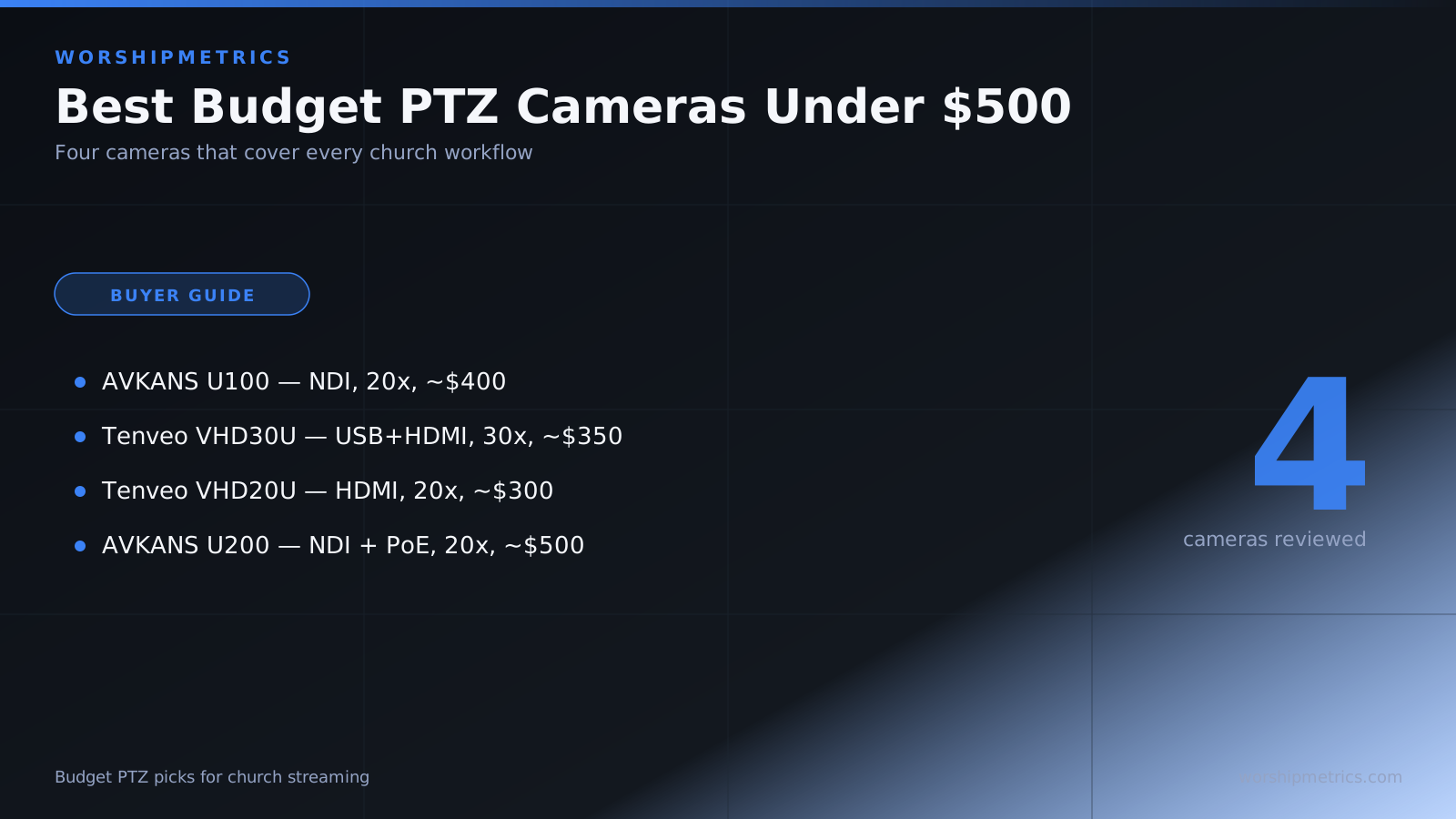
The AVKANS PTZ-U100 is arguably the best value under $500 for churches using software-based production (OBS, vMix). Priced around $400, it offers 20x optical zoom and full NDI support, meaning it appears natively in OBS as a network source without any capture cards or complex configuration.
The U100 is ideal for churches that already use OBS for streaming or recording. The camera integrates as an NDI source, you add it to your scenes, and you are done. No drivers, no USB cables tying you to one computer, no HDMI switcher needed.
The main requirement is network infrastructure: the camera must connect to your network and be on the same subnet as your production computer. For churches with adequate network infrastructure, this is not a problem. For churches without network infrastructure, the NDI requirement can be a barrier.
The U100 includes a separate power supply, so you need both power and network cabling at the camera location. For ceiling or wall mounting, this means running two cables to the mounting point.
The Tenveo VHD30U: Best Zoom for Budget
The Tenveo VHD30U offers exceptional zoom for under $400: a full 30x optical zoom compared to 20x on most competitors. This extra zoom capability makes it superior for large churches where camera position options are limited.
The VHD30U connects via USB to your production computer, where it appears as a standard webcam source. This simplicity is valuable for churches without strong network infrastructure. You just connect USB, the camera appears in OBS, and you start using it.
The VHD30U also supports HDMI output, giving you flexibility: use USB for OBS, or use HDMI for a hardware switcher. This flexibility is valuable if you are not sure about your long-term production setup.
The main limitation is that USB connections tie the camera to a single computer. If you need the camera visible to multiple computers or production setups, you cannot use USB. HDMI output mitigates this but requires a hardware switcher or capture device.
The Tenveo VHD20U: Best for Hardware Switchers
The Tenveo VHD20U is priced around $300, making it the most affordable option. It offers 20x zoom and emphasizes HDMI connectivity, making it the ideal choice for churches using hardware switchers (ATEM Mini, Roland V-Mixer).
The VHD20U connects directly to your switcher via HDMI with no software drivers or network configuration required. If you have an ATEM or Roland, connecting the VHD20U is as simple as plugging in the HDMI cable and selecting the input.
The main limitation is that HDMI is the primary output. The camera does not support USB or NDI, so it only works with HDMI-based workflows. For software-only production without a hardware switcher, the VHD20U is not ideal.
The AVKANS PTZ-U200: Premium for PoE Integration
The AVKANS PTZ-U200, priced around $500, is at the top of the budget range but offers a significant advantage: Power over Ethernet (PoE). A single network cable provides both power and data, eliminating the need for separate power infrastructure at the camera location.
The U200 is ideal for churches that are willing to invest slightly more for installation simplicity. Instead of running power and network cables separately, you run just one cable. This is especially valuable for ceiling mounting where separate cabling is cumbersome.
Like the U100, the U200 offers full NDI support and is excellent for OBS workflows. The PoE capability is the main upgrade.
AVKANS PTZ-U100 vs Tenveo VHD30U: The Classic Tradeoff
The most common choice for budget PTZ is between the AVKANS PTZ-U100 ($400, 20x zoom, NDI) and the Tenveo VHD30U ($350, 30x zoom, USB/HDMI).
Choose the AVKANS U100 if your church uses OBS for production and has network infrastructure. The NDI integration feels native and the camera appears as a network source automatically.
Choose the Tenveo VHD30U if your church uses a hardware switcher, or if you want maximum zoom capability without network complexity. USB connectivity is simpler for churches without IT support.
For zoom capability specifically, the Tenveo VHD30U’s 30x zoom is superior to the AVKANS U100’s 20x zoom. In large churches, this extra zoom makes a meaningful difference in shot options.
What to Prioritize in Your Budget Choice
When choosing a budget PTZ camera, prioritize in this order:
Integration with your current workflow. Does the camera work with OBS, your hardware switcher, or your production approach? A camera that does not integrate with your workflow is useless regardless of zoom or price.
Zoom capability adequate for your space. Can the camera frame all necessary moments (pulpit, worship team, audience) with reasonable framing? Test zoom requirements before committing.
Simplicity of setup and operation. Will your team be able to reliably operate the camera, or will the system be too complex? Simpler is almost always better for sustainability.
Cost within your budget. All three options are affordable, so cost is less important than fit for your workflow.
Budget PTZ Workflow Tips
Use presets aggressively. Under-$500 cameras excel with preset-based operation where the operator recalls saved positions. Do not expect smooth manual operation; presets are where budget PTZ cameras shine.
Position the camera thoughtfully. Good camera placement reduces the need for extreme zoom. A camera positioned 30 feet back with 20x zoom is better than a camera 15 feet back with 30x zoom.
Limit your preset count to five or six. Operators become confused with too many presets. Fewer, well-named presets are more usable than a comprehensive preset library.
Test with your actual service flow. Do not test budget PTZ in an empty room. Test during a real service with real timing, real lighting, and real crowd. This reveals operational issues you would miss in isolation.
Multiple Budget Cameras
Many churches deploy multiple budget PTZ cameras because they are so affordable. Two AVKANS U100 cameras ($800 total) give you multi-camera coverage without expensive professional equipment. Two Tenveo VHD20U cameras ($600 total) give you similar capability.
Multi-camera deployment is viable on a budget because of these affordable options. Where professional PTZ systems cost thousands per camera, budget PTZ allows multi-camera setups within reach of most church budgets.
Avoid Common Budget Camera Mistakes
Do not choose based on spec sheets alone. A 30x zoom is only valuable if your camera position and service layout actually need it. Test specific zoom requirements for your space.
Do not add network cameras to a network without IT involvement. Network configuration issues cause frustrating failures. Even if your church does not have IT staff, get advice from someone with network knowledge.
Do not deploy a camera without testing presets and training your operator. A camera without proper preset configuration and operator training will be abandoned.
Conclusion
Budget PTZ cameras under $500 make professional-grade camera control affordable for churches of all sizes. The choice between AVKANS and Tenveo depends on your workflow, your network infrastructure, and your zoom requirements.
All three major options—AVKANS U100, Tenveo VHD30U, and Tenveo VHD20U—are capable and reliable for church production. The best choice for your church is the one that integrates with your current workflow and can be operated reliably by your volunteer team.
Start with a single camera, test thoroughly with your actual service flow, and train your operator in preset-based operation. Once you have one camera working reliably, you can add more cameras and build a multi-camera system within your budget constraints.