Verdict
OBS is the right starting point for most churches; upgrade to vMix when you need built-in titles, more NDI inputs, or a paid-tier feature set.
OBS Studio and vMix represent two philosophical approaches to streaming software. OBS is free, open-source, and community-driven. vMix is professional software with a paid licensing model, supporting both free and pro tiers. For churches evaluating which platform to standardize on, the choice is consequential — switching platforms later involves rebuilding your entire production configuration.
OBS Studio Overview
OBS Studio is free and open-source. This immediately matters for budget-constrained churches. Zero licensing cost means your entire streaming setup can cost under $500 — an encoder, OBS, and basic cables.
The feature set is surprisingly robust. OBS handles multiple inputs, scene switching, transition effects, audio mixing, streaming to multiple platforms simultaneously, and local recording. For a church needing to stream to YouTube and Facebook at the same time while recording locally, OBS does all of this without premium tiers.
The community is enormous. Thousands of tutorials, YouTube guides, and forum threads exist specifically for church streaming with OBS. If you have a question, answers are abundant. The community support is genuine and valuable, especially for churches new to streaming.
The interface is learnable but requires investment. OBS doesn’t assume you know streaming — it requires understanding sources, scenes, and transitions. A new operator takes time to reach productive use, but the learning curve is manageable with community resources supporting you.
The NDI support in OBS is good. You can use OBS as an NDI client, receiving video from NDI cameras and distributing OBS output as NDI. This makes OBS an excellent hub in an NDI-based architecture.
However, OBS has limitations. Advanced features like sophisticated graphics animation are possible but require workarounds. The software is designed for straightforward streaming — capturing sources, switching between scenes, sending to streaming platforms. Anything more complex requires plugin development or external tools.
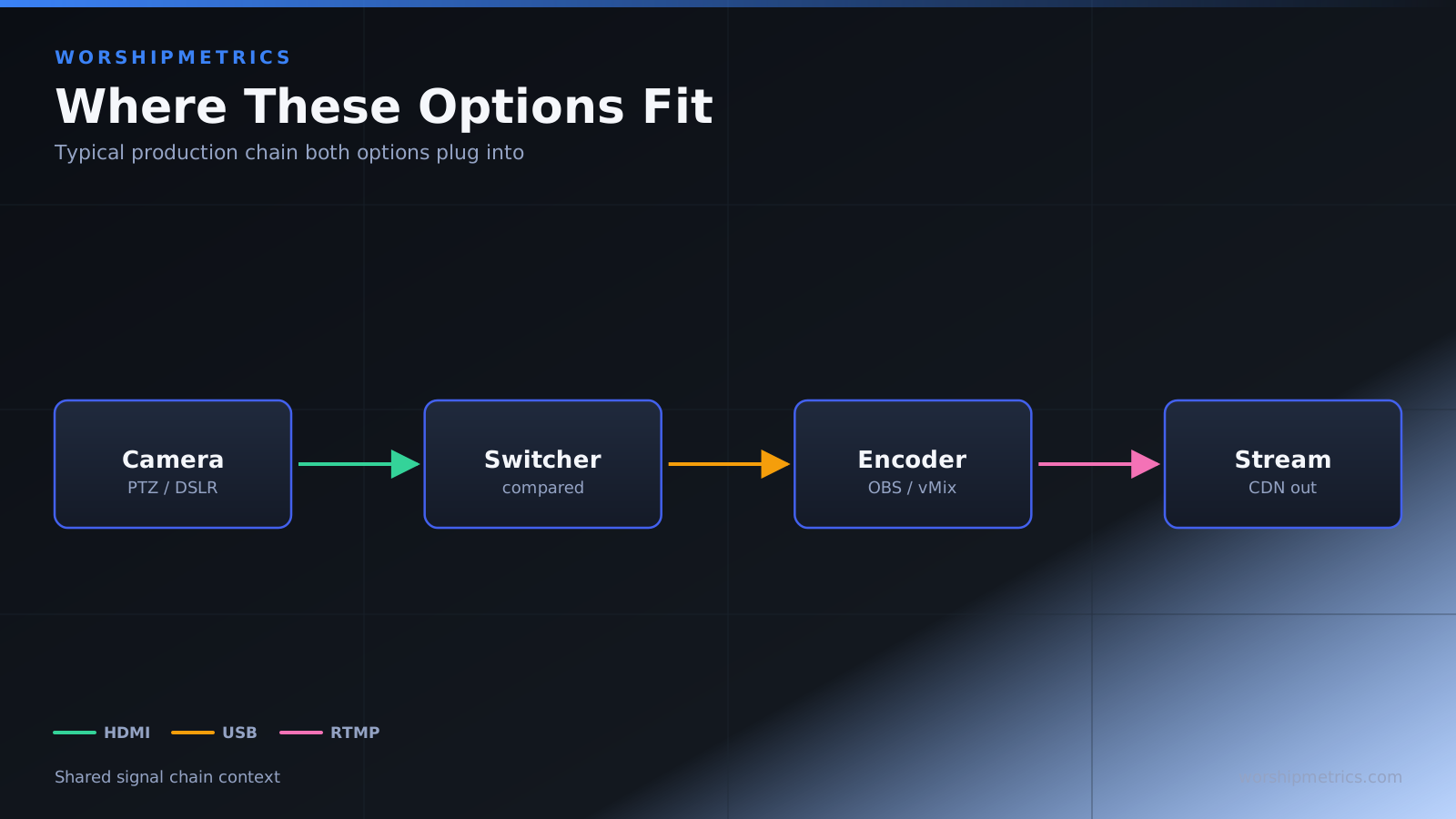
vMix Overview
vMix is professional streaming software with a tiered pricing model. The free tier is genuinely capable, but the pro tier (around $800 annually) unlocks significant features. For many churches, a free tier or basic pro tier is the right level.
The interface is more intuitive than OBS. vMix assumes you’re coming from a television/broadcast background and designs the interface accordingly. Buttons are clearly labeled, workflows feel natural for broadcast professionals, and reaching specific functions is straightforward.
The feature depth is remarkable. Beyond basic streaming, vMix includes sophisticated graphics tools, virtual backgrounds, and advanced mixing capabilities. If you want to create broadcast-quality production, vMix enables it more directly than OBS.
The NDI support is native and robust. vMix treats NDI as a first-class citizen. You can receive NDI inputs easily, process them, and output NDI without plugins or workarounds. For churches building NDI-based infrastructure, vMix feels aligned with modern architecture.
The learning curve is easier than OBS for broadcast-experienced people, but steeper for volunteers. If you’re hiring a professional video producer, they’ll be productive in vMix quickly. If you’re training volunteers, the interface complexity might feel overwhelming.
The cost is a consideration. The free tier is limited — 720p streaming, basic features. If you want professional-quality production, the pro tier is nearly necessary, and that’s a recurring expense.
Head-to-Head: Community Accessibility vs Professional Features
This comparison reflects two different user profiles. OBS is ideal for churches with limited budgets and volunteer teams willing to learn community-documented workflows. You can accomplish professional-looking streaming with OBS if you invest time understanding how to configure it.
vMix is ideal for churches hiring professional video producers or building sophisticated production infrastructure. The professional features unlock capabilities OBS handles only through workarounds. The more intuitive interface for broadcast professionals accelerates their productivity.
The cost difference is also important. Over five years, OBS costs zero. vMix with pro tier costs $4000+. For budget-constrained churches, this is significant.
However, there’s a subtlety: vMix free tier actually offers more capability than you might expect. Many churches function fine on the free tier, only upgrading to pro when specific features become necessary (like higher resolution).
Which Should Your Church Choose?
Choose OBS if your church has limited budget. Free is better than any price point, and OBS’s feature set is genuinely adequate for church streaming. Combined with the enormous community support, OBS is the right starting point for most churches.
Choose OBS if your team is volunteer-based. The community documentation is abundant and written for non-professionals. YouTube tutorials exist for nearly every scenario. A volunteer can learn OBS with community support.
Choose OBS for simplicity. If you want streaming software that does streaming without overwhelming you with options, OBS’s straightforward approach is appealing.
Choose vMix free tier if you want to explore professional features without cost commitment. The free tier is surprisingly capable and lets you understand whether pro tier is necessary for your needs.
Choose vMix pro tier if you’re hiring a professional video producer. Professional producers work faster in vMix, and the advanced features enable production quality that’s harder to achieve in OBS.
Choose vMix pro if sophisticated graphics are important to your production. If you want to create broadcast-quality graphics, vMix’s built-in tools are more direct than OBS workflows.
Choose vMix for NDI-first architecture. If you’re building infrastructure around NDI cameras and distribution, vMix’s native NDI support feels more aligned than OBS.
For most churches starting streaming, OBS is the obvious choice. Zero cost, enormous community, adequate features. You can upgrade to vMix later if your production needs become more sophisticated.
OBS and vMix are both capable streaming platforms. OBS wins on cost, simplicity, and community accessibility. vMix wins on professional features and broadcast-oriented interface. Start with OBS for free and community support; upgrade to vMix when you need professional features or have hired video production staff. Most churches find OBS sufficient for their needs indefinitely.