Verdict
For critical Sunday services, a dedicated hardware encoder is more reliable than PC-based OBS; OBS is acceptable for most small-medium churches.
Churches evaluating encoding approaches face a fundamental decision: buy a dedicated hardware encoder, or use OBS on your production PC? The hardware approach costs $2000+; the software approach is free or minimal cost. Yet reliability considerations often justify the hardware investment for churches where streaming failure is unacceptable.
Hardware Encoder Approach
Dedicated encoders like Magewell or Teradek sit between your video source (ATEM switcher, mixer output, or camera) and the internet. They perform a single job: convert video to streaming bitrate and send it reliably to streaming platforms.
The reliability is the primary advantage. Hardware encoders are engineered for 24/7 operation. They don’t rely on Windows drivers, software stability, or PC resources. Encode a video stream, send it reliably, repeat. The operation is deterministic and robust.
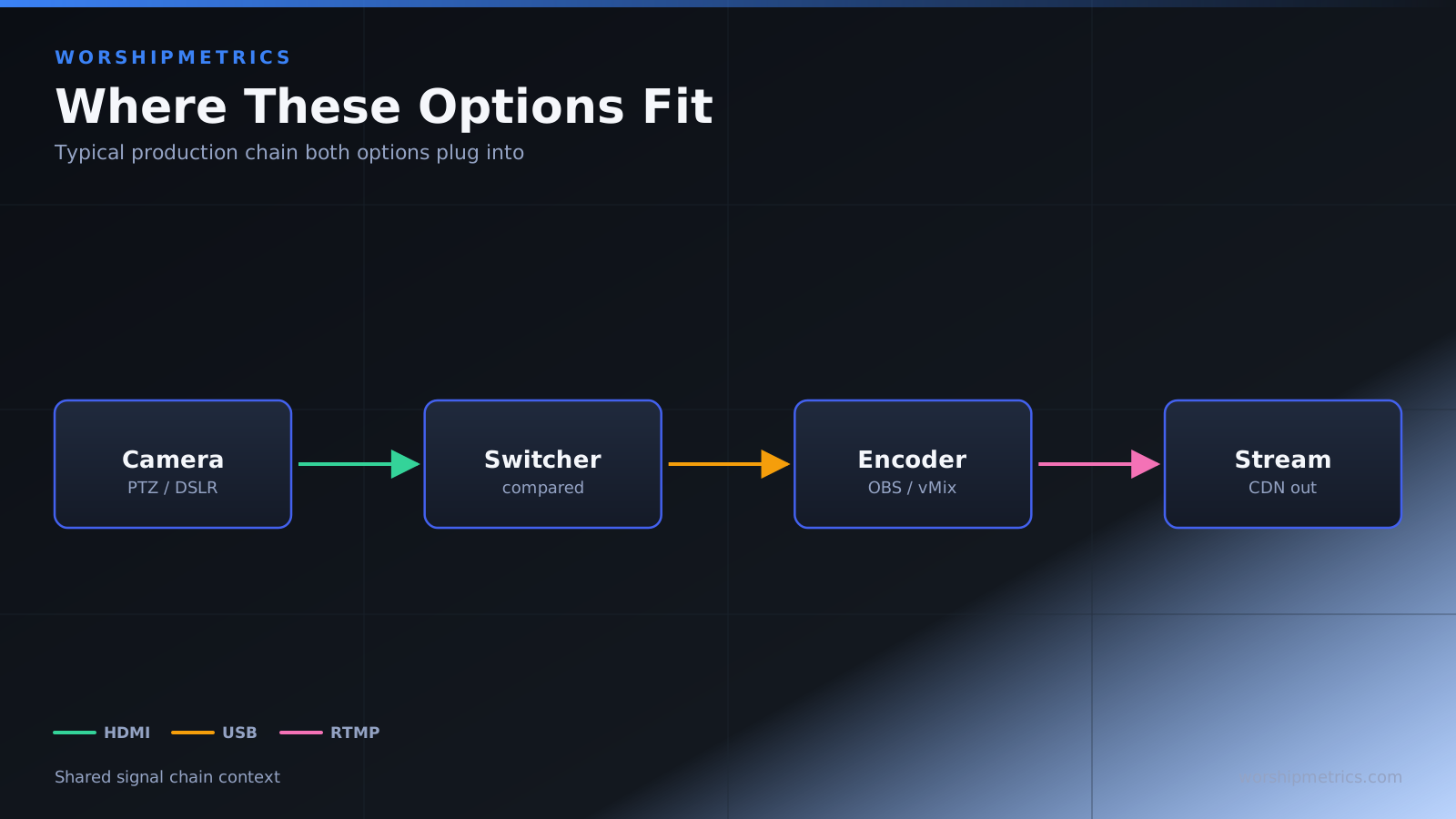
The architecture is also clean. Your production PC runs OBS or video switching software and outputs to the hardware encoder. The encoder handles everything else. This separation of concerns means production failures don’t cascade to streaming. If OBS crashes, the hardware encoder continues operating and can serve a backup video feed.
The cost is significant — $2000-2500 for professional encoders like Magewell. But this is a one-time investment that operates reliably for years.
The limitation is flexibility. Hardware encoders are configured for specific bitrates and platform targets. Changing streaming output requires reconfiguring the encoder. For straightforward, consistent streaming, this is fine. For experimental or rapidly-changing streaming needs, the inflexibility is a constraint.
OBS on Production PC
OBS is free and runs on any PC capable of video encoding. Connect your video source to the PC’s capture card, run OBS, and stream. The entire infrastructure costs as little as $300 for a modest PC plus a capture card.
The flexibility is significant. OBS handles multiple outputs, complex scene switching, graphics overlays, and sophisticated production workflows. You can adjust configurations on the fly without rebooting equipment. The software adapts quickly to changing needs.
The cost is the other advantage. For budget-constrained churches, OBS’s free software and modest hardware requirements are a genuine breakthrough.
However, reliability is the trade-off. OBS depends on PC stability, driver compatibility, and resource availability. If Windows updates interrupt the stream, if a driver becomes unstable, if the PC lacks CPU resources for encoding, streaming can fail or degrade.
The single point of failure is also problematic. Everything happens on one PC. If that PC crashes, streaming stops completely. There’s no hardware fallback or graceful degradation.
For most small-to-medium churches without dedicated IT support, managing PC-based streaming reliability is challenging. Drivers get updated unexpectedly. Windows updates interrupt. CPU usage spikes. These operational realities create reliability concerns.
Head-to-Head: Reliability vs Cost and Flexibility
This comparison reflects different risk profiles. Hardware encoders eliminate PC dependency and provide rock-solid reliability. You’re paying for that reliability, but you’re not gambling with mission-critical streaming.
OBS-based encoding is affordable and flexible. You get professional streaming capability at minimal cost. The trade-off is managing PC stability and accepting occasional failures.
For churches doing weekly streaming that’s mission-critical to their ministry, hardware reliability matters more than cost savings. For churches experimenting with streaming or with IT staff capable of managing PC stability, OBS is acceptable.
Which Should Your Church Choose?
Choose hardware encoder if streaming reliability is mission-critical. If stream failure would negatively impact your ministry, the hardware encoder’s reliability justifies the investment. Most churches eventually move to hardware encoders for this reason.
Choose hardware encoder if your weekly service is your primary ministry expression. If church members depend on streaming to participate, reliability is non-negotiable.
Choose hardware encoder if you have limited IT support. If you can’t regularly maintain Windows drivers, manage system resources, or troubleshoot software issues, hardware’s simplicity is valuable.
Choose OBS if budget is the primary constraint. For churches just exploring streaming, the free software and minimal hardware cost let you experiment without large investment.
Choose OBS if your production needs are complex and frequently changing. OBS’s flexibility and rapid reconfiguration capability are valuable for experimental or sophisticated productions.
Choose OBS if your church has dedicated IT support. If someone on your team can manage Windows stability, handle driver updates, and monitor system resources, OBS’s software approach is workable.
Choose OBS for small-to-medium churches without dedicated operators. If streaming happens occasionally or with volunteer operators, the lower barrier to entry makes OBS practical.
For most churches doing regular streaming, the long-term answer is probably hardware encoding. Start with OBS to prove the concept and understand your needs. Once streaming becomes regular and mission-critical, migrate to a hardware encoder for reliability.
The choice between hardware encoders and OBS hinges on reliability requirements. Hardware encoders cost more but operate reliably without PC dependencies. OBS costs less but requires managing Windows stability and accepts occasional failures. For churches where Sunday streaming is ministry-critical, hardware encoding is worth the investment. For churches experimenting with streaming or managing complex, frequently-changing productions, OBS is acceptable. Most churches find that OBS is the starting point, and hardware encoders are the eventual destination as streaming becomes important to their ministry.