Why Two Cameras Change Everything
A single camera can show one angle. Two cameras can show the full story. Your pastor on Camera 1 (medium shot) during teaching, your worship leader on Camera 2 (tight shot) during worship. Wide shot during opening worship, tight shot during the chorus. Camera 1 on the pastor speaking, Camera 2 on the congregation singing along.
With two cameras, your visual production jumps from functional to polished. You’re not choosing between “see the worship leader” or “see the whole stage”—you’re cutting between them intentionally. Your switching creates visual energy that matches the mood of your worship.
This is the tier where streaming starts looking professional. You have multiple camera angles, professional switching, dedicated audio mixing, and production that matches what people expect from broadcast.
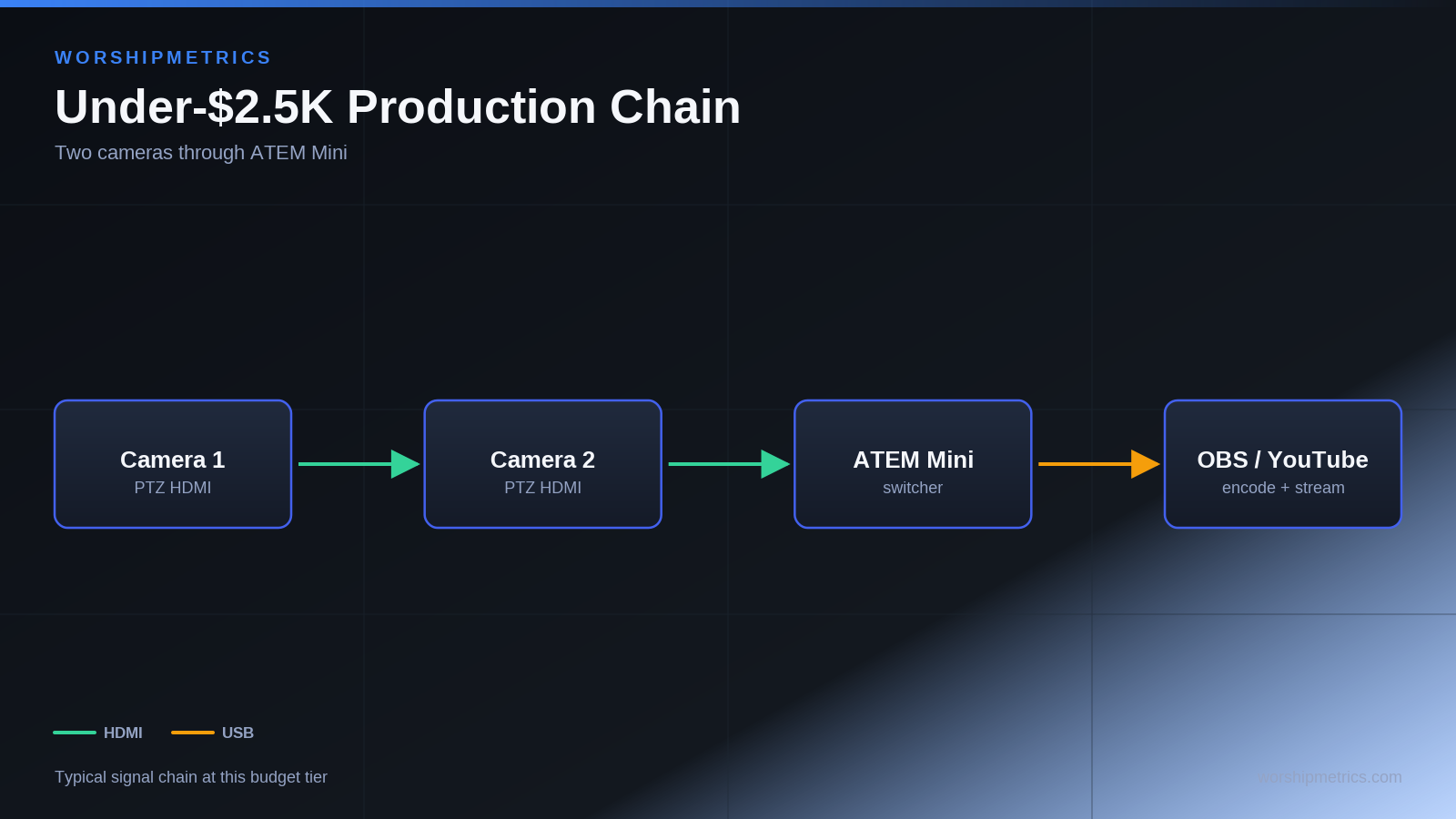
Dual PTZ Cameras: Two AVKANS Units
Two AVKANS cameras (U100 and U200 models for some variation) costs around $900-1,000. Position them strategically: Camera 1 wide on the stage (capturing the whole worship team), Camera 2 medium on the worship leader or speaker.
Both connect to a network switch via Ethernet. One receives power from PoE (Power over Ethernet) on the network. No separate power cables cluttering your stage. No HDMI cable runs across your ceiling. One cable per camera, and it handles power, video, and network all in one connection.
Your switcher operator controls both cameras via joystick controllers (one on each side of the switcher position). They can pan, tilt, and zoom each camera smoothly and independently. This gives you framing flexibility that a single static camera never had.
Upgrade Your Switcher: ATEM Mini Pro
The ATEM Mini Pro (around $500) is the next step up from the standard Mini. It includes built-in streaming and recording: it can record a file to a USB drive while it streams.
More importantly, the Mini Pro saves an H.264 recording of the program to a USB drive (an SSD is the most reliable choice). You have your own copy of every service for later editing and clips, not just YouTube’s.
The Mini Pro is the switcher that serious churches use. Your volunteer operators learn on reliable, professional-grade equipment that doesn’t have quirks or failures.
Professional Audio: Behringer X-Air XR18
The XR18 (around $450) is essentially an 18-channel version of the XR12. It has more input flexibility, more mixing control, and separate outputs for main PA and streaming. Your in-room PA mix and your streaming mix can be optimized independently.
For a two-camera church production, the XR18 gives you room to grow. You can handle multiple wireless microphones, instrument inputs, playback audio, and backup systems without running out of channels. Your audio engineer has room to create sophisticated mixes without hitting limitations.
The XR18 also has an 18x18 USB audio interface, so a stream mix on one of its aux buses can go straight to your streaming PC over USB.
Network Infrastructure
At this budget tier, invest in a managed PoE network switch (around $300). This switch distributes power to your cameras via PoE, provides network connectivity for your mixer and switcher, and handles the bandwidth of multiple video feeds.
Connect your switch to your main internet router. Run a fast Ethernet cable from the switch to your streaming PC (don’t rely on WiFi—wired is more stable). Everything is connected via quality Ethernet rather than a rat’s nest of USB and HDMI cables.
Total Budget at Under $2,500
- Two AVKANS PTZ Cameras: $950
- ATEM Mini Pro Switcher: $500
- Behringer X-Air XR18 Mixer: $450
- Managed PoE Network Switch: $300
- HDMI capture cards and converters: $100
- SSD for recording: $100
- Joystick controllers: $100
Total: $2,500 (exactly on budget)
This includes everything for a complete two-camera professional production system.
What You’re Gaining
Two camera angles instead of one mean your production has visual variety. Your switching operator creates pacing and energy by cutting between cameras at intentional moments. This is what professional productions do.
Professional audio mixing (the XR18) means your audio is balanced and optimized. Vocals sit clearly, music complements rather than overwhelms, and your streaming audience hears exactly what you want them to hear.
Separate recording (the Mini Pro’s local SSD recording) means you have pristine archives. You’re not dependent on what YouTube archived—you have your own high-quality backup for every service.
A trained switcher operator becomes smooth and confident. They’re operating professional equipment that has clear, intuitive controls. They’re not learning complicated software or wrestling with driver issues.
Operational Workflow
Your service production now involves two key operators: a switcher operator and an audio engineer.
The switcher operator follows a runsheet that shows what camera should be active during each segment. Wide shot during opening worship. Camera 2 (tight on worship leader) during verses. Camera 1 (wide) during choruses. Camera 2 (speaker) during teaching. The operator presses buttons and adjusts joystick framing in real time.
The audio engineer watches audio levels and adjusts faders as needed. They have preset scenes for worship versus teaching versus announcements. During worship, drums are slightly hot. During teaching, compression ensures voice doesn’t spike. The operator mainly watches levels and makes minor adjustments.
One streaming operator clicks “Start Streaming” when service begins and “Stop Streaming” when it ends. The ATEM Mini Pro records simultaneously.
This three-person operation (switcher, audio, streaming) is the baseline for professional church production.
Training New Volunteers
New switcher operators need to learn how to operate the joystick smoothly and time their button presses with the service flow. This takes practice but is learnable by any motivated volunteer within a few weeks.
New audio engineers need to understand levels, mixing concepts, and how their adjustments affect what the audience hears. Some volunteers have natural affinity for audio mixing—those are the people to train.
New streaming operators just need to know when to press Start and Stop. They’re watching the program output and making sure it looks and sounds right, then reporting any issues.
Scaling Forward
After running at this level for a few months, you’ll have trained backup operators. You have redundant expertise. You’re ready to grow.
The next step might be adding a third camera (another $500) or upgrading to an ATEM Mini Extreme for more inputs and features. You might invest in better lighting or a cleaner network infrastructure. But you’re building on proven foundations.
Why This Tier Is the Sweet Spot
The $2,500 budget gets you to genuinely professional production. You’re not compromising anymore. You have multiple camera angles, professional switching, professional audio mixing, and archive capability.
Your volunteers operate real broadcast equipment. They develop professional skills. Your church’s image (both in-person and online) jumps to a polished, intentional level.
And you’re not yet in the super-expensive territory. You’re still operating on a realistic church budget. This is the tier where “we want professional streaming” becomes “we have professional streaming.”